
IPhone experience will be transformed with iOS 26.2 arriving in December with 15 new features

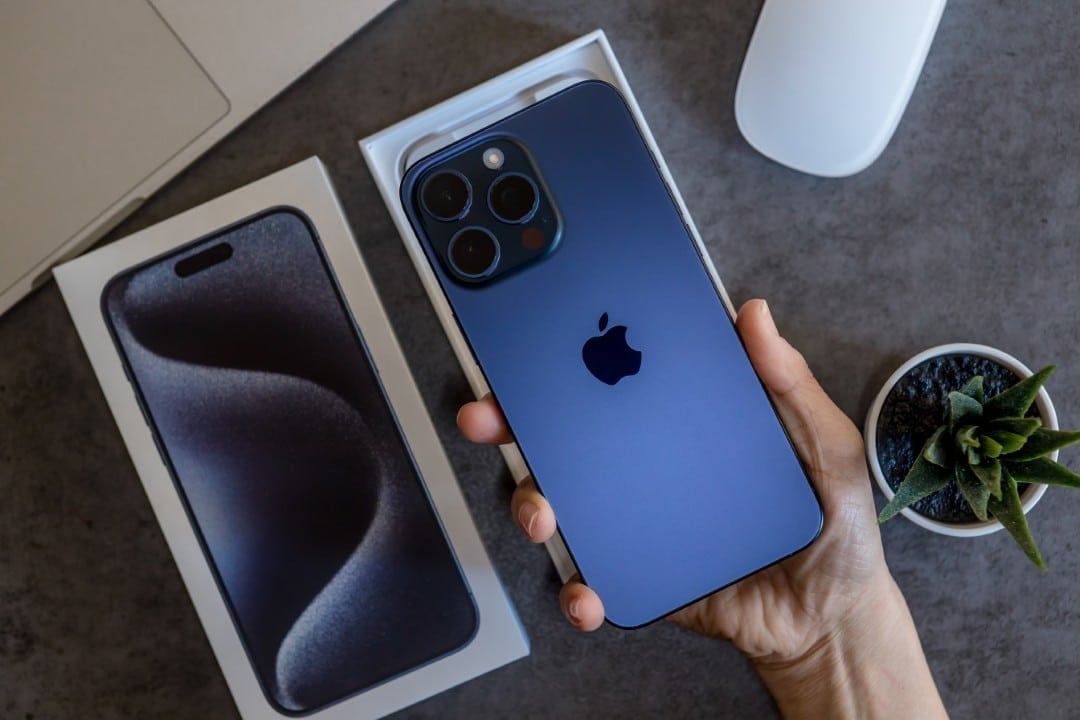
Apple has confirmed that the next major update to its mobile operating system, iOS 26.2, is scheduled to be released between December 8th and 16th, 2025.
The update, which is already in the testing phase with developers, focuses on key areas such as interface customization, accessibility, security and improvements to native applications. The expectation is that the download will be available for all compatible devices simultaneously, simply by accessing the software update section in the device settings.
The new features range from visual changes to the lock screen to significant improvements to connectivity tools such as AirDrop. With this release, Apple seeks to consolidate the foundations established in the previous version, responding to community feedback and introducing features that will make interaction with devices more intuitive and efficient.
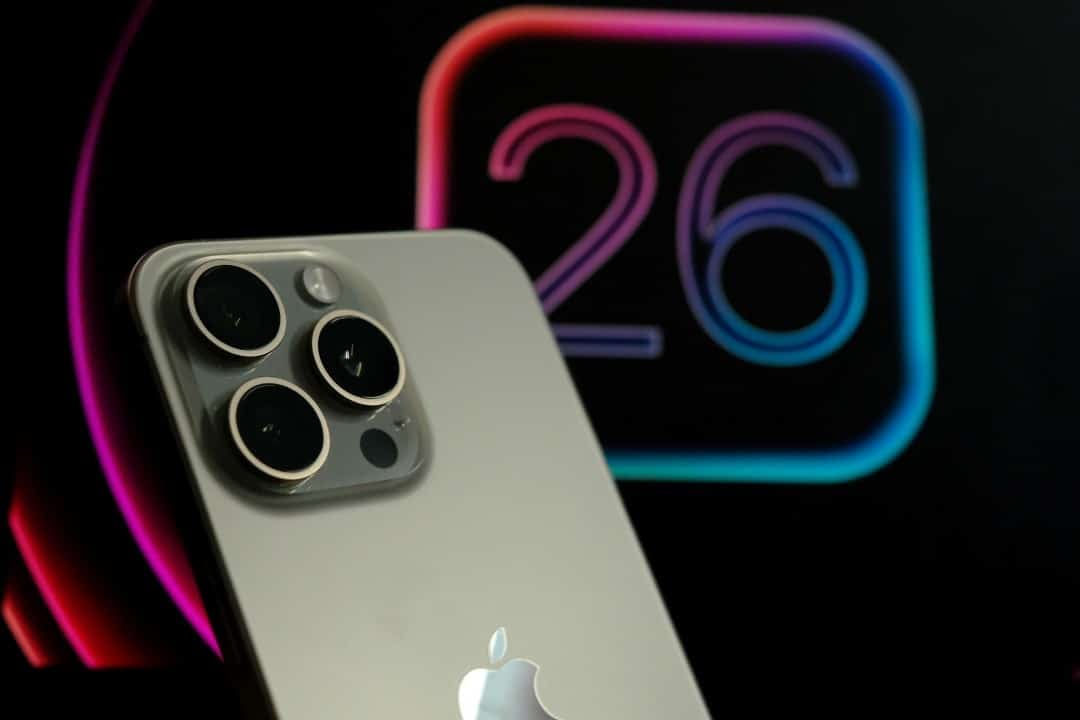
User experience and interface improvements
The main proposal of iOS 26.2 is to improve the general usability of the system, making interactions more fluid and offering more control to the user. The lock screen, for example, will receive new interactive widgets, allowing quick access to application information without the need to unlock the device. Entre the options that will be added include battery widgets with greater detail, an LED widget for visual alerts and others from third parties that can be integrated. Além In addition, notification management has been revised to offer smarter grouping and viewing options that reduce visual clutter, allowing users to configure the layout according to their priority and display preferences, whether in a list or set format. Essas changes aim to transform the lock screen from a simple notification portal to a dynamic and personalized control panel, reflecting each person’s individual needs and optimizing the time spent accessing essential information throughout the day.
Enhanced connectivity and entertainment
AirDrop, one of the most popular sharing tools in the Apple ecosystem, will receive an extra layer of security and convenience. With the update, it will be possible to configure the receipt of files to “Only Contatos” by default, with a temporary option of 30 days to receive from “Everyone”, thus avoiding receiving unwanted content from strangers in public places. Essa functionality was designed to give users more peace of mind, without sacrificing the practicality of the tool.
For music lovers, the Apple Music will gain an improved karaoke function. The feature will allow users to see synchronized song lyrics in real time and adjust the volume of vocals, turning the iPhone or iPad into an entertainment hub for parties and meetings. The functionality will be compatible with millions of songs from the service’s catalog.
The Podcasts application was also not left out and will now offer automatic transcriptions for episodes. Isso not only improves accessibility for people with hearing impairments, it also makes it easier to search for specific excerpts within an audio, allowing the user to quickly find the information they are looking for or share important quotes.
Expanded focus on accessibility and security
Apple continues to reinforce its commitment to accessibility, introducing new features designed for different needs. A new sound recognition alert, for example, could identify smoke alarms or sirens and notify hearing-impaired users through vibrations and visual alerts. Essa tool increases personal safety in various everyday situations.
Another significant improvement is in visual alerts. Usuários will be able to configure the device’s LED flash to blink when receiving calls or notifications, an important alternative for those who cannot depend on sound alerts. The intensity and pattern of the blinking can be adjusted according to the user’s preference.
In the field of digital security, the Passwords application, which manages saved passwords, will have a more robust interface to identify weak passwords or those compromised in data leaks. The system will now offer stronger, more proactive suggestions for changing vulnerable credentials, helping to protect user online accounts.
For Apple Watch users, iOS 26.2 will bring a refinement to the Detecção and Acidentes algorithm. The update aims to reduce false positives by adjusting the sensitivity of the sensors so that the feature is triggered more accurately in real emergency situations, such as car collisions.
What’s new for iPad and CarPlay
iPadOS 26.2, which will be released together, will bring specific improvements to multitasking. Usuários will be able to drag and drop applications directly from Dock, search Spotlight or Biblioteca from Apps to open in Split View or Slide Over mode. Essa change makes managing multiple windows faster and more intuitive, bringing the iPad experience closer to that of a portable computer.
CarPlay will also receive special attention. The messaging interface will be redesigned to be cleaner and easier to use while driving. Além In addition, integration with third-party applications will be improved, allowing more functionality to be accessed directly from the vehicle’s screen securely.
Fine-tuning native apps
The Tempo (Weather) application will be updated with new information modules. Será you can view data on air quality, humidity levels and precipitation probability hour by hour in more graphic detail. Esses new information cards make the application an even more complete meteorological tool.
For gamers, Game Center will be optimized to make it easier to start multiplayer matches with friends. Integration with SharePlay will allow users to play together while on a FaceTime call, sharing the same real-time gaming experience in a more simplified and direct way.
What to expect from the release schedule
The final version of iOS 26.2 will be made generally available in the second or third week of December, after the beta testing period has concluded. Users will receive an automatic notification on their device when the update is ready to install, or they can check manually at
>
>
. The recommendation is to perform a backup of the device before starting the update process to ensure the security of all data.




