Hidden AirPods functions that optimize the audio experience and daily use on your iPhone

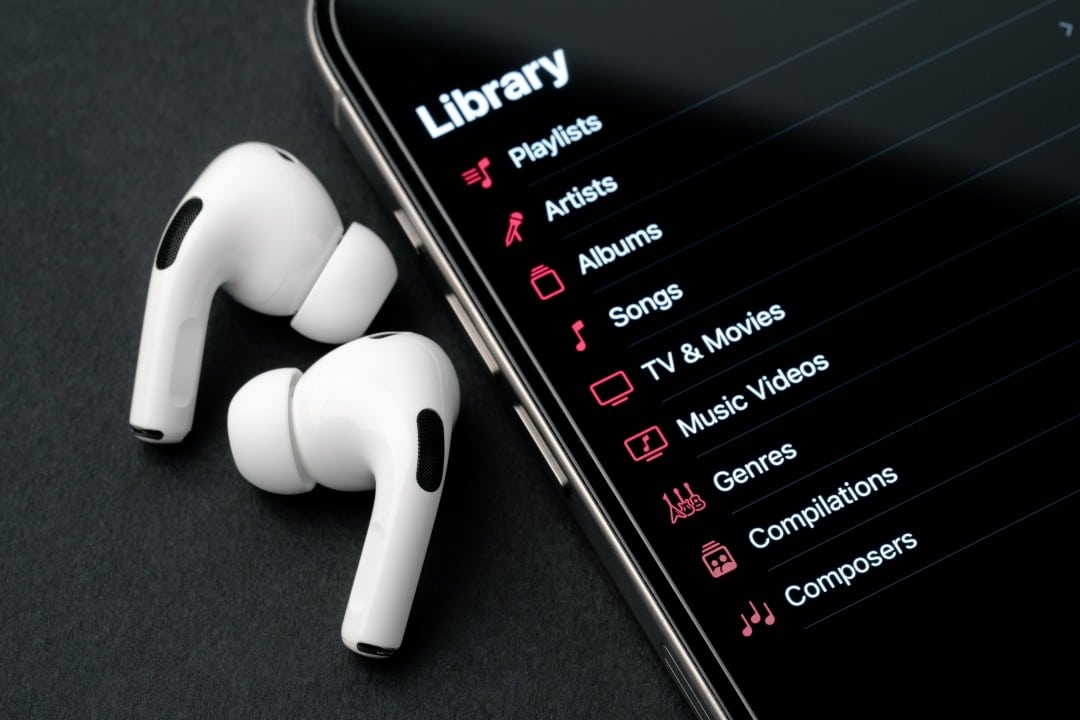
For many iPhone users, AirPods are synonymous with convenience for listening to music and answering calls. However, the Apple wireless headphones hide a range of advanced features that go far beyond the basics, turning them into true productivity, accessibility and monitoring tools. Esses features, integrated directly into the iOS system, use microphones and sensors to offer an enhanced, personalized experience.
Many owners are unaware that they can calibrate audio to their hearing profile, turn their iPhone into a remote microphone, or even amplify conversations in noisy environments. Activating these tools is simple, generally done through Central or Controle or the Ajustes menu on the iPhone, unlocking a new level of interaction with the device.
With constant software updates, Apple continues to improve the synergy between AirPods and the iOS ecosystem, ensuring that even older models receive new capabilities. Explorar these tools allow you to unlock the full potential of headphones, adapting them to specific everyday needs and improving the user’s quality of digital life.

Fine-tune audio for complete immersion
The standard sound quality of AirPods is already widely recognized, but it is possible to take it to a new level with audio customization. Acessando “Settings”, “Accessibility” and then “Audio/Visual”, the user finds the option “Adaptations of Fone of Ouvido”. Essa tool performs simple hearing tests to calibrate the sound according to the individual hearing profile, adjusting specific frequencies and tones for each ear.
This detailed configuration results in clearer, more balanced audio, compensating for small variations in hearing that might otherwise go unnoticed. The feature works in conjunction with Áudio Espacial Personalizado, which uses iPhone’s TrueDepth camera to map the anatomy of the head and ears, creating a more accurate and immersive three-dimensional sound experience for compatible movies and music.
How Live Listen Transforms the iPhone
One of the most useful and underused tools is “Listen to Vivo”. Esse feature turns the iPhone into a directional microphone, capturing ambient sound and transmitting it directly to the AirPods in real time. Para activate it, just add the “Hearing” control to the Central of Controle. Once activated, the user can position the iPhone close to a sound source, such as a television or speaker, and hear clearly even from a distance or in noisy places. The practical application is vast, serving to follow classes, meetings or even monitor a baby in another room, all with the discretion and audio quality of the Apple headphones. The effective range of the Bluetooth connection, generally up to 10 meters, offers flexibility for different everyday situations, making it a powerful ally for those who need specific hearing reinforcement.
Adaptive audio modes for environmental control
Models like the AirPods Pro stand out for their ability to manage ambient sound intelligently. The Cancelamento Ativo and Ruído mode isolates the user from external noise, making it ideal for moments of concentration in busy places such as public transport or open offices.
In contrast, the Ambiente (or Transparência) mode allows important sounds, such as airport announcements or vehicle traffic, to reach your ears without having to remove the headphones. Switching between modes is done with a simple touch on the headphones’ force sensor or directly by Central of Controle on the iPhone.
The Áudio Adaptativo technology, present in the most recent models, represents an advance in combining the two modes dynamically. Ela automatically reduces intense and unwanted noise, such as the sound of a work, while maintaining the clarity of voices and other relevant sounds around, dynamically adjusting to the user’s environment without the user having to do anything.
Accessibility tools that amplify communication
AirPods incorporate accessibility features that benefit everyone, not just people with hearing loss. “Conversa Amplification” is a notable example, designed to highlight the voice of the person in front of you in a dialogue.
Activated in accessibility settings, this function uses the headphones’ microphones to focus on the frequencies of human speech, effectively filtering background noise in challenging environments, such as crowded restaurants or social events.
The result is a clearer and less tiring dialogue, allowing the user to participate in conversations more easily without having to increase the volume of their own voice or ask others to repeat what was said.
This technology demonstrates Apple’s commitment to transforming its devices into personal assistants that improve the quality of daily social interactions in a discreet and efficient way, promoting more fluid communication for anyone.
Integration with the Apple ecosystem for maximum productivity
The true strength of AirPods lies in their seamless integration with the Apple ecosystem. Automatic switching between devices, such as iPhone, iPad and Mac, happens fluidly and almost instantly. When starting to play a video on the Mac, for example, the headphones pause the audio that was being played on the iPhone and connect to the computer without any manual intervention, optimizing the workflow and entertainment. Essa intelligent connectivity eliminates the frustration of constantly pairing and unpairing devices, making the transition between tasks and leisure completely transparent for the user.
Another valuable function in this context is “Áudio Sharing”, which allows two people to listen to the same music or watch the same movie on a single iPhone, each with their own pair of AirPods. The activation process is simple: just bring the second pair of headphones closer to the device and follow the instructions that appear on the screen. Cada user can control their volume independently, making the shared experience more comfortable and personalized, ideal for travel, work breaks or leisure moments as a couple.
Precise location and alerts to avoid losses
Losing one of the earbuds is a common concern among users, but the Buscar (Find My) application offers a robust and effective solution to this problem. Ele lets you not only locate your AirPods on a map, showing their last known location, but also play a high-pitched sound to make it easier to find them when they’re nearby, like under a couch or in a bag.
Announced notifications and customizable controls
To increase practicality and keep the user connected without having to look at their cell phone, the Siri can announce important notifications directly on the AirPods. The Essa function is fully customizable, allowing the user to choose which apps they want to receive sound alerts from, such as Mensagens, Calendário or WhatsApp, ensuring focus and convenience.
Additionally, touch and gesture controls can be adjusted in the iPhone’s Bluetooth settings. It is possible to define different actions for double taps or long presses on each earphone, such as activating the Siri, skipping tracks, answering calls or switching between audio modes, adapting use to individual preferences and streamlining quick commands in everyday life.