
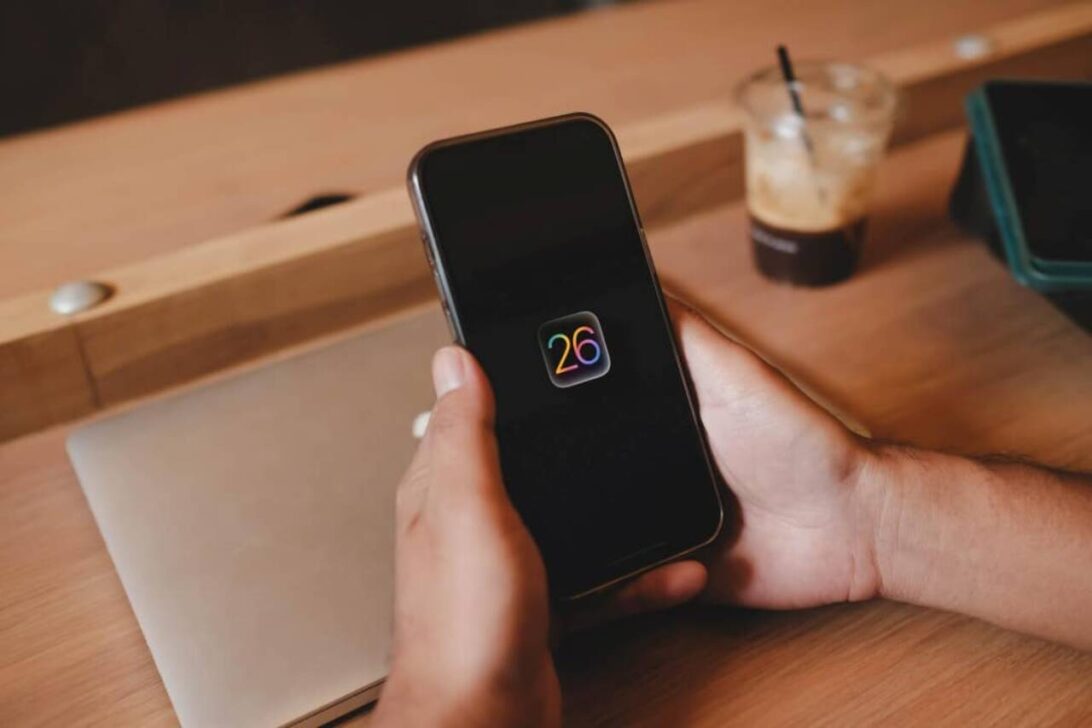
Apple fixed two serious flaws in the iOS WebKit engine that were already being exploited by attackers. The vulnerabilities were closed in the iOS 26.2 update, released in late December 2025. However, about half of eligible iPhones have not yet received the security update, leaving them exposed to potential attacks.
The two flaws directly affect the WebKit browser, used by Safari and several applications that display web content. The first (CVE-2025-43529) allows arbitrary code execution through inappropriate memory manipulation. The second (CVE-2025-14174) was discovered in partnership between Apple and Google Threat Analysis Group and also allows the execution of malicious code.
Main reasons for delay in updating
Many users are delaying the installation of iOS 26 due to the visual changes introduced by the Liquid Glass interface. Outra A significant portion avoids updating for fear that Apple Intelligence (artificial intelligence features) will be automatically activated.
In reality, Apple Intelligence requires manual activation and express user consent. Mesmo Thus, the combination of these two factors has kept a significant portion of devices in the previous version (iOS 18 or iOS 18.x).

How to reduce the Liquid Glass effect after updating
iOS 26 doesn’t offer a full option to disable Liquid Glass, but there are tweaks that greatly reduce the visual impact of transparency and reflections.
- Go to Ajustes > Acessibilidade > Tela and text size
- Activate the Reduzir transparency option
This setting makes Dock, folders, and Centro of Controle appear more solid and less translucent. Para decrease the dynamic reflections that depend on the gyroscope, follow the path:
- Settings > Acessibilidade > Movimento
- Activate Reduzir movement
Additional iOS 26 visual tweaks
You can further change the appearance of your lock screen clock. The procedure is as follows:
- Long-press an empty space on the lock screen
- Tap Personalizar and then tap lock screen preview
- Tap the clock
- At the bottom of the screen, choose the “Solid” style instead of “Glass”
Additionally, in iOS 26.1 or higher, there is an extra setting for Liquid Glass:
- Adjustments > Tela and Brightness > Liquid Glass
- Choose between “Tinted” or “Clear” (instead of the more reflective default option)
Real security risk
The two vulnerabilities fixed in the iOS 26.2 update were already being exploited in real attacks before the patch was released. Especialistas in security warn that the number of attempts to exploit unpatched WebKit flaws tends to increase after the vulnerabilities are publicly disclosed.
Leaving your iPhone on versions prior to iOS 26.2 means keeping a known path active that allows arbitrary code to run. Esse type of flaw is often used in spyware attacks, data theft, and installation of malicious software without significant user interaction.
How to know if your iPhone is already protected
To check the installed version:
- Go to Ajustes > Geral > Sobre
- View the software version number
If the device is on version 26.2 or higher, the two critical flaws have already been fixed. Caso Otherwise, the recommendation is to carry out the update as soon as possible, even if the user intends to keep Apple Intelligence disabled.
How to keep Apple Intelligence disabled
After updating, it’s simple to ensure that the artificial intelligence features remain turned off:
- Go to Ajustes > Apple Intelligence and Siri
- Check if the “Apple Intelligence” switch is disabled (gray position)
If the key is already in this position, no AI features will be activated, even with the updated system.
Security x aesthetic update
The delay in adopting iOS 26 shows that, for a significant portion of users, visual changes and fear of artificial intelligence features outweigh immediate security. However, experts emphasize that there is no way to fix the two WebKit flaws without installing at least version 26.2.
While the Liquid Glass interface can be improved with accessibility adjustments, security vulnerabilities are only eliminated by installing the update.