
Samsung’s Sound Assistant equalizer now works on audio devices via Bluetooth connection

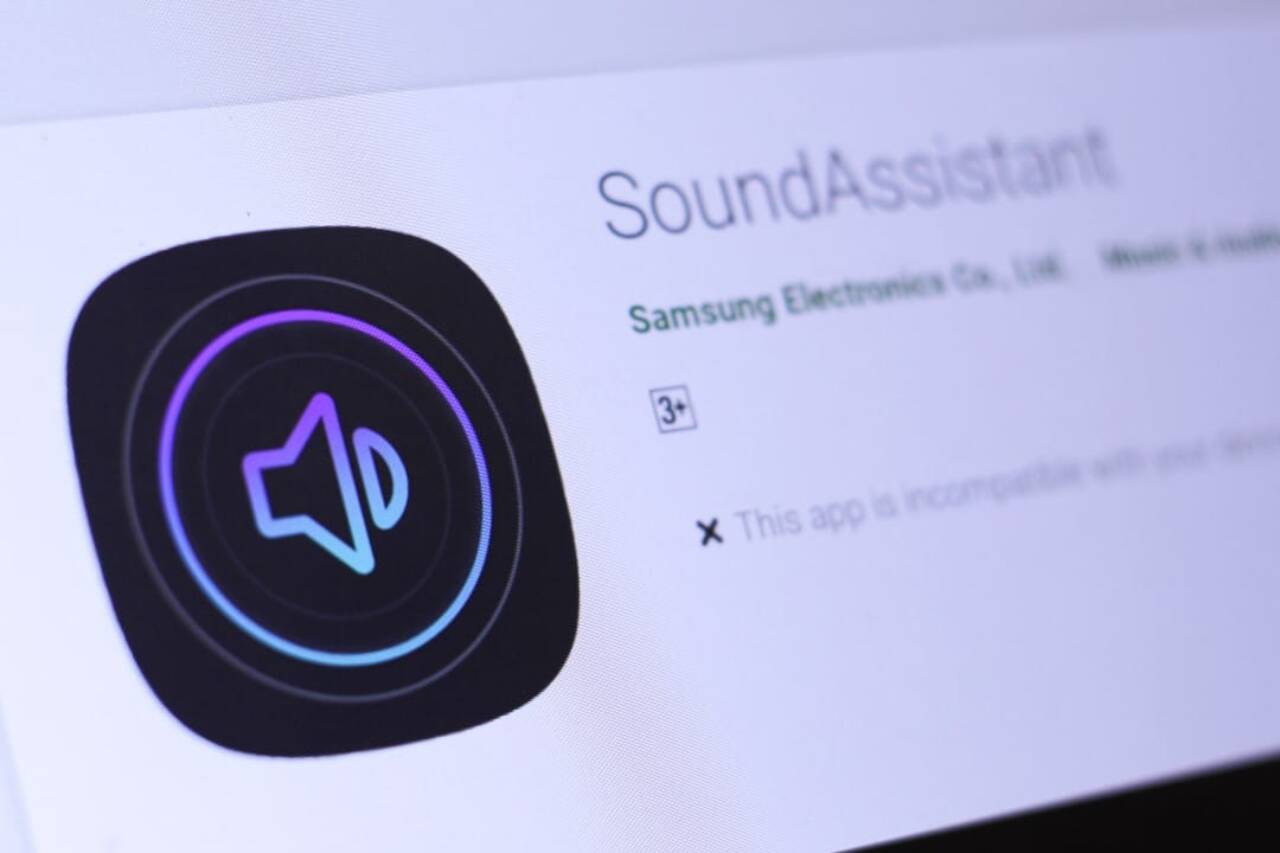
Samsung has started the global rollout of a new update for Sound Assistant, one of its most popular customization modules. Version 8.2.00.4 addresses a long-standing user demand by extending equalizer settings to audio devices connected via Bluetooth, such as headphones and wireless speakers.
This significant change ensures that custom audio adjustments, such as bass or treble boost, are applied consistently regardless of the playback device used. Anteriormente, equalizer settings were limited to the smartphone’s internal speakers or wired connections.
The update is being released gradually through Galaxy Store for all compatible devices using the Good Lock customization suite. The implementation prepares the company’s ecosystem for new versions of the operating system, including One UI 8.5, consolidating the audio experience across the entire Galaxy line.
What changes in practice for the user
The main advancement of the new version of the Sound Assistant is the ability to maintain personalized sonic fidelity in any scenario. A user who adjusts the equalizer to a specific profile, whether to listen to podcasts with clearer voices or music with more powerful bass, will now have that same sound experience when connecting their TWS headphones for a run or an Bluetooth speaker for a social gathering. The system automatically applies the saved profile, eliminating the need to reconfigure the audio in third-party applications or in the accessories themselves, which often have limited controls. Essa functionality dramatically improves the convenience and quality of the listening experience, making it more cohesive and aligned to individual preferences. The change directly benefits owners of audio accessories from different brands, which now operate under a unified sound profile and controlled directly by the Galaxy smartphone, reinforcing the cell phone’s role as a central entertainment hub.
Technical details of the new version
In addition to the main functionality, the update’s official changelog mentions two important internal changes: “Buzz Icon Applied” and “SESL 8.5 Applied”. Embora to “Buzz Icon Applied” likely refers to an update to the app’s visual elements or notification icons, ensuring consistency with Samsung’s latest design language.
“SESL 8.5 Applied” suggests the adoption of Samsung Electronics System Library (SESL) in version 8.5, a library of interface components that aligns the Essa measure ensures that the module works fluidly and without incompatibilities with the next major updates of the Android system, demonstrating the company’s proactive work to keep its customization ecosystem robust and prepared for the future. Essas changes, although not visible to the end user, are crucial to the performance and longevity of the application.
How the update integrates into the Galaxy ecosystem
This update to Sound Assistant reinforces Samsung’s strategy of offering a highly customizable and integrated software ecosystem. Good Lock, the suite of which Sound Assistant is a part, is a significant differentiator for Galaxy devices, allowing users to modify aspects of the system that are normally locked in other Android interfaces.
By expanding such an essential functionality as the equalizer to the Bluetooth universe, the company strengthens the value proposition of its own devices. The measure creates a more complete and cohesive experience, encouraging users to remain within the brand’s ecosystem.
Integration with other Samsung audio features, such as the Dolby Atmos and Adapt Sound, is also improved. Agora, users can combine multiple layers of sonic customization that work in harmony no matter which headphones or speakers are connected.
This approach demonstrates the brand’s commitment to listening to feedback from its user community, which has been requesting this specific functionality for a long time. The implementation shows that the company continues to invest in software improvements that bring practical and tangible benefits to everyday life.
Availability and system requirements
The new version 8.2.00.4 of Sound Assistant is being distributed globally, but in a phased manner. Isso means that the update may take a few days or weeks to appear for all users on Galaxy Store. The recommendation is to manually check the application updates section to speed up the process.
To install the new version, the Galaxy device must be running One UI 8 or a higher version. Full compatibility is optimized for One UI 8.5, indicating that newer models, such as those in the Galaxy S25 line, are among the first to receive and take full advantage of the optimizations.
It is essential to have the main Good Lock application installed, as it works as a launcher for all customization modules, including Sound Assistant. Ambos apps can be downloaded for free directly from the Samsung app store.
The advantage of Samsung’s native solution
Offering a universal equalizer via Bluetooth as a native tool gives Samsung an important competitive advantage. Muitos users turn to third-party apps to gain granular control over their audio, but these solutions often consume more battery, serve ads, or require permissions that can compromise privacy.
With the Sound Assistant, functionality is integrated directly into the system, ensuring energy efficiency and transparent operation. The update eliminates the need to manage audio profiles in multiple applications, centralizing all control in a single reliable interface developed by the device manufacturer itself.
The role of Good Lock in the One UI experience
Good Lock has evolved from a simple toolset into an advanced customization platform that has become a cornerstone of the One UI experience. Módulos like the Sound Assistant, Theme Park and NavStar allow users to tailor their devices to their needs and aesthetic preferences in a way that few other manufacturers offer.
Regular updates and the addition of requested features, such as the equalizer extension, keep the suite relevant and demonstrate Samsung’s continued investment in software. Isso not only appeals to power users, but also attracts new consumers looking for greater control over the technology they use every day.
Next steps for audio customization
Samsung’s continued focus on improving audio tools suggests that new functionality may be explored in future updates. The company has historically used feedback from the Good Lock community to guide the development of new features, which can lead to even more detailed controls and intelligent usage scenarios for audio on Galaxy devices.



