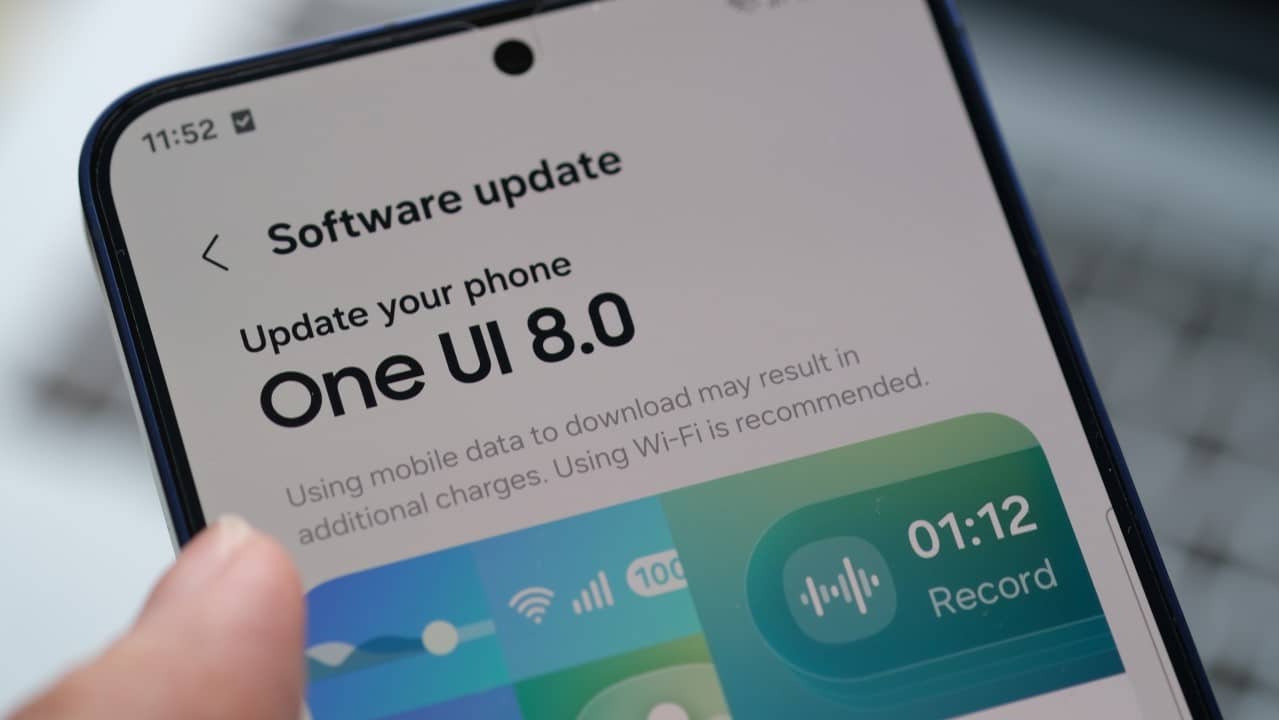
One UI 8.5 flaws for Galaxy Z Fold and Flip compromise Quick Panel and camera functions
Samsung, One UI 8.5, Galaxy Z, Software Update, Foldable Smartphone
The new version of the Samsung interface, One UI 8.5, currently in the advanced testing phase, is presenting specific usability problems on its foldable smartphones, such as the Galaxy Z Fold 6 and Z quick shortcuts (Quick Panel) and the camera application are not fully optimized for the flexible screen format.
The inconsistencies mainly focus on gesture navigation and access to image capture features, creating a fragmented experience that goes against the devices’ multitasking and agility proposal. The South Korean company is working to refine the software before its official launch, scheduled for the first quarter of 2026, and feedback from the testing community is crucial for final adjustments.
Despite the specific challenges in foldable models, the update is seen as one of the most robust in recent years, bringing a profound renewal to the system’s kernel. Entre general new features include greater customization of shortcuts, hundreds of new animations and visual adjustments that promise more fluidity for the entire line of compatible Galaxy devices.

Details of problems in the quick panel
The main point of friction reported by users of the Galaxy Z line is the behavior of the redesigned Quick Panel. The new interface allows for freer reorganization of icons and shortcuts, but gesture interaction on foldable devices has become inconsistent. When swiping from the top left corner of the screen, the notifications panel is displayed correctly, however, the system blocks the side gesture that would allow you to switch to quick shortcuts. Da Likewise, when accessing Quick Panel by swiping from the top right corner, the user is unable to return directly to the notification area with a simple gesture. Essa limitation breaks the navigation flow, requiring additional touches and compromising the multitasking experience, one of the biggest attractions of devices with an expandable screen.
Additional limitations on gestures
Gesture navigation in One UI 8.5 has received more customization options, but its implementation on foldable models still does not take advantage of the potential of larger screens. Transitions between the different system panels require more steps than in previous versions, which contradicts the agility and efficiency proposal for these premium devices.
Tests carried out in different usage scenarios confirm that the difficulty persists, regardless of the settings applied by the user. The expectation is that Samsung will release fixes in the next beta builds, following a pattern already observed in past updates, where fine adjustments are gradually implemented based on community feedback.
Camera app changes
Another change that generated criticism was the reorganization of features in the camera app. Popular Recursos like Single Take (Única Capture) and dual recording, which allows you to shoot with both the front and rear cameras simultaneously, have been removed from the app’s main interface.
These tools have been moved to the Camera Assistant module, an add-on that needs to be activated separately. The Essa approach, already adopted in other lines such as the Galaxy S25, requires extra steps to access functions that were previously available immediately.
For owners of foldable devices, who often use the versatility of cameras for quick content production, this change represents a loss of agility. The need to open a secondary module to activate essential features negatively impacts usability in moments of spontaneous capture.
Impact on multitasking with the camera
Z Series Fold devices are designed to exploit the large internal screen for simultaneous tasks, including when recording videos. The migration of important functions to Camera Assistant weakens this integration, as the process is no longer native and direct.
Content creators, who use the device’s open format to monitor recordings in real time, are the most affected. Samsung’s decision to modularize the camera app offers more control for advanced users, but the transition created a hurdle for those who value quick, integrated access.
Users now need to open the add-on module to restore these features, which adds a layer of complexity to an otherwise fluid experience.
Positive features of the update
Despite the adaptation challenges, One UI 8.5 introduces significant improvements to the system base. The main one is a deep renewal of the kernel, which increases general fluidity on all compatible Galaxy devices. Initial tests demonstrate significant performance gains, especially in tasks that demand more from the processor.
The update also adds hundreds of new unlock animations, enriching the system’s visual interaction and perception of speed. Esses technical improvements prepare devices for future software demands and heavier applications, ensuring greater longevity.
Testing and corrections phase
It is important to highlight that One UI 8.5 is still in the beta phase, a period intended precisely for identifying and correcting inconsistencies such as those reported. The Samsung has a history of making rapid adjustments based on feedback from test program participants.
Similar issues have already been resolved in interim updates for other segments of the Galaxy line. Portanto, the next beta versions are expected to bring the necessary refinements to improve the experience on foldable models before the final release.
Release Schedule
The release of the stable version of One UI 8.5 remains scheduled for March 2026, following the annual cycle of major updates for Samsung. The latest models in the foldable lineup, including the Galaxy Z Fold 6 and the Z Flip 6, will be on the priority list to receive the new software. The distribution will be carried out gradually to avoid overloading the servers and ensure a safe transition for all users.
