
One UI 8.5 tests begin on the Galaxy S25 bringing artificial intelligence improvements


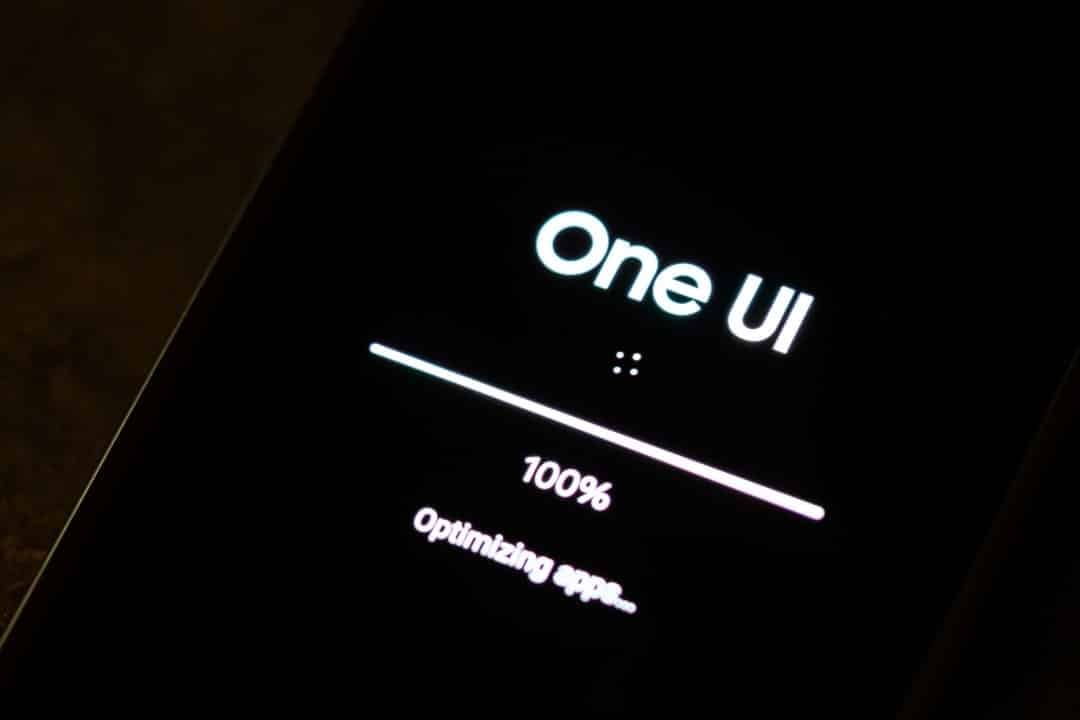
Samsung Electronics has started its long-awaited testing program for the new One UI 8.5, aimed at the recently launched Galaxy S25 line. The beta phase, which officially began on December 8, 2025, is based on the Android 16 QPR2 and is initially available to users in select markets, including Estados Unidos, Reino Unido, Alemanha, Índia, Coreia, The update promises to deepen the integration of artificial intelligence resources, optimize connectivity between devices in the Galaxy ecosystem and reinforce security mechanisms.
Owners of the Galaxy S25, S25+ and S25 Ultra models can now register to participate in the program through the Samsung Members application. The initiative is essential for the company to collect direct feedback from users, allowing it to adjust and refine new features before the stable version is released. Apenas devices that are unlocked or, in the case of the US, linked to the T-Mobile operator, are eligible in this first phase.
The company confirmed that the beta program will be gradually expanded in the coming weeks to include other high-end devices, such as the latest foldable models. The expectation is that, by the end of 2025, a wider range of flagship devices will be able to receive the test version, consolidating the transition to the new generation of the operating system.
AI-enhanced creation capabilities
One of the main focuses of One UI 8.5 is the evolution of content creation tools, driven by artificial intelligence. Photo Assist, Samsung’s image editing assistant, has been significantly improved. The new version introduces a non-destructive editing system, in which users can experiment with multiple changes to a photo without having to save each step in between. Isso creates an edit history that allows you to revert or select the best version at any time, offering greater creative freedom and flexibility in the post-production process. The functionality aims to simplify the workflow for both casual users and photography enthusiasts by eliminating the accumulation of duplicate files.
The Quick Share sharing tool has also received a smart update. Agora, the system uses AI to analyze selected photos and detect faces of frequent contacts, automatically suggesting the most likely recipients. Essa functionality speeds up the process of sending images to friends and family, making interaction more fluid and contextual. The technology behind the suggestion learns from the user’s sharing habits, improving the accuracy of recommendations over time and integrating more organically into daily routines, which represents an important step towards making the interface more predictive and personal.
Expanded connectivity in the Galaxy ecosystem
The new interface reinforces the integration between the brand’s different products with the introduction of Storage Share.
This feature allows users to access files stored on other nearby Samsung devices, such as tablets, notebooks or smart TVs, directly through the smartphone’s My Files app.
The functionality eliminates the need for manual transfers or uploads to the cloud, as long as the devices are connected to the same Samsung account and with Wi-Fi and Bluetooth activated.
To ensure security, initial approval is required on the originating device before access is granted.
Quick dashboard with full customization
One UI 8.5 introduces a complete overhaul of the quick settings panel, offering an unprecedented level of customization. Diferente from previous versions, which only allowed icons to be rearranged, the new interface allows users to freely modify the entire structure of the panel. It is possible to rearrange entire sections, add or remove control sliders, such as brightness and volume, and expand buttons to give priority to the functions most used on a daily basis. The design has been modernized with visual elements that include transparency effects and three-dimensional icons for Samsung’s native applications, giving it a more sophisticated appearance and in line with current design trends. Essa flexibility transforms the quick panel into a truly personal control center, tailored to each individual’s specific needs and significantly improving the usability of the operating system.
Audio and vibration improvements
The update brings significant improvements to the Auracast feature, which now allows the transmission of audio captured by the cell phone’s microphone to multiple nearby headphones or speakers. The function, called Audio Broadcast, is ideal for situations such as guided tours or presentations, where a speaker can communicate directly with a group.
In the field of immersion, 4D vibration technology has been refined with new presets optimized for gaming, providing more accurate and immersive haptic feedback. The process of pairing with video game controllers has also been simplified, making the multimedia experience more robust and integrated across compatible devices.
More detailed battery management
The battery management screen has been redesigned to provide clearer and more useful information to users.
The new layout displays estimated remaining battery life, charging status, and a detailed graph of daily usage over the past week.
Power saving mode has been divided into two levels, standard and maximum, and now offers granular options for the user to choose which specific features they want to limit, such as processor performance or 5G connectivity.
Advances in privacy and security
User data security remains a priority, and One UI 8.5 introduces enhanced theft protections. The system is now capable of detecting suspicious movements, such as forced removal of the SIM chip, and can trigger a remote lock more efficiently. Adicionalmente, images edited with generative AI tools now include an automatic and discreet watermark, ensuring transparency about the manipulation of the content.
Quick Share has also been updated to restrict file sending to only contacts who have verified Samsung or Google accounts, a measure that aims to significantly reduce the risk of receiving spam and malicious files. Essas features operate discreetly, strengthening security without interfering with the everyday use experience.
Beta Expansion and Future Timeline
The One UI 8.5 beta program will follow a rolling schedule. Samsung plans to release a second test version around December 22, 2025, with the aim of fixing the first bugs reported by the community. The expectation is that more regions and models, especially foldables from the Z line, will be included in the program by January 2026. The stable version of the interface should be officially launched along with the arrival of the Galaxy S26 series, between January and February, with distribution to older devices occurring sequentially until May, ensuring that each device receives a version optimized for its specific hardware.



