Little-known AirPods functions that enhance the user experience with your iPhone

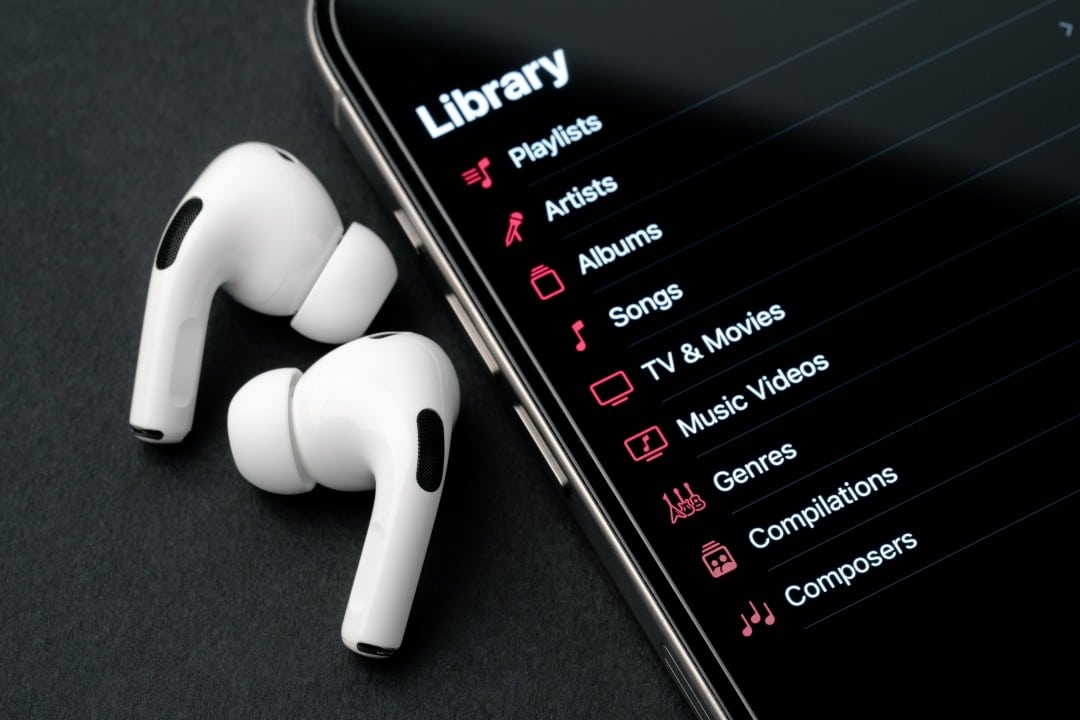
AirPods have established themselves as one of the most popular accessories for users of the Apple ecosystem, offering convenience and sound quality. However, many owners only use the basic music playback and calling functions, unaware of a set of advanced features that can completely transform the listening experience and interaction with the iPhone on a daily basis.
Integrated directly into the iOS operating system, these features allow everything from detailed audio customization to the use of headphones as an accessibility and monitoring tool. The features exploit the microphones, accelerometers and optical sensors present in the devices, offering versatility that goes far beyond entertainment.
Activating most of these tools is simple and can be done using Ajustes on the iPhone or using Central on Controle. With constant software updates, the Apple continues to improve and add new capabilities, ensuring that even older models, like the first-generation AirPods Pro, remain relevant and packed with useful features.

Audio customization for complete sound immersion
The standard audio quality of AirPods is already widely praised, but the Apple offers an extra layer of customization for users looking for sound perfection. Dentro of the iPhone’s Acessibilidade settings, the “Fone Settings of Ouvido” function allows you to calibrate the sound according to your individual hearing profile. The system guides the user through a series of sound tests, comparing different frequencies and volumes to create a personalized audiogram. Once set up, iPhone automatically applies this equalization to all media, from music and podcasts to phone calls, optimizing bass, midrange, and treble tones for superior clarity. Esse feature is particularly beneficial for those who have slight difficulties in perceiving certain frequency ranges, making dialogues in films clearer and music richer in detail. Personalization seamlessly integrates with the Áudio Espacial with Rastreamento Dinâmico from the
Live Listen as a Monitoring Tool
One of the most underrated features is “Listen to Vivo” (Live Listen), which turns the iPhone into a remote directional microphone. When activating the function on Central of Controle, the audio captured by the cell phone’s microphone is transmitted in real time to the AirPods. Essa tool has several practical applications, such as positioning the iPhone close to a television to hear the sound clearly without disturbing other people in the room or using it as an improvised baby monitor, listening to sounds from another room.
The effectiveness of the feature depends on the range of the Bluetooth connection, which generally remains stable within a radius of up to 15 meters in environments without many barriers. Além for home use, the Ouvir to
Smart audio modes for every room
The AirPods Pro and Max models stand out for their advanced audio modes, which dynamically adapt to the user’s environment. The Cancelamento Ativo and Ruído mode uses external microphones to detect unwanted sounds and create an “anti-noise” that cancels them out before they reach the ears, ideal for plane trips or concentrating in open offices.
In contrast, the Transparência mode does the opposite: it captures ambient sounds and reproduces them naturally, allowing the user to talk to someone or hear important announcements without having to remove the headphones. The latest technology, the Áudio Adaptativo, combines the best of both worlds, automatically adjusting the level of noise cancellation based on surrounding sounds, blocking out loud, sudden noises but maintaining clarity for nearby voices.
Complementing this function, “Conversa Recognition” (Conversation
Hearing health and wellness tools
Apple integrated AirPods with the Saúde app, transforming the headphones into hearing well-being monitoring devices. Eles constantly measures the decibel levels of the audio the user is listening to as well as ambient noise when the Transparência mode is active.
This data is recorded in the Saúde app, which can send alert notifications if exposure to loud sounds reaches levels that could cause long-term hearing damage. Essa functionality helps create awareness about safer listening habits.
Another feature focused on accessibility is the “Conversa Amplification” (Conversation Boost), available for the Pro models. Essa function uses the headphones’ directional microphones to focus on the person speaking directly in front of the user, isolating the voice and reducing background noise.
Unlike Ouvir to Vivo, this tool does not depend on the iPhone and works autonomously, being a great ally for those who have difficulty following dialogues in busy and noisy environments.
Integration with the ecosystem and precise location
The AirPods usage experience is elevated by its deep integration with the Apple ecosystem. Device switching is automatic and fluid; a user can be listening to music on the iPhone, pause it, start watching a video on the iPad and the headphones instantly connect to the new device, without any manual intervention.
The Buscar (Find My) network is also essential for those who fear losing their headphones. It is possible to view the last known location on a map, emit a sound to find them when they are nearby and, in the most recent models with the U1 chip, use the Busca Precisa, which guides the user to the exact location of the case or each earphone individually, with visual, tactile and audible directions.
Advanced controls and audio sharing
Gesture controls on AirPods offer convenience without having to pick up your iPhone. Dependendo model, you can tap to play or pause, press to switch between audio modes, and slide the stalk to adjust the volume. Além Furthermore, integration with Siri allows you to perform voice commands to make calls, send messages or request information.
Compartilhamento’s Áudio functionality allows two people to listen to the same music, podcast, or watch the same movie on a single iPhone, iPad, or Apple TV, each with their own pair of AirPods. The pairing process is simple, just bring the second pair of headphones closer to the device, and each user can control their volume independently.
Maintenance through firmware updates
Many users are unaware that AirPods periodically receive firmware updates, which improve performance, fix glitches, and sometimes add new features. Essas updates occur automatically and silently when the headphones are connected to the iPhone and charging. Manter updated devices is crucial to ensure access to all the features described and have the best experience possible.