
Apple’s iOS 26.2 update will transform the use of the iPhone with 15 new features starting in December

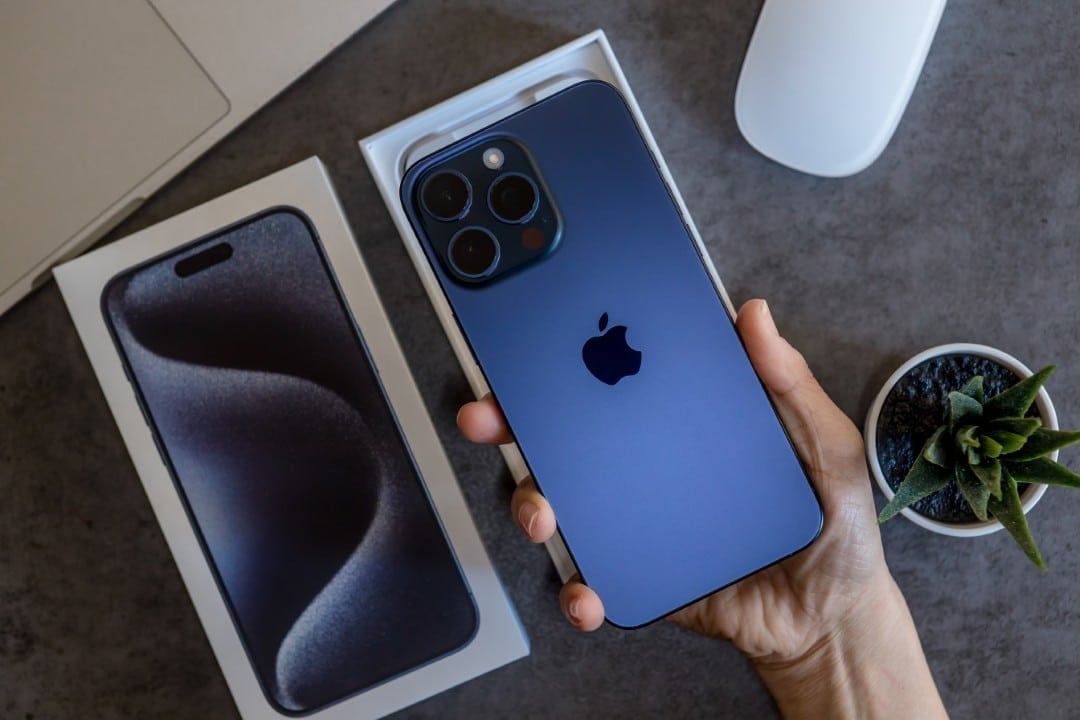
Apple is preparing to launch iOS 26.2, the second major update to its operating system, scheduled for release in the first half of December. The new version will bring a package of 15 new features and significant improvements that promise to improve the daily use experience for both compatible iPhones and iPads. The focus of the update is on personalization, security and integration between devices in the company’s ecosystem.
This release follows the main update, iOS 26, released in September, and reflects the company’s commitment to continually refining the usability of its devices. Entre areas that will receive special attention are communication applications, entertainment tools such as Apple Music and Podcasts, and accessibility features, which will gain new layers of customization to serve a broader audience.
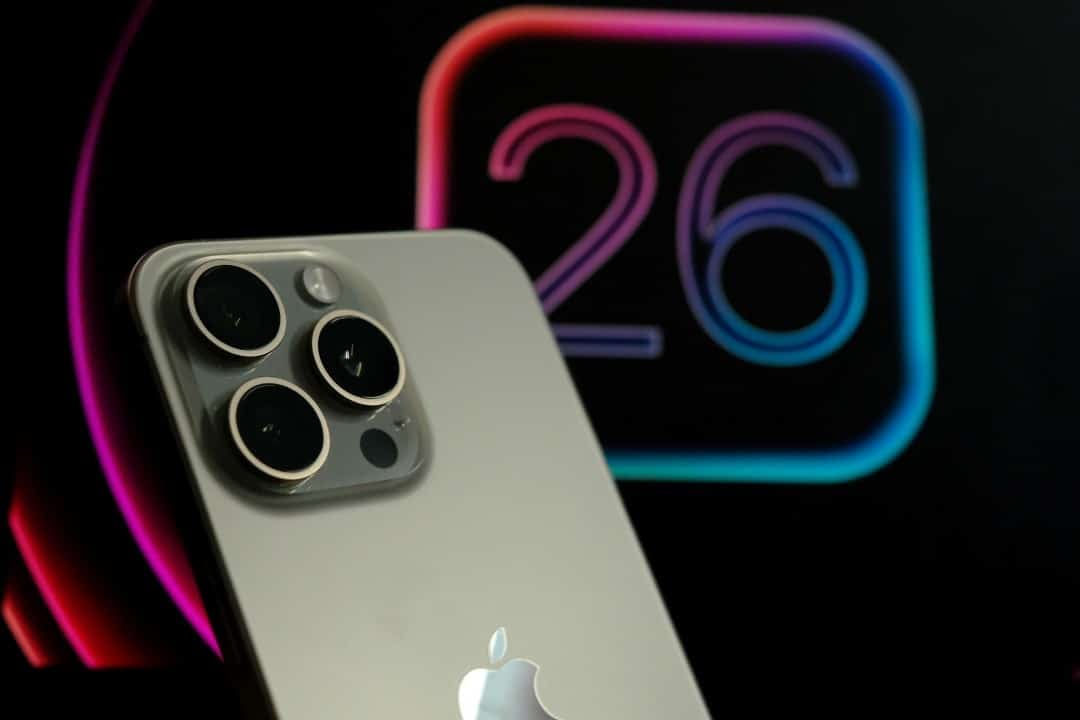
Once the software is officially released, users will be able to download it by accessing the “Settings” menu, selecting the “General” option and then “Software Update”. The update is expected to optimize not only existing functions, but also introduce new tools that will simplify everyday tasks and strengthen user data privacy.
New customization options and visual alerts
One of the most anticipated changes in iOS 26.2 is the expansion of lock screen customization options. Users will have access to new interactive widgets, which will allow them to perform quick actions directly from the locked screen, without having to open the corresponding application. Além Additionally, the update will introduce new clock styles and the ability to adjust depth of field in more types of photos, giving you even greater creative control over the look of your device. Outro significant advancement is in accessibility features, with the introduction of new LED flash patterns for notifications. Será it is possible to configure specific light sequences for different contacts or types of alerts, a feature especially useful for people with hearing impairment or in environments where sound is not a viable option. Essa tool will also allow the flash to remain active during audio or video calls, ensuring that no important alerts are missed.
Communication and sharing improvements
The AirDrop functionality will receive an important update to make it easier to share contacts on a temporary basis. The new option will allow two users to exchange contact information just by bringing their iPhones together, with the data being automatically removed after a predetermined period, such as 30 days.
This tool was designed for networking situations and casual meetings, where there is no need to keep contact permanently on the agenda. The process is simple and intuitive, eliminating the need to manually enter numbers or names and ensuring greater privacy.
Another crucial new feature is the expansion of emergency resources. The update will allow location alerts to be sent via satellite, even in areas without cellular or Wi-Fi coverage. Essa function can be vital in risky situations, such as trails or accidents in remote locations.
This emergency communication will be integrated into the Mensagens app, allowing the user to send their precise location to rescue services or trusted contacts, along with a brief description of the situation, increasing the chances of quick and effective assistance.
Enhanced multimedia and entertainment experience
In the entertainment field, the Apple Music will gain deeper integration with the system. Song lyrics can now be displayed in real time on any screen, including the lock screen or on top of other applications, through a floating window. Essa feature turns your iPhone into a portable karaoke device and makes it easy to enjoy your favorite songs without interrupting other activities. The update will also bring improvements to collaborative playlist creation, making it easier for friends to add and edit tracks together, with updates synchronized instantly between all participants.
The Podcasts app has also been redesigned to offer a richer, more accessible experience. The main new feature is the automatic generation of audio transcripts for all episodes. With this, users will be able to read the content while listening, search for specific keywords within an episode to find excerpts of interest and even copy and share important quotes. Essa tool not only improves accessibility for people with hearing impairments, but also transforms the podcast into a more efficient and dynamic research source for all users.
Focus on user security and privacy
Digital security is one of the pillars of iOS 26.2, which will introduce new tools for managing passwords. The main addition is the ability to securely share passwords and access keys with groups of trusted contacts, such as family or teammates, directly through the Senhas app.
All information exchange is protected by end-to-end encryption, ensuring that only group members can view shared data. Isso simplifies access to streaming service accounts or shared Wi-Fi networks.
In addition to sharing, the update will bring more proactive password monitoring, alerting the user to credentials that may have been exposed in third-party data leaks and suggesting immediate changes to protect vulnerable accounts.
Optimizations in the Apple ecosystem
iOS 26.2 also strengthens integration with other branded devices. CarPlay, for example, will now display more application information directly on the vehicle’s screen, allowing you to control functions without the need to interact with the iPhone. Mensagens received can be displayed more discreetly and responded to with improved voice commands, making driving safer.
For Apple Watch users, the update refines the crash detection algorithm. The system is now able to more accurately analyze data from motion sensors and microphone to differentiate between serious collisions and minor impacts, reducing the occurrence of false alarms and ensuring that help is only called when truly needed.
Changes specific to iPadOS 26.2
The iPad version, iPadOS 26.2, will focus on improving multitasking. The update will allow users to drag and drop apps directly from Dock, Spotlight search, or Biblioteca from Apps to open in Split View or Slide Over mode. Essa change makes managing multiple windows more fluid and intuitive, bringing the iPad using experience closer to that of a portable computer and increasing productivity for tasks that require viewing different information simultaneously.
Other general usability improvements
The Tempo app will receive new detailed maps that will display information about air quality, UV index and wind speed in real time, with more accurate forecasts for the coming hours. The graphs have been redesigned to make meteorological data easier to read and understand.
Finally, the Jogos application will gain a similar organization to Biblioteca of Apps, automatically grouping titles by category, developer or download date. Essa new view simplifies navigation for users who have many games installed, allowing them to find the title they want more quickly.




