Apple hides functions in AirPods that improve sound and practicality for iPhone users

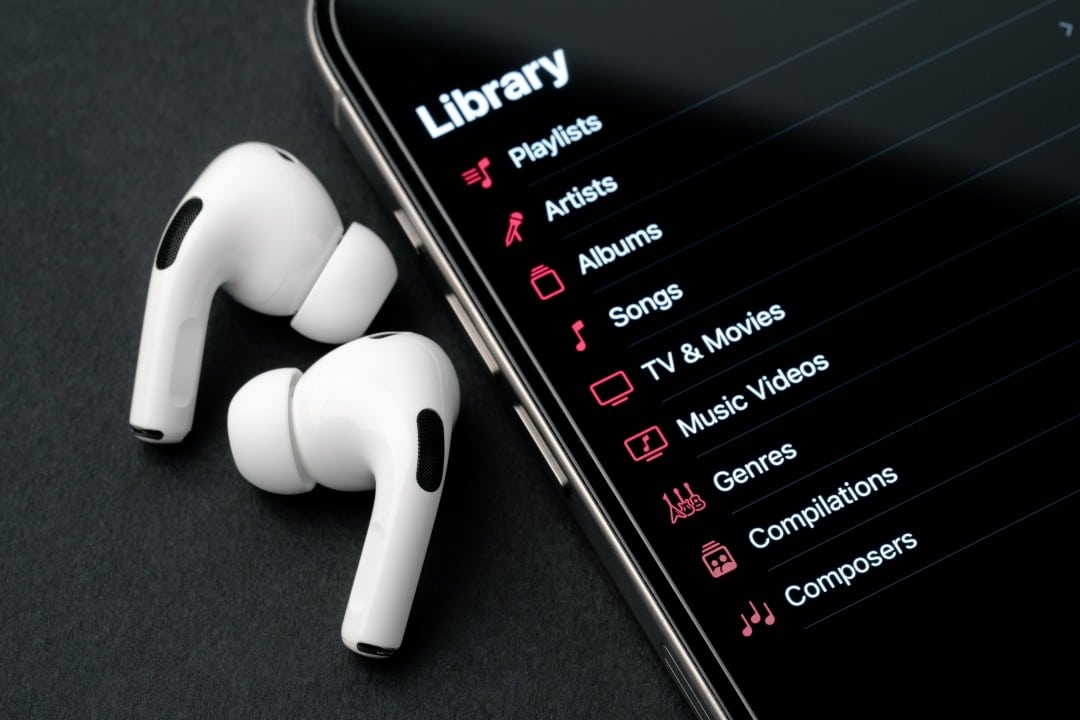
Many owners of AirPods, the popular wireless headphones from Apple, only use the basic audio playback functions, unaware of a set of advanced features integrated into the iOS system. Essas tools, which go beyond simply listening to music, are designed to personalize the sound experience, expand listening capacity in specific environments and offer greater convenience in daily use. Activating these features can completely transform the user’s interaction with the device.
The deep integration between the headphones’ hardware and the iPhone’s software allows the AirPods’ microphones and sensors to be used for purposes that many cannot imagine. Desde fine-tuning audio based on individual hearing profile to using your smartphone as a remote microphone, options are available natively in system settings, without the need for third-party apps.

With continuous firmware updates, the Apple improves and adds new capabilities, ensuring that even older models, like the first-generation AirPods Pro, remain relevant and packed with features. Explorar these settings allow for a much more complete and adapted use of the investment made in the headphones.
Audio customization for an immersive experience
One of the most powerful and least known tools is Ajustes of Fone of Ouvido, located in the iPhone’s Acessibilidade settings. When activating this option, the system offers a setup guide that performs a series of simple listening tests to calibrate the audio specifically for the user’s hearing, adjusting smooth tones and balancing frequencies.
This process results in improved sound clarity for music, podcasts, and phone calls. The functionality is particularly useful for those who notice small deficiencies in certain frequency ranges, such as bass or treble, making the listening experience richer and more detailed. Once configured, the profile is automatically saved and applied whenever AirPods are connected.
iPhone as a remote microphone with Ouvir to Vivo
The Ouvir to Vivo (Live Listen) feature turns the iPhone into a directional microphone, transmitting the sound captured by it directly to the AirPods in real time. The function can be added to Central of Controle for quick access and is extremely useful in many everyday situations.
For example, you can place your iPhone close to a teacher during a class or lecture to hear more clearly, even if you are far away. Outra practical application is to monitor a baby in another room or follow a conversation in a noisy environment, such as a restaurant, by placing the cell phone on the table.
The feature also serves as a lightweight hearing assistance device, amplifying specific sounds without the need for a dedicated hearing aid. Effective range is limited by the Bluetooth connection, generally working well within a 10 to 15 meter radius in environments without many physical barriers.
Intelligent ambient noise management
For the Pro and Max models, Apple has developed audio modes that dynamically adapt to the environment. Áudio Adaptativo is the latest technology, which intelligently merges the Cancelamento Ativo of Ruído with the Transparência mode. Ele allows the user to remain aware of important sounds around them, such as announcements at a train station, while filtering out unwanted background noises, such as construction noise.
The Transparência mode, in itself, uses external microphones to allow ambient sound to reach the user’s ears naturally, eliminating the feeling of isolation. Isso is ideal for walking safely on the street or for quickly chatting with someone without having to remove the headphones.
An evolution of this feature is Detecção from Conversa (Conversation Awareness). Quando activated, AirPods Pro identify when the user starts talking and automatically reduce the media volume, activate Transparência mode and focus on the sounds of the conversation in front of you. At the end of the dialogue, the audio gradually returns to its original volume.
These modes can be controlled directly by the headphone stem, the iPhone’s Central or Controle or even the Apple Watch, offering flexibility and total control over the listening experience in any situation, whether in a quiet office or on a busy city street.
Integrated health and accessibility tools
AirPods have evolved beyond simple audio accessories, incorporating features focused on health and well-being. The Amplificação of Conversa (Conversation Boost), for example, is an accessibility feature designed to help people with mild hearing difficulties. Ele uses the microphones in AirPods Pro to isolate and amplify the voice of the person directly in front of the user, making it easier to understand in places with a lot of background noise. The Essa function needs to be activated manually in the Acessibilidade settings and represents a significant advancement in hearable technology as assistive devices.
Additionally, the iPhone’s Saúde (Health) app can monitor the audio levels the user is exposed to through the headphones, sending notifications if the volume is consistently high enough to pose a long-term hearing risk. Essa passive monitoring tool helps you create safer listening habits. Newer Modelos also begin to integrate sensors capable of monitoring heart rate during physical activities, synchronizing data directly with the Fitness app and transforming the headphones into a more complete health monitoring device integrated into the Apple ecosystem.
Advanced controls and precise earbud location
Losing one of the earbuds or the charging case is a common concern, but integration with the Buscar (Find My) app offers a robust and effective solution. The app not only shows the AirPods’ last known location on a map, but also lets you play a high-pitched sound to help you find them when they’re nearby but out of sight. Para the latest models equipped with the U1 chip, the Busca Precisa guides the user with accurate directions, distance and haptic feedback, similar to the functionality of the AirTag. Além Furthermore, it is possible to set up separation alerts, which notify the user on the iPhone or Apple Watch if they move away and leave the AirPods behind, preventing loss before it even happens. Essa anonymous and encrypted location network uses other nearby Apple devices to report the location of lost headphones, significantly increasing the chances of recovery. Gesture controls have also been improved, allowing not only taps to play or pause, but also swipes on the stem to adjust volume, making media control more intuitive and eliminating the need to pick up the iPhone for quick adjustments.
Audio sharing made simple
The Compartilhamento of Áudio feature allows two people to listen to the same music, podcast, or watch the same movie on a single iPhone, iPad, or Apple TV, each with their own pair of compatible AirPods or Beats headphones. The connection is made simply, simply bringing the second pair of headphones closer to the device, and each user can control their volume independently, ensuring a comfortable and personalized shared listening experience.