Wi-Fi failures on Xperia and POCO cell phones after Android 15 and 16 have a solution in privacy settings


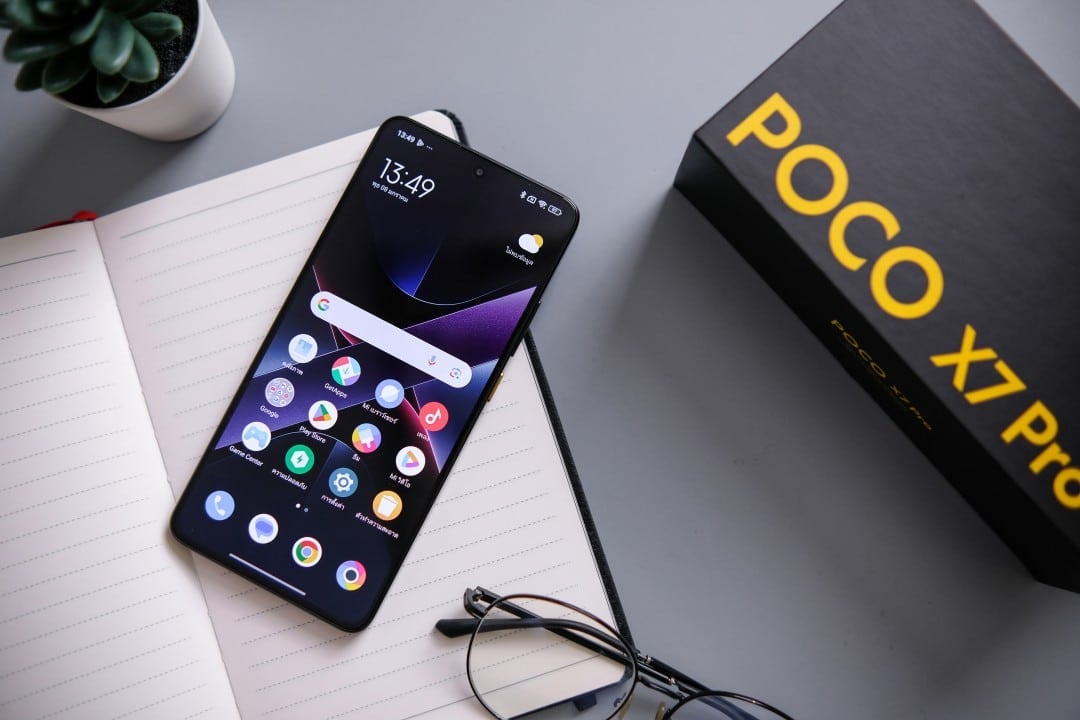
Owners of smartphones from the Sony Xperia and POCO brands, from Xiaomi, are facing a wave of Wi-Fi connectivity problems after updating to the latest versions of the operating system, the navigation and difficulties in reestablishing connections with known networks, especially in domestic environments.
The flaw does not appear to be restricted to specific models or a single geographic region, affecting a wide range of devices that received the new software packages. Usuários detail that, even with the Wi-Fi icon displaying maximum signal, internet access is non-existent or intermittent, hindering the use of applications and services that depend on a stable connection.
Technical analyzes indicate that the origin of the instability is not related to a hardware defect in the cell phones. The main hypothesis, confirmed by tests by several users, points to a software conflict between updated devices and the security settings of some models of residential routers, especially older ones.
The role of random MAC as a cause of conflict
The investigation into the cause of the problem converges on a privacy feature implemented by Google from Android 10 and maintained in versions 15 and 16: MAC address randomization. Esse security feature is designed to make device tracking difficult on public networks by generating a different MAC address with each new connection, which increases user privacy.
However, this constant exchange of identifiers is misinterpreted by certain routers. The firmware of some equipment, especially those that do not receive frequent updates, may identify the MAC change as an attempt at improper access or a threat to network security. Como result, the router blocks the device or limits its connection, causing the drops and slowdowns reported by Xperia and POCO users.
How to disable MAC randomization to stabilize the network
The most effective and immediate solution to resolve the instability is to disable MAC address randomization specifically for the home Wi-Fi network. By doing this, the smartphone will start using its original, fixed MAC address, which is recognized by the router as a trusted device, eliminating communication conflicts.
To make the adjustment, the user must access the device’s “Settings” menu, go to “Network and Internet” and select the “Wi-Fi” option. In the list of saved networks, you need to tap the gear or details icon for the network that has problems to open its advanced settings.
Within the network options, look for the “Privacy” or “MAC address type” section. The default setting is usually marked “Use random MAC”. The user must change it to “Use device MAC”. Após save the modification, the connection tends to stabilize instantly, without the need to restart the smartphone.
Additional router tweaks may help
In addition to the configuration carried out directly on the cell phone, some actions on the router itself can contribute to a more stable network that is compatible with modern devices. The first recommendation is to check if there is a firmware update available for the equipment. Fabricantes release fixes that improve compatibility with new technologies and operating systems.
Another useful practice is to separate the 2.4 GHz and 5 GHz networks, assigning different names (SSIDs) to each one. Isso allows the user to manually choose which band to connect to, preventing the cell phone from switching between them automatically, which can sometimes cause instability.
For testing purposes, temporarily disabling any MAC filters that are active in the router’s admin panel can help confirm if this is the source of the blockage. If the connection normalizes, the ideal is to add the device’s fixed MAC to a whitelist, instead of leaving the filter completely disabled.
Finally, restarting your router periodically helps clear memory and resolve temporary conflicts. Positioning the device in a central location in the house, free from obstructions, is also essential to guarantee signal quality in all rooms.
The dilemma between privacy and connection stability
Disabling MAC randomization resolves the issue on trusted networks such as home or work, but it is important to understand its implications. The feature was created to protect the user on public Wi-Fi networks, such as those in airports, shopping malls and coffee shops, where malicious actors may try to track device activity.
For this reason, digital security experts recommend that changing to “Device MAC” only be done for secure and known networks. When connecting to a public network, it is best to keep the random MAC setting active to preserve the layer of privacy protection offered by the Android system.
Additional measures to resolve the problem
If the instability persists even after fixing the MAC address and making adjustments to the router, there are other diagnostic steps that can be performed. A simple action is to “forget” the problematic Wi-Fi network in the cell phone settings and then connect again by entering the password from scratch. Esse procedure forces the creation of a new connection profile, eliminating possible corrupted data that was saved on the device. Outra quick technique is to turn on airplane mode for about 30 seconds and then turn it off. Isso forces a complete restart of the smartphone’s radio modules, including Wi-Fi, Bluetooth, and mobile data, which may resolve temporary communication outages. If the problem is still not resolved, clearing the system partition cache through Android’s recovery mode can eliminate temporary files that cause software conflicts without erasing the user’s personal data.
Occurrences in other brands and future corrections
Although reports are more concentrated among users of Xperia and POCO models, the compatibility problem with MAC randomization is not exclusive to these brands. Proprietários devices from other manufacturers using versions 15 and 16 of Android may also experience similar instabilities, albeit on a smaller scale.
The expectation is that both Google and smartphone manufacturers will continue to improve the implementation of this functionality in future updates. Patches patches are released periodically to improve compatibility with a wider range of routers and network configurations.
Therefore, it is essential that users keep their devices always updated with the latest software versions officially available. Essas updates often contain performance and security improvements that can mitigate or completely resolve this type of connectivity failure.
Tips for preventative network maintenance
To avoid not only this, but several other types of connection problems, preventive maintenance of the home network is essential. Manter the router’s firmware always at the latest version is the most important step, as it guarantees security and compatibility fixes. Além In addition, using less congested Wi-Fi channels, an option available in the advanced settings of most routers, can significantly reduce interference from neighboring networks, resulting in a faster and more stable connection for all devices.