
Critical holes in WebKit threaten iPhones of those who avoid new iOS because of visuals and AI


User resistance to updating the iPhone’s operating system is creating a high risk scenario for the security of personal data. Proprietários of compatible devices have chosen to remain on previous versions of the software, avoiding the installation of the most recent package made available by Apple. The main reason for this refusal is not technical, but rather aesthetic and functional: the drastic changes to the visual interface and the forced integration of artificial intelligence resources generated controversy in the community.
Cybersecurity experts warn that this decision leaves millions of devices exposed to sophisticated attacks. The rejected update package contains fundamental fixes for the WebKit browsing engine, which currently has two zero-day vulnerabilities already exploited by criminals. The situation creates a paradox where the preference for the old design outweighs the need for protection against spy software and credential theft.
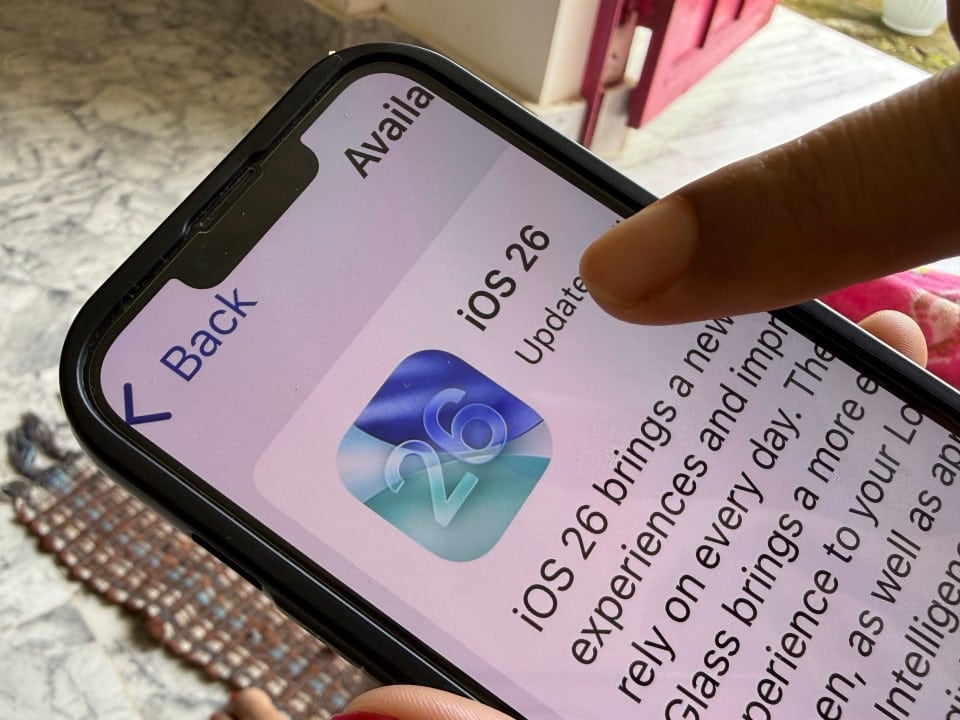
The update, identified as iOS 26.2 and originally released in December 2025, was designed to close these entry points for hackers. However, the introduction of the visual style known as “Liquid Glass” and the automatic activation of Apple Intelligence caused immediate rejection. To mitigate the problem, analysts suggest that it is possible to update the system to ensure security and then perform manual adjustments to reverse unwanted visual changes.
Real risks in WebKit engine failures
The vulnerabilities fixed in iOS 26.2 are classified as critical and directly affect the processing of web content. The first flaw, cataloged as CVE-2025-43529, involves a memory management error that allows malicious code to be executed just when visiting a compromised web page. Isso means that the user does not need to download a file or click on a suspicious link; simply loading a malicious website can compromise the device.
The second security breach, identified as CVE-2025-14174, was discovered in a collaboration between the manufacturer itself and Grupo of Análise of Ameaças of Google. Este error also allows arbitrary code execution and there is already evidence that it is being actively used in targeted attacks. The persistence of these flaws on outdated devices makes the iPhone an easy target for commercial spyware and banking data theft.
Keeping the system on previous versions, such as iOS 26.1 or even iOS 18, nullifies the layers of protection developed to combat these specific threats. Apple’s security architecture depends on all devices being on the latest version to ensure the integrity of the ecosystem. By ignoring the update, the user removes the most important barrier against silent intrusions that operate in the background.
Getting around the Liquid Glass look
For users who detest “Liquid Glass’s” new translucent aesthetic and depth effects, the system offers accessibility tools that can counteract these changes. The main complaint involves excessive transparency and blurring in windows and menus, which make reading difficult for some people. The solution lies in accessibility adjustments, where it is possible to reduce transparency and increase contrast, returning to a more solid and traditional appearance.
The process involves navigating to the menu for Ajustes, selecting Acessibilidade, and then Tela and Tamanho from Texto. Dentro of this section, activating the “Reduce Transparência” option eliminates the glass effect in docks, folders and the control center, making the background opaque. Isso improves readability and removes the visual aspect that has been criticized by more conservative consumers.
In addition to transparency, excessive movement in the new interface can be disabled. In the same menu as Acessibilidade, the “Movimento” option allows you to activate the “Reduce Motion” feature. Isso replaces complex zoom and parallax animations with simple dissolve transitions, which not only solves the aesthetic issue for those who prefer sobriety, but also helps users who suffer from motion sickness or visual discomfort with system animations.
The lock screen, another drastically changed area, can also be customized to remove the new style. By long-pressing the lock screen and entering edit mode, the user can change the background. At the bottom of the customization interface, instead of keeping the “Glass” or weather effects options, it is possible to select the “Solid” or “Color” option, restoring a flat, static look that takes us back to classic versions of the operating system.
Management of Apple Intelligence
Concern about privacy and data processing by artificial intelligence is the second major blocking factor for the update. iOS 26 deeply integrates Apple Intelligence, enabling generative features by default. However, the company maintained the possibility of completely disabling these functions for those who do not wish to use them, allowing the security update to be carried out without the mandatory use of AI.
To disable the features, the user must access Ajustes and look for the “Apple Intelligence and Siri” menu. Dentro of this configuration, there is a main switch that controls all smart features. By disabling this option, the system confirms that language models and neural processing will not be used, and the Siri icon returns to its default visual state, without the new glow effects associated with AI.
It is important to check whether the device has already been updated without the user’s explicit consent, which can happen if automatic updates are turned on. Para check the current version, just go to Ajustes, Geral and Sobre. If the version listed is 26.2 or higher, the device is already protected against WebKit flaws. Caso Otherwise, the security recommendation is to perform the update immediately and then apply the visual preference and privacy settings described above.



