
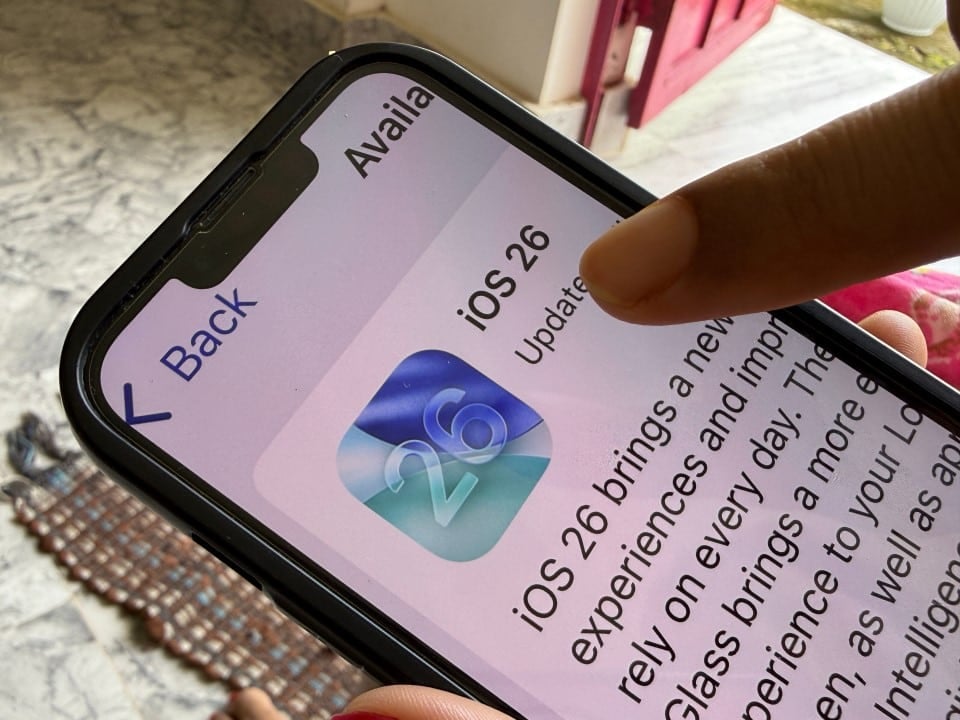
Thousands of Apple smartphone owners are deliberately choosing to keep their devices outdated, creating a worrying scenario for personal digital security. The refusal to install the latest security packages does not arise from technical performance problems, but rather from a general rejection of the new visual guidelines imposed by the manufacturer. By prioritizing aesthetic preference and avoiding the new system interface, these users leave their devices susceptible to serious flaws already known to cybercriminals, compromising the integrity of sensitive data stored on the equipment.
The decision to remain on previous versions of the software prevents the application of fundamental fixes to WebKit, the rendering engine that powers the Safari browser and several other applications in the iOS ecosystem. Especialistas in security warn that the beauty of the interface or familiarity with the old layout should not override device protection. The execution of malicious codes can occur silently, simply by accessing a compromised web page for attackers to exploit unpatched loopholes.
Active vulnerabilities and remote execution risks
The central focus of the problem lies in the iOS 26.2 update, developed specifically to mitigate two critical security flaws cataloged as CVE-2025-43529 and CVE-2025-14174. Estas vulnerabilities allow external agents to execute arbitrary code on the iPhone’s processor, directly affecting the system’s core. Exploitation of these flaws can lead to memory corruption, serving as a gateway to more complex attacks aimed at stealing banking credentials and private information.
Without installing corrective patches, the device remains defenseless against scripts designed to take advantage of these openings in WebKit. Diferente than traditional viruses that require file downloads, the threat in this case lies in everyday browsing. Simply loading malicious web content, whether through the browser or through links opened within third-party applications, is enough to activate the exploit, transforming daily use of the device into a high-risk activity.
The aesthetic factor and the rejection of Liquid Glass
Consumer resistance revolves around the introduction of the design language called “Liquid Glass”, which brought elements of translucency and depth to the system’s interface. Muitos users report that the new aesthetic makes reading and usability difficult, creating a visually cluttered environment compared to the flat design of previous versions. Fóruns of technology and social networks accumulate complaints about visual discomfort, leading a significant portion of the customer base to block automatic updates to preserve the old look.
In addition to the visual issue, there is growing distrust regarding the artificial intelligence resources integrated into the system, known as Apple Intelligence. The perception that AI algorithms constantly scan personal data to power proactive functionality creates discomfort around privacy. Para many, the update represents not only a worsening of the interface, but also an invasion of privacy, resulting in a risky stay on obsolete operating systems such as iOS 18 or unstable intermediate versions.
Settings enable security without discomfort
Technology analysts emphasize that it is possible to reconcile system security with a pleasant visual experience through adjustments to accessibility settings, without the need to ignore the update. The operating system allows, after the update, the user to navigate to the screen and text size adjustments to activate the option to reduce transparency. Essa simple change removes the translucent glass effect, returning folder and menu backgrounds to a solid color and increasing contrast for easier reading.
Another effective measure for those who suffer from visual discomfort is to disable unnecessary movements. Dentro from the accessibility menu, the reduce motion function simplifies screen transitions, eliminating parallax animations that cause the sensation of excessive depth. Para For those concerned about privacy and artificial intelligence, you can check and disable specific Apple Intelligence and Siri functionality in settings, ensuring that unwanted data processing is stopped while your device remains protected against WebKit threats.
