
New Apple update brings new look and advanced health features to iPhone users

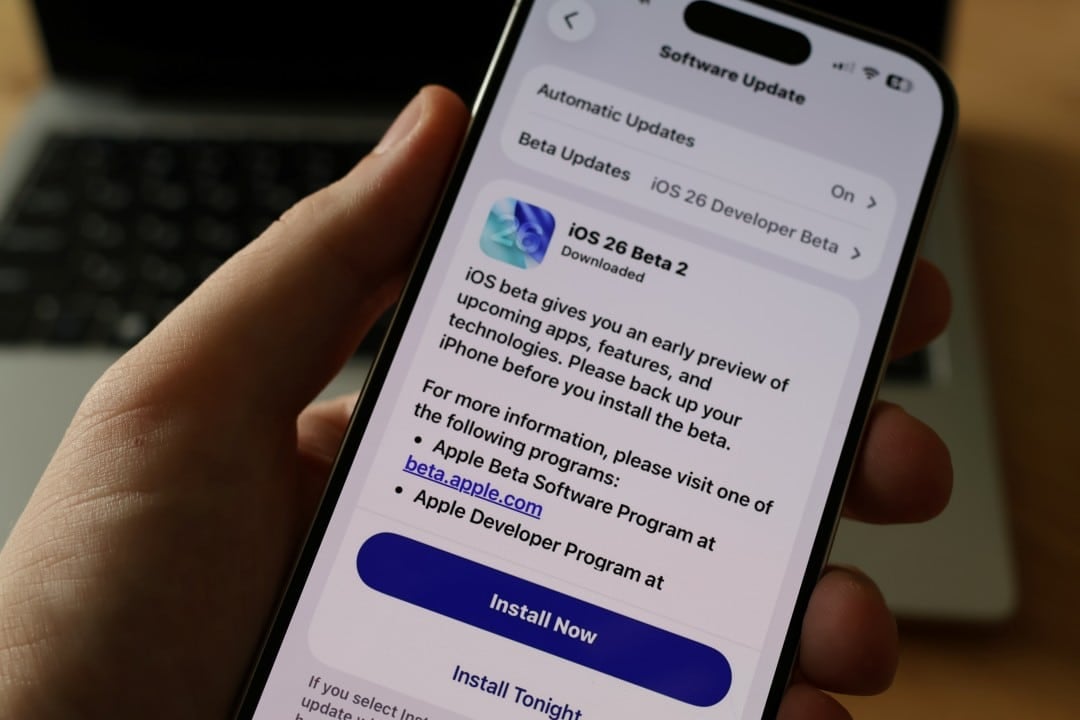
The Cupertino technology giant has begun global rollout of its latest version of the mobile operating system, bringing significant changes to the user interface and new wellness features. The software package, which is now available for download on compatible models from the iPhone 11 onwards, focuses on infrastructure stability and introduces a new visual identity. The company confirmed that the update can now be accessed through the device settings menu, recommending that all users perform the installation to ensure access to the latest security fixes and new productivity features.
This new build is not just limited to technical bug fixes, but represents a comprehensive aesthetic overhaul aimed at modernizing the everyday usage experience. The update was developed after extensive beta testing periods, aiming to optimize compatibility between the network architecture and the devices’ hardware. Além of the visual improvements, the system promises to increase the overall performance of devices, ensuring more fluid and responsive navigation in third-party and native applications.
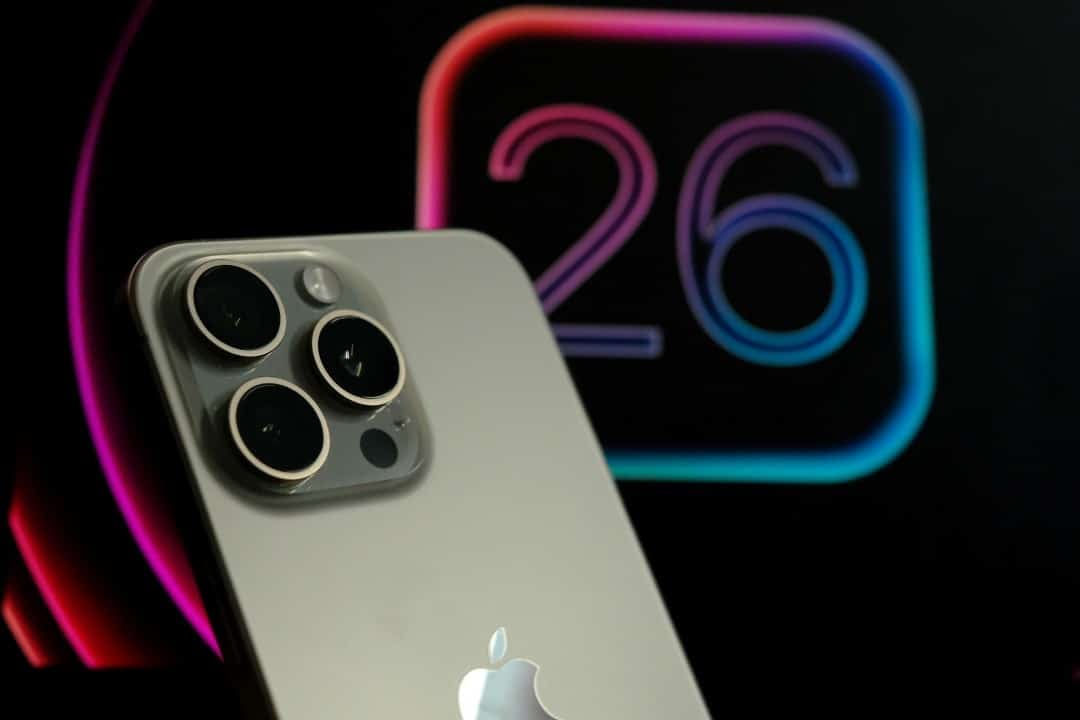
Technology experts point out that, unlike smaller updates focused solely on security, this release changes the way users interact with their files and work tools. The proposal is to offer deeper integration between the brand’s ecosystem of services, facilitating data flow and collaboration in real time. Installation is mandatory for anyone who wants to keep their device protected against newly discovered vulnerabilities and take advantage of battery and processing optimizations.
Aesthetic evolution and interactivity of the system
The visual highlight of this update lies in the introduction of the design concept called “Liquid Glass”, which replaces old graphic elements with a more translucent and dynamic aesthetic. Esta new visual language seeks to offer a sense of depth and clarity, using blur and transparency effects to create a more intuitive hierarchy of information on the screen. The change reflects a design trend that prioritizes lightness and fluidity, moving away from static interfaces to something that reacts organically to the device’s touch and movement.
The system’s animations also received special attention, becoming more subtle and responsive. The goal is to provide immediate visual feedback for every user action, from opening apps to transitioning between screens. The interface now uses screen lighting more intelligently, adapting to ambient light conditions to improve readability and visual comfort, providing a more immersive and modern browsing experience.
The practical application of this new design can be seen in the native measurement application, which now uses augmented reality more precisely. By using the digital level or virtual tape measure, the software simulates fluid physics in real time, providing a visual representation that responds to gravity and device orientation. Essa Attention to graphic details not only serves to beautify the system, but to make the utility tools more friendly and understandable for the common user.
New productivity and collaboration tools
The update significantly expands collaborative working capabilities with the introduction of a new digital whiteboard application. Esta tool was designed to work like an infinite canvas, allowing teams to work simultaneously on projects, regardless of their physical location. The platform supports the insertion of different types of media, from sticky notes and diagrams to complex files, which are updated in real time for all session participants.
The integration of this new application with the operating system allows unprecedented fluidity in sharing ideas. Usuários can start a brainstorming session during a video call and see their colleagues’ contributions instantly appear on the screen. The tool is seen as a direct response to the needs of hybrid work environments, where flexibility and quick visual communication are essential for maintaining productivity.
Optimized gaming performance
For the gaming audience, version 26.2 of the operating system introduces a dedicated “Jogo Mode”, designed to maximize hardware performance during entertainment sessions. Quando enabled, this feature redirects CPU and GPU priority to the running game, minimizing background processes that could cause slowdowns or frame rate drops. The technology aims to extract the maximum potential from the graphics processors in the latest iPhones, ensuring a high-fidelity visual experience.
In addition to graphics processing, the new mode focuses on reducing latency for wireless peripherals. Usuários of Bluetooth headphones and game controllers will notice a faster, more synchronized response, eliminating noticeable delays between action on the controller and response on screen or in audio. Essa optimization is crucial for competitive, fast-action games, where milliseconds can define the outcome of a match.
Ecosystem integrations and improvements
The update brings important refinements to several native applications, focusing on usability and privacy of data shared between nearby devices.
– The company’s music streaming service received adjustments to lyric synchronization. Agora, even when the device is offline, downloaded song lyrics are displayed correctly and in real time, allowing users to follow their favorite tracks without interruptions or display errors.
– The Lembretes app has been updated to provide smarter task categorization. The system can now automatically identify the context of reminders and suggest links with other applications, making routine organization easier and ensuring that important deadlines are not forgotten.
– A crucial security change has been implemented in AirDrop. The option to receive files from “Everyone” now has a time limit of 10 minutes. Após this period, the setting automatically reverts to “Contatos Only”, a measure designed to prevent unwanted receipt of files in public places and increase user privacy.
Accessory-free health monitoring
Health and well-being remain central pillars of iOS development, and this update democratizes access to sleep tracking. The new functionality allows the iPhone to track the user’s sleep patterns without the need for a paired smart watch. Utilizando the device’s motion sensors and microphone, the system can detect when the user is sleeping and analyze the quality of rest.
Algorithms process this data locally on the device, ensuring the privacy of health information. Upon waking up, the user receives a detailed report on the duration and phases of sleep, allowing a better understanding of their nighttime habits. Essa functionality expands the company’s health ecosystem to a much larger number of people, who can now gain valuable insights into their rest just by positioning their cell phone correctly during the night.
The accuracy of the sensors has been calibrated to distinguish environmental noise from user movements, ensuring that the data collected is reliable. The feature is designed to be energy efficient, ensuring that nighttime monitoring does not excessively drain the device’s battery, allowing the alarm to function as expected the next morning.
Security and stability fixes
Finally, the update addresses several security vulnerabilities that were identified in previous versions. The company emphasizes the importance of keeping the system updated to protect sensitive data against malicious attacks and software exploits. Além security barriers, fixes have been applied for visual bugs, including an issue that prevented album covers from displaying correctly in the music player.
The stability of the system as a whole has been reinforced, with the promise of reducing unexpected application closures and spontaneous restarts. The update reaffirms the brand’s commitment to offering a safe and reliable digital environment, where hardware and software work in unison to provide the best possible experience for the end consumer.
Palavras final keys: iOS update, iPhone features, digital security, sleep monitoring.




