
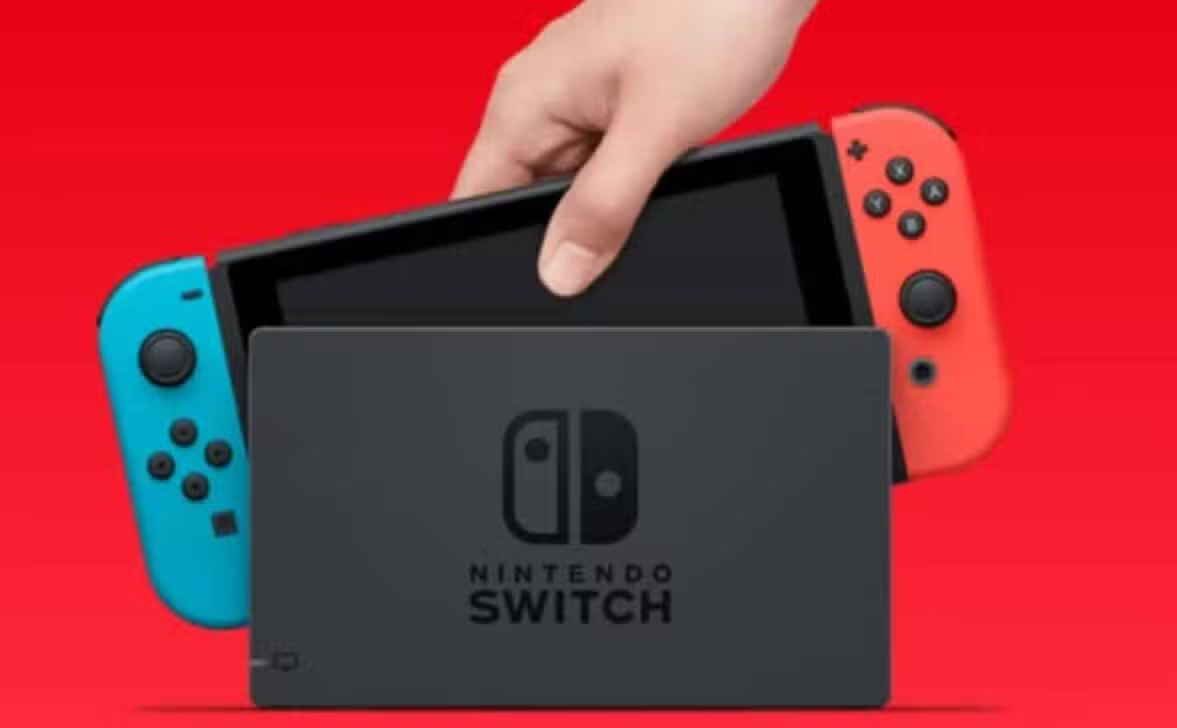
The Japanese video game giant has officially released a new version of software aimed at improving the user experience on its current line of hardware. The main focus of the recently released patch lies in eliminating persistent errors that compromised peripheral synchronization and account migration between old devices and the new hybrid console. Esta measure responds directly to the community’s demands for greater operational stability in the brand’s ecosystem.
Solution for Bluetooth and migration errors
Frequent reports from players indicated that wireless controllers and Bluetooth headsets would fail when trying to automatically reconnect after the console returned from sleep mode or exited airplane mode. The update eliminates this technical barrier, allowing accessories to be instantly recognized by the operating system without the need for constant manual pairing, which caused significant interruptions to gaming sessions.

Another crucial point addressed by engineers involves the process of transferring save data and user profiles between consoles. Anteriormente, specific error codes such as 2011-0301 and 2168-0002 interrupted the flow of migrating on-premises systems via wireless communication, frustrating owners trying to move their progress to the latest hardware. The new firmware ensures that this procedure occurs smoothly and without abrupt interruptions, facilitating the transition to the new models.
Game optimization and system stability
In addition to structural network and connectivity corrections, the data package brings direct improvements to the execution of popular titles in the device’s library. Jogadores ofNieR:Automata
in Switch 2, for example, they faced critical crashes that prevented progress in the campaign, a flaw that was completely remedied with the application of this patch file, allowing access to the game without the risk of sudden closure.The overall stability of the interface has also received fine adjustments to make navigating the menus more responsive and secure. Títulos independent asHey Rita’s Rewindhave also benefited, receiving improved support that avoids software incompatibilities. Essas changes aim to consolidate the reliability of the platform, ensuring that both the operating system and games run with the performance expected by consumers.
How to perform the console update
Version 21.0.1 should download automatically for most consoles that are connected to a stable Wi-Fi network. The system performs file scanning in the background and notifies the user when the installation is ready to complete.
If the process does not start on its own, it is possible to force the search for the package manually through the settings menu. The user must navigate to the system tab and select the software update option, thus ensuring that their device is operating with the most current security and performance settings made available by the manufacturer.