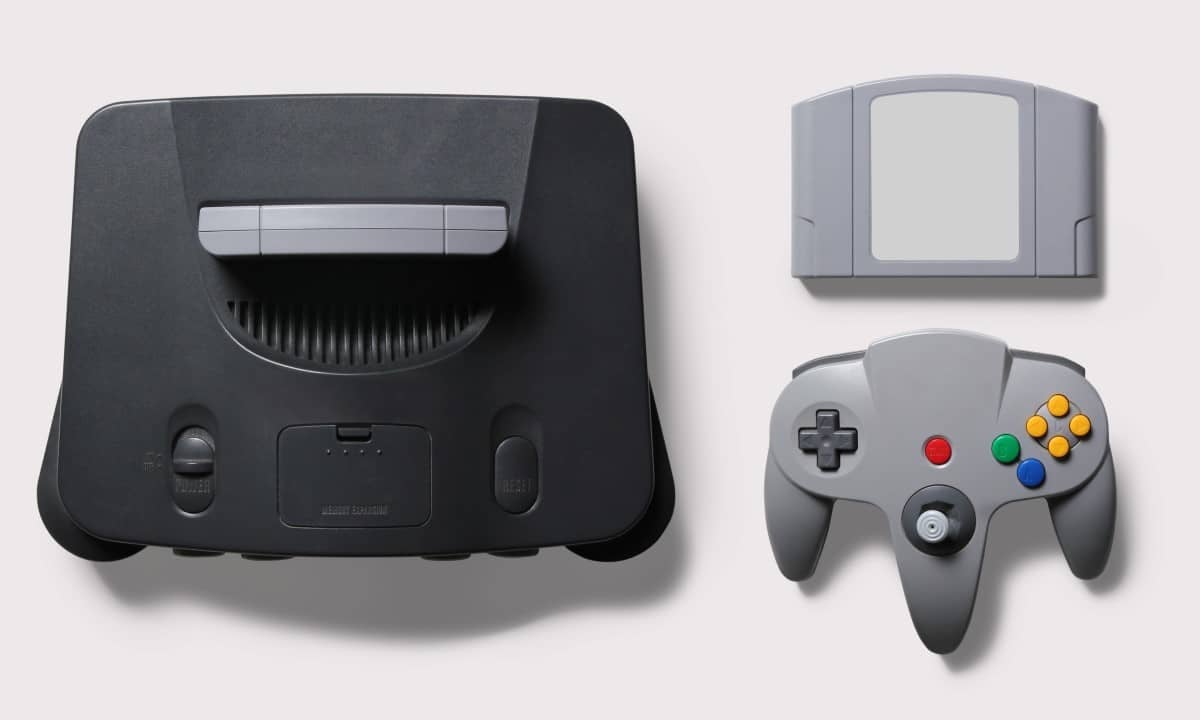
Owners of consoles based on FPGA technology have just received a significant improvement in the usability of their classic high-fidelity equipment. The availability of firmware 1.2.0 has profoundly changed the device’s connectivity, now allowing direct pairing with Nintendo wireless peripherals, completely eliminating the need for intermediaries or external adapters. Essa change not only simplifies the hardware needed in the living room, but also improves emulation accuracy, meeting one of the oldest and most vocal demands from the community of retro gaming enthusiasts seeking a purist experience.
The software package introduces vital fixes to sound and image processing, ensuring the console’s library plays with maximum integrity on modern 4K televisions.
3DOS v1.2.0, 利用可能, なりました。プクコントローラーのサポート、ライブラリゲームの日付の追加+ゲームプレイ時間の追跡など、その他多数。
以下のスレッドで完全な変更ログを参照し、ここで 3Dhttps://t.co/Ovhx8JZe1C pic.twitter.com/6WmbBOyq72
— アナログ (@analogowy)1 stycznia 2026 r. i 30 stycznia
Hardware experts point out that the ability to connect the Nintendo Switch Online controls directly to the FPGA chip represents a technical advance in reducing latency, optimizing the response time between the player’s command and the action on the screen.
Native integration and wireless experience
The big highlight of this version is the direct compatibility with the Nintendo 64 controllers released for the Nintendo Switch Online service. Anteriormente, users had to depend on third-party signal receivers or wired connections to use these specific peripherals, which created physical and aesthetic barriers in the setup. With the new software, the console takes full control of the Bluetooth stack, enabling clean and stable pairing, ensuring that the original button layout and classic ergonomics are enjoyed without complex configurations.
The integration solves one of the biggest obstacles to full immersion in the Analogue 3D platform, as the haptic sensation of the original controller is an intrinsic part of the muscle memory of veteran players. The company also maintained compatibility with partner 8BitDo’s line of controls, ensuring a wide range of input options, but now with the advantage of a more unified and responsive ecosystem.
To activate the functionality, the user must access the control settings menu after the update and start the search process. The system automatically identifies the controller type and adjusts analog sensitivity and dead zone parameters to original 1990s hardware standards.
Critical refinements in audio and video
In the audiovisual department, the 1.2.0 update addresses specific issues that affected a small but vocal portion of the game library. Foi mitigated the issue of audio clipping, which caused sound distortions in high volume situations or complex polyphony. Títulos that utilize dynamic soundtracks or multiple simultaneous sound effects now play with the expected crystal clarity, without pops or cuts that could break the player’s immersion.
Visually, compatibility with modern displays has been improved. The HDMI handshake process, the signal negotiation between the console and TV, has been rewritten to prevent signal loss or sporadic black screens on specific models of 4K monitors and televisions. Isso ensures image delivery at the correct resolution from startup, allowing tube simulation (CRT) filters to function with the geometric and color accuracy for which they were designed.
Evolution of the 3DOS operating system
The console’s operating system, called 3DOS, also received special attention in file management and stability. Navigation through the menus has become more fluid and the reading of original cartridges has become more robust. The system now better handles inserting and removing games, protecting save data from accidental corruption during physical handling of the media.
To perform the update, it is necessary to format an SD card in FAT32 or exFAT, download the latest firmware file from the manufacturer’s website and copy it to the root of the card. When turning on the console with the card inserted, the update process begins automatically, requiring caution not to turn off the device while recording the new memory.
