
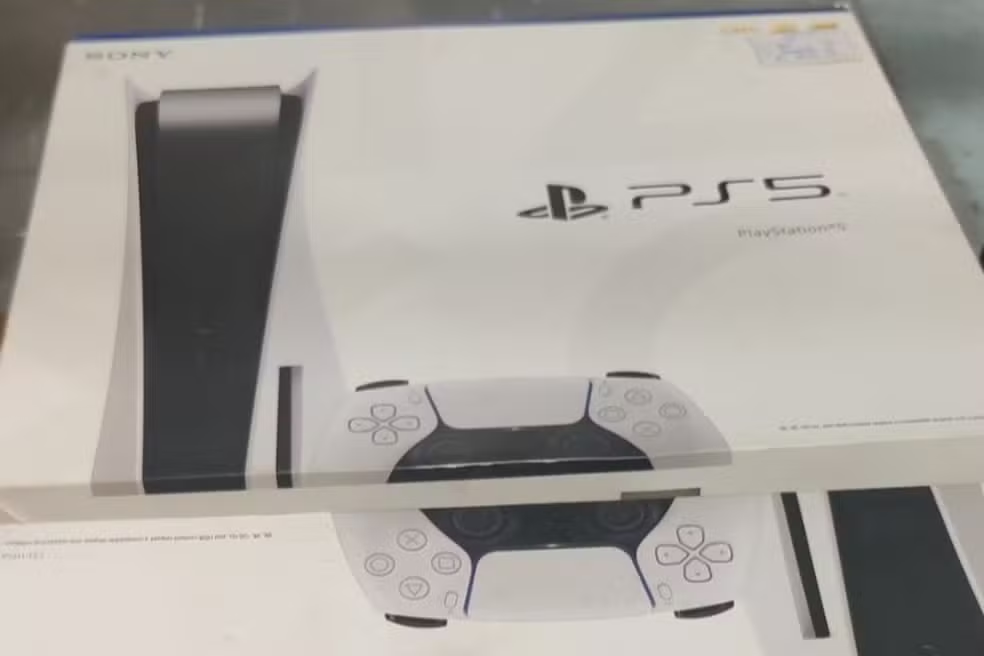
This week, Sony released version 26.01-12.60.00 of the system software for the PlayStation 5, introducing tools aimed at managing privacy and social interaction. Downloading the file requires around 1.3 GB of free storage space and brings adjustments that impact both the console interface and integration with mobile devices. The changes seek to refine the daily use experience without drastically altering the main layout.
The data package is now available globally and can be downloaded immediately by platform owners. Entre the technical highlights, the update focuses on the fluidity of communication between users and the reduction of steps for joining online matches, meeting long-standing demands from the community for greater agility in the menus.

The distribution of some specific features occurs gradually, which means that certain options may appear progressively for the installed base. However, stability fixes and the operating system core are applied to all consoles at installation time.
New chat privacy features
The main functional addition of this update is the introduction of read receipts in messages exchanged over the console network. The tool allows players to identify when sent content has been viewed by the recipient, similar to how instant messaging applications work on smartphones.
The feature was developed with a focus on privacy and is not compulsorily activated. Cada user has the freedom to decide whether or not to share their reading status with other players, maintaining control over their personal information.
This functionality is fully synchronized between platforms. When activating or deactivating the option on the console, the preference is automatically reflected on the PlayStation App on iOS and Android devices, ensuring a unified communication experience.
How to set up read receipt
To manage this new option, the user must access system settings manually. The process is simple and can be reversed at any time, depending on the player’s need for privacy.
- Access the Configurações menu and navigate to Usuários and Contas.
- Select the Privacidade tab and click on Visualizar and Personalizar Configurações of Privacidade.
- Within the Comunicação and Multijogador section, find and enable the Mostrar read receipts option.
Optimization of access to games
The “Boas-Welcoming Hub” has received a significant update to its activity widget. The interface now allows the user to directly join the game a friend is running, without the need to navigate through multiple menus or invites.
This change aims to streamline multiplayer sessions, reducing the time spent organizing matches. When viewing a contact’s activity in the widget, the system offers an immediate shortcut to joining the session, facilitating connection between groups that play regularly.
Installation and performance improvements
Update 26.01-12.60.00 can be installed automatically if the console is in rest mode and has the appropriate internet permissions enabled. Caso Otherwise, the user must start the process manually through the Software or Sistema menu in the settings.
In addition to the visible features, Sony has implemented stability fixes in the operating system’s base code. Essas Behind-the-scenes improvements aim to improve overall hardware performance when running applications and games, preventing crashes and ensuring smoother navigation.