
Samsung app releases hidden functions to optimize interface and performance on Galaxy cell phones
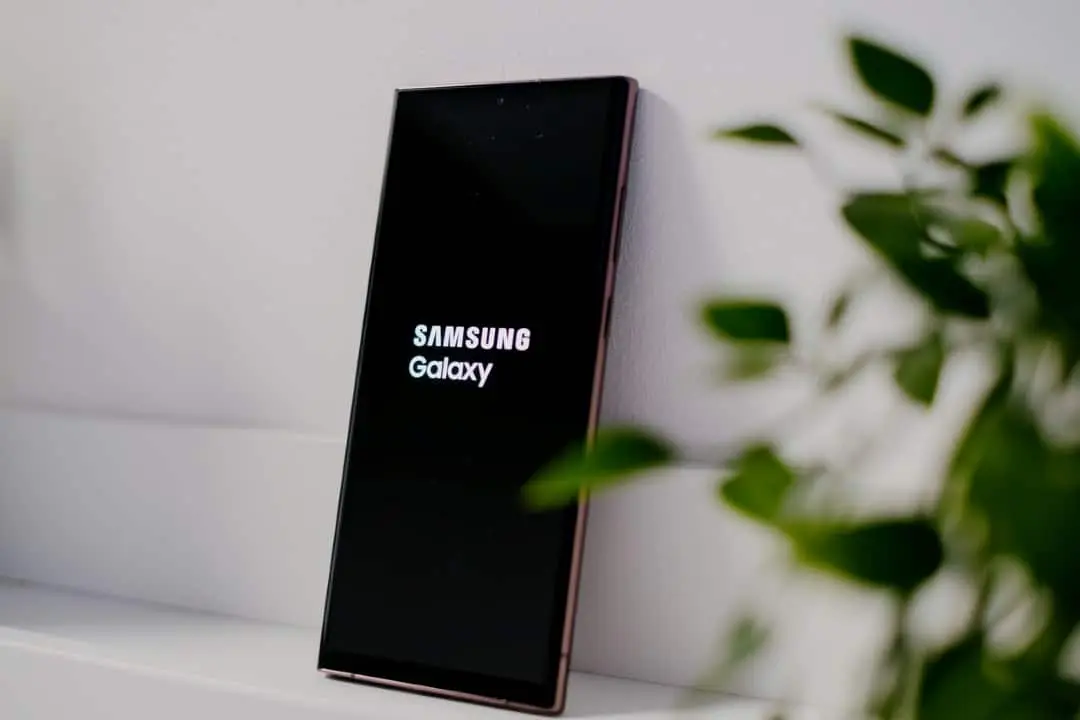
Owners of Galaxy mobile devices are discovering new ways to adapt their smartphones far beyond their factory limitations. Through specific modules developed by the manufacturer itself, it is possible to modify everything from the navigation bar to the behavior of the side buttons. Esses adjustments aim to increase productivity and visual comfort for different usage profiles.
The suite of tools, known as Good Lock, has become an essential reference for anyone looking for a unique experience in the Android system. With millions of active installations, the platform brings together utilities that refine interaction with the device, especially on large screens. Continuous Atualizações ensures that the tools work in harmony with the latest versions of the operating system.
On the same topic: Leaked code previews translucent look of the future Galaxy S27 system
Detailed visual customization
One of the main attractions involves the complete manipulation of the device’s aesthetics through the Theme Park module. Esta utility allows independent configuration of light and dark modes in the quick panel, adjusting colors and transparency for easier reading in any environment.
The lock screen also gains new capabilities with the use of LockStar, which authorizes the insertion of widgets without the need for unlocking. Informações such as world clocks and weather forecasts become immediately accessible, while the positioning of icons can be changed to clear the visual field.
Navigation and ergonomics
Ergonomics is a priority in modules like Home Up, which redesigns the recent applications menu. Changing the horizontal view to a vertical or circular list speeds up multitasking and allows you to close programs more quickly.
More on this story: Leak reveals Samsung’s unprecedented interface with a translucent look for the Galaxy S27 line
For devices with generous dimensions, the One Hand Operation+ offers a practical solution by implementing customizable side gestures. The user defines specific commands for short or long swipes, replacing the need to reach for distant navigation buttons.
See Also



System and audio control
The status bar is organized by QuickStar, which allows you to move the clock to the right or hide unnecessary icons. Essa cleaning frees up space for relevant notifications and gives the top interface a less cluttered appearance.
In the screenshot department, Nice Shot introduces an instant delete button right after a screenshot, preventing the gallery from becoming full of errors. Já o Sound Assistant ensures precise audio management, allowing you to control the individual volume of each running application.
Automation and photography
Advanced automation gains power with Routines+, which creates complex macros to perform repetitive tasks automatically. The tool deeply integrates with the system to perform actions that native settings do not cover.
Learn more: Samsung Galaxy Tab S9 receives important July security patch
Photography enthusiasts benefit from Camera Assistant, which reduces shutter lag. When activating quick capture mode, the lens records the image exactly at the moment of touch, essential for recording moving objects without blur.














