
Samsung customization suite unlocks advanced features to modify Galaxy phones
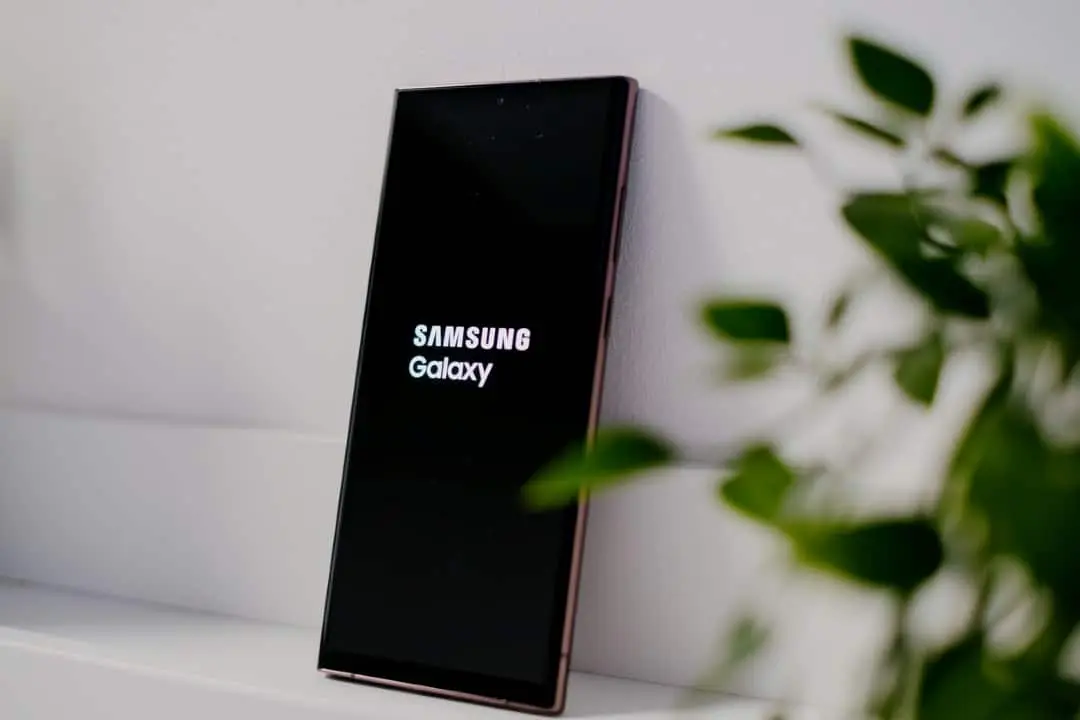
Owners of smartphones from the South Korean giant have a significant advantage in the Android ecosystem, which allows them to overcome the conventional limitations of the operating system. Através from an official module platform, it is possible to completely redefine the user experience, adjusting everything from the behavior of physical buttons to the deep aesthetics of the menus. Essas tools aim to serve both users who seek productivity and those who prioritize visual comfort.
The utility center, called Good Lock, has established itself as an important differentiator for the brand, offering solutions that are not available in the device’s native configurations. With frequent updates that accompany new software versions, the application ensures that modifications operate with fluidity and stability.
Visual customization and interface
Para users who want granular control over the appearance of their device, specific modules offer almost unlimited creative freedom. The Theme Park, for example, allows detailed configuration of colors, transparencies and icons, enabling the creation of themes that adapt perfectly to light and dark modes. Além In addition, the LockStar tool expands the functionality of the lock screen, allowing:
Learn more: Samsung adds internet speed meter to the Galaxy S26 status bar; see how to activate
- Free positioning of clocks and notifications to avoid visual pollution on the wallpaper.
- Insertion of functional widgets that can be accessed without having to unlock the device.
- Adjustments to the orientation and display time of essential information.
Essas changes transform the basic interaction with the phone, making information more accessible and the design more aligned with the owner’s personal taste.
Improved ergonomics and navigation
Usability on large screens receives special attention through tools focused on ergonomics and gestures. The One Hand Operation+ module is essential for those handling larger devices, introducing touch areas on the sides of the screen that can be configured to perform dozens of different actions, such as going back, opening recent applications or turning off the screen, all with simple swipes of the thumb.
See Also



Simultaneamente, multitasking management is optimized by Home Up. Este feature changes the default view of open applications, allowing grid or vertical list layouts, which speeds up switching between programs and closing windows, increasing daily productivity.
On the same topic: Samsung updates QuickStar with much-requested network speed indicator in One UI 9.0 beta
System and media management
Além of the visual and navigation changes, the suite offers refined control over the hardware and system. The Sound Assistant stands out for allowing individual volume control for each running application, an essential function for those who listen to music while browsing social networks with automatic video playback. Já in the field of photography, the Camera Assistant reduces shutter latency, ensuring instant captures.
The status bar arrangement can also be completely modified by QuickStar. The tool allows you to hide unnecessary system icons, such as the alarm indicator or the NFC icon, and reposition the clock, resulting in a cleaner top interface focused only on the notifications that really matter to the user.














