

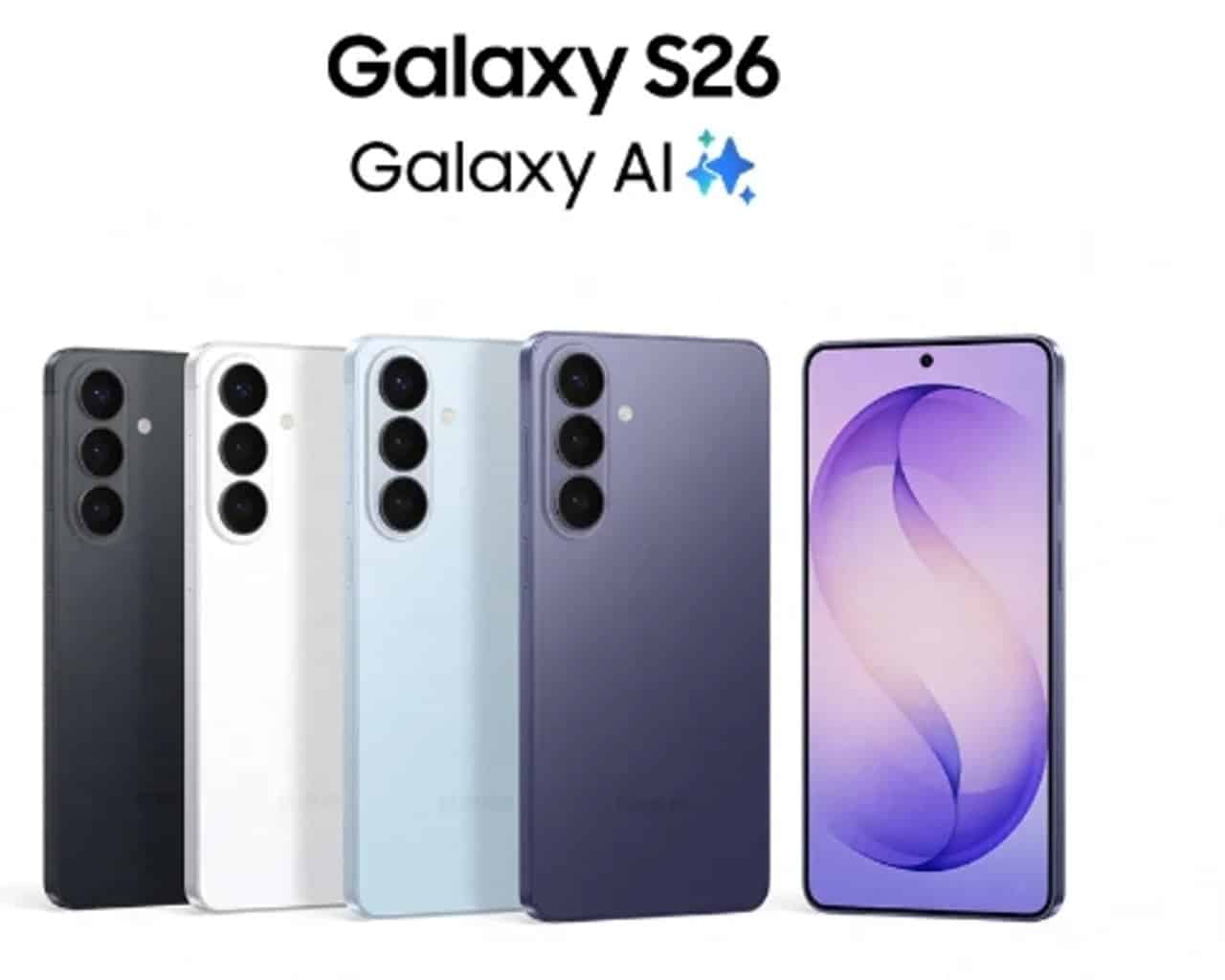
The Samsung Galaxy S26 Ultra was recently launched with a starting price of US$1,300 for the 256 GB version on the Estados Unidos. The model stands out as the top of the line of the S26 series, announced in February 2026 during the Galaxy Unpacked event. Usuários who received the device noted that the device comes with a significant number of pre-installed third-party applications. Esses apps take up considerable space on internal storage right after initial setup.
Clean configuration of the 512 GB Galaxy S26 Ultra reveals that system files and pre-installed applications consume more than 40 GB. Esse volume represents about 8% of total capacity before any user data is added. Atualizações Activated automatics worsen initial occupancy. Apps from companies like Meta, Microsoft and Spotify install automatically when logging into accounts Google and
Factory-installed third-party apps
The Galaxy S26 Ultra includes apps such as Facebook, Instagram and LinkedIn by Meta. Da Microsoft, Outlook, OneDrive and M365 Copilot arrive. Spotify also appears in the pre-installed list. Esses apps appear without explicit consent screen or option to block installation during initial setup.
Many of these applications cannot be uninstalled easily by the average user. Eles take up space in the app drawer and can generate notifications or updates in the background. The presence of this software on a premium device raises questions about the experience offered.
Storage occupancy right off the bat
After factory reset and basic configuration, the operating system and pre-installed apps already use more than 40 GB on the 512 GB model. Third-party Apps alone consumes around 17 GB, while the rest comes from One UI 8.5 files and core components. Esse scenario occurs even without data migration or installation of photos and videos by the user.
Samsung maintains partnerships with these companies to include apps. In entry or mid-tier models, bloatware helps reduce costs via revenue agreements. In the case of Ultra, the high price does not eliminate this practice.
Software criticism on premium flagship
The Galaxy S26 Ultra offers advanced features like a privacy screen, Snapdragon 8 Elite Gen 5 processor, and improved cameras. Apesar Furthermore, the persistence of bloatware contrasts with the expectation of a clean experience on a high-value device. Usuários report a need for tools like ADB to safely remove unwanted apps.
The absence of an opt-in option during initial setup makes it difficult to avoid installation. Muitos prefer to manually remove these apps to free up space and improve performance. The problem mainly affects those looking for maximum storage for personal files.
Comparison with market expectations
Premium flagships often receive criticism when they include unsolicited software. No Galaxy S26 Ultra, high initial occupancy reduces the usable space available from first use. Consumidores hope that the high price guarantees a leaner interface focused on the essentials.
The Samsung continues with the One UI, which allows for customizations. Ainda Thus, third-party bloatware remains a point of attention for those who purchase the model. Ferramentas rootless removal helps mitigate the impact.
Strategies for managing pre-installed apps
During initial setup, avoid automatic account logins that trigger extra installations. Revise the app drawer after setup and uninstall whatever is possible directly. Para persistent apps, advanced methods like ADB App Control allow for more complete removal without compromising essential system functions.
The Galaxy S26 Ultra maintains the line’s standard in hardware and AI features. Software management remains an area for future adjustments by the manufacturer.



