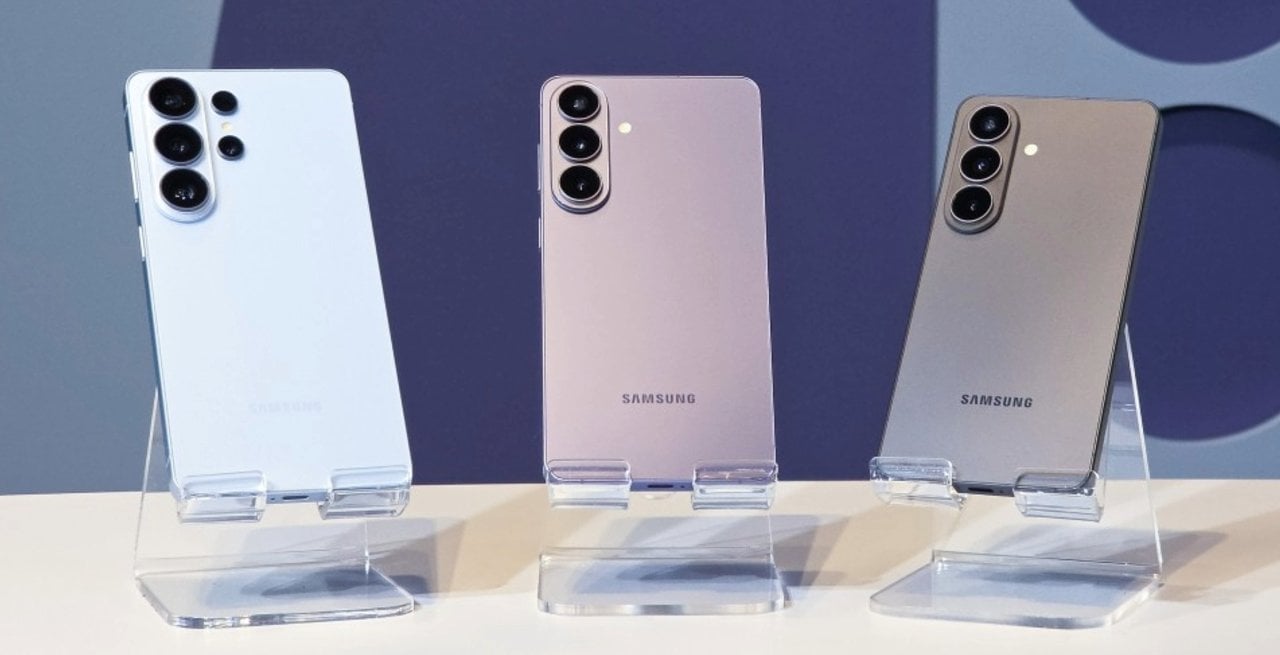
South Korean manufacturer Samsung has released a new version of its advanced photographic module, changing the dynamics of image capture for users of its latest smartphones. The secondary camera software received an improvement package focused on resolving technical complaints from the community, which reported operational difficulties in activating intermediate resolutions in daily use.
Version 4.5.00.20 of the add-on, officially distributed through the company’s online store, brings direct changes to the system’s usability. The main changes include the repositioning of the 24 megapixel resolution activation key, direct access to the main settings screen and the memorization of the user’s choice to avoid automatic returns to the factory default.
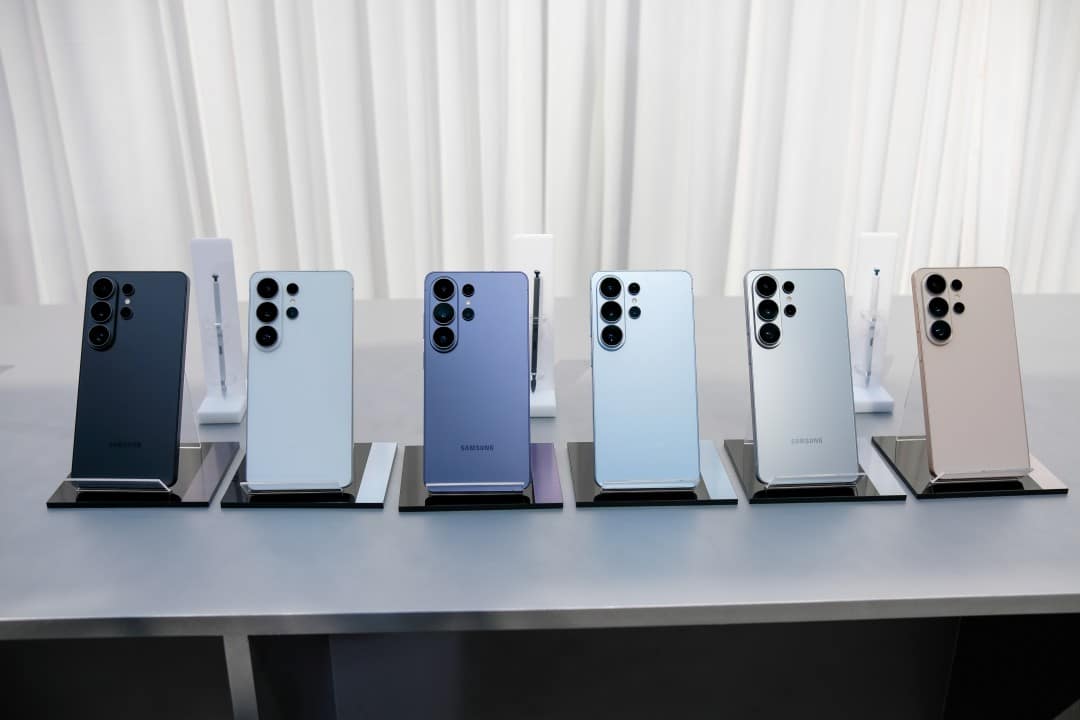
This structural modification responds to requests for simplification of the standard capture interface, specifically covering the Galaxy S26, S26 Plus and S26 Ultra devices. Integration requires prior installation of the add-on to work silently in the native application, changing the options available on the display immediately after initial configuration.
With the implementation of this change, the system adjustments interface becomes more fluid to navigate. The update definitively eliminates the need to search for hidden menus to configure the quality of photographs, democratizing access to advanced image resources.
Change in the application’s interface and usability
The restructuring of the internal menus of the secondary application represents a significant change in the usability of the mobile capture system. Anteriormente, the option to photograph at 24 megapixels was relegated to submenus aimed strictly at advanced users, requiring multiple touches on the screen to activate it.
With the arrival of the new version, the development team moved the resolution selector to the first hierarchical level of the device settings. Essa visual change transforms a previously hidden resource into an easily accessible tool for the general public looking for greater image fidelity in their daily records.
Integration between the add-on module and the native camera app occurs in real time after the system update. Assim Once the option is enabled in the control panel, the 24 megapixel icon immediately appears in the top bar of the main display, next to the traditional format and aspect ratio markings.
Technical differences between available resolutions
Modern mobile photography largely operates based on combining pixels to capture more light from the environment. Esse process results in the industrial standard 12 megapixels, which delivers light files and excellent performance in dark places or at night.
In contrast, maximum resolutions of 50 or 200 megapixels offer a massive amount of detail in captured images. Essas extreme options are ideal for large format prints or precise cropping of elements that are distant in the scene recorded by the photographer.
Using these maximum capacities requires perfect lighting conditions and generates considerably large files in the cell phone’s storage memory. Além In addition, they present slowness in software processing and possible problems with overexposure in very bright areas of the composition.
The 24 megapixel option appears on the technology market as an ideal technical balance point for most everyday situations. The format doubles the amount of detail compared to the factory standard, maintaining a highly manageable file size and fast processing time for the user.
Artificial intelligence image processing
The generation of a 24 megapixel photograph on devices in the Galaxy S26 line does not occur through a simple cropping or physical resizing of the image sensor. The operating system uses advanced artificial intelligence algorithms to merge multiple frames captured simultaneously at different resolutions. The smartphone’s image signal processor combines the high light capture of the 12-megapixel standard mode with the fine details extracted from a full-resolution capture, merging all the information into a single optimized digital output.
This computational processing requires considerable firepower from the neural processing unit embedded in the cell phone. Durante the exact moment of capture, the software analyzes the scene in real time, identifying complex textures, human faces and areas of high light contrast. The practical result is a photograph that preserves the dynamic range of colors, avoiding blown out skies or completely dark shadows, while maintaining the sharpness necessary for reading distant texts, overcoming the physical limitations inherent to compact lenses.
Storage management and capture speed
Disk space management represents a constant concern for smartphone owners who record a lot of media daily. The 24-megapixel intermediate format solves the problem of rapid memory exhaustion, generating files that take up just a fraction of the space required by full-resolution captures, without compromising visual quality for sharing on social networks.
Digital shutter speed is a crucial factor in capturing spontaneous everyday moments. The standard 12 megapixel mode remains the fastest on the system, presenting practically no delay, while capturing at 24 megapixels adds a fraction of a second to the process, the time strictly necessary for the artificial intelligence to merge the photographic frames.
Tool exclusivity and market strategy
The manufacturer’s corporate decision to limit this ease of access exclusively to the Galaxy S26 series raises technical debates about the segmentation of resources via software updates in the technology market. Modelos of immediately preceding generations have sufficient hardware and processing capacity to perform the same photographic work, but depend on third-party applications aimed at professionals, which require in-depth knowledge of manual photography and handling uncompressed files. The absence of an official forecast from the company for the expansion of this simplified interface to other devices in the catalog indicates a clear strategy to enhance the current line. Especialistas point out that the brand uses these complementary applications as public testing laboratories, evaluating the reception of new tools before definitively implementing them in the main source code. The technical expectation is that these intermediate resolution options will be incorporated natively into the standard camera application in the future, using the convenience of native software as a strong competitive differentiator in the fierce global market for high-performance mobile devices.
Practical procedure for installing the resource
To have immediate access to the new functionality, the device owner needs to access the manufacturer’s native application store and search for the complementary photographic module manually. Após the free download and quick installation, the individual must open the program, locate the resolutions section, activate the key corresponding to 24 megapixels and select the check box that sets the preference in the device’s operating system.
