
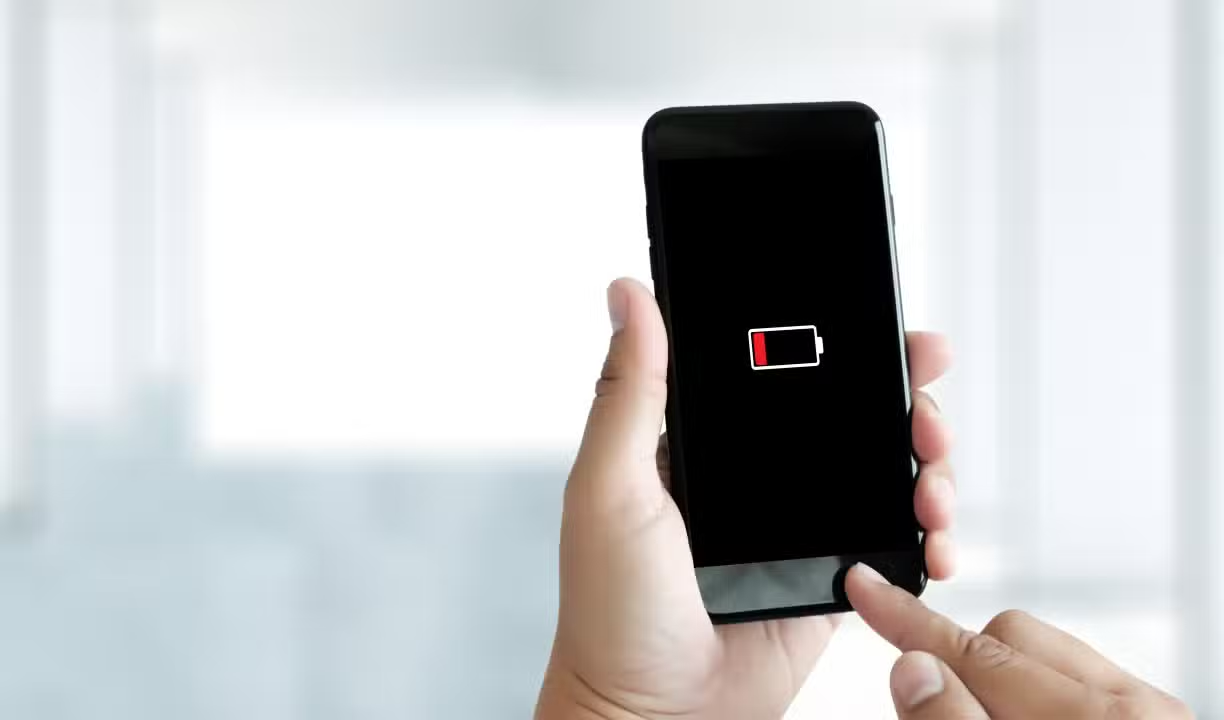
The recent release of the Apple operating system update brought aesthetic and functional new features, but also generated reports about the accelerated decrease in load on the devices. Usuários noticed that, shortly after installing the software package, the devices began to require more frequent recharges during everyday use.
The increase in energy expenditure is directly linked to the new processes running in the background and the graphical requirements of the recently added interfaces. The technology company included unprecedented support for media and visual refinements that, by default, require greater continuous processing from the hardware.

Before seeking expert technical assistance or considering physical component replacement, changing specific parameters in the control interface can stabilize performance. Deactivating secondary tools allows the device to maintain its primary functions without compromising daily autonomy.
Liquid Glass Visual Impact and Media Playback
The introduction of the Liquid Glass design brought a new layer of graphical complexity to the phones’ interface, placing greater demands on the graphics processing unit. To mitigate this effect, the system offers the option of limiting glare effects, a setting that drastically reduces the reflections characteristic of this new visual identity.
The path to this modification is found in the settings menu, within the accessibility tab, specifically in the screen and text size section. By activating limitation, the user reduces the strain on the processor, resulting in much more efficient charge retention throughout hours of intense use.
Another significant change involves native support for videos in the podcasts app, which now consumes more power when the screen remains active during playback. Interrupting the display of moving images while listening to strictly audio content avoids wasting battery resources during prolonged sessions.
Background app and resource management
The detailed power consumption list provides an accurate picture of which software is draining power while the phone is resting. Analysis of this section allows you to identify programs that operate invisibly, downloading data or updating locations without the direct consent of the device owner.
Applications that are rarely opened, but are at the top of the spending list, represent optimization failures or excessive permissions granted. Immediate removal of such software or restriction of its hidden activities is a fundamental step towards restoring the stability of the device’s autonomy.
The widgets present on the home screen and lock screen also act as silent villains, as they seek constant internet connections to update financial quotes, weather forecasts and headlines. Deleting information panels that are not frequently consulted eliminates dozens of unnecessary daily connections.
The background refresh restriction can be applied globally or individually, ensuring that only essential messaging or email apps have the right to fetch new data. Essa virtual barrier prevents the processor from waking up dozens of times per hour just to power secondary platforms.
Adjustments to Always-On Display and screen customization
The always-on screen functionality, although convenient for quickly viewing notifications and schedules, takes a toll on the device’s energy reserve, especially when displaying colorful wallpapers and dynamic widgets. The manufacturer recognizes this impact and provides fine adjustments so that OLED technology is used more conservatively. Nas display settings, it is possible to completely hide the background image and data panels, leaving only the clock illuminated on a completely dark background, which turns off most of the pixels on the screen.
This simple modification preserves the core utility of the feature without the additional cost of keeping thousands of light points active around the clock. Homeowners who want to balance modern aesthetics with the need to spend the whole day away from sockets will find this customization the ideal point. Disabling the feature completely also remains a viable alternative for those who prioritize maximum battery life over the immediate visual convenience offered by the always-on display.
Strict control of location services and alerts
Satellite tracking represents one of the biggest power bottlenecks in modern mobile devices, requiring constant communication with external networks. Review of privacy and security permissions reveals that dozens of apps request uninterrupted GPS access, even when they don’t offer direct navigation capabilities.
Changing the permission so that location is only enabled while using the app blocks hidden tracking. Da Likewise, grouping non-urgent notifications into scheduled summaries prevents the screen from lighting up and the vibration motor from being activated repeatedly throughout the day.
Artificial intelligence and quick access on the lock screen
Integrating advanced neural processing models and artificial intelligence directly into the phone’s hardware requires a massive amount of power to autonomously analyze usage patterns, suggest responses, and organize photo galleries. Quando these tools are not essential to the individual’s routine, disabling the predictive features in the settings menu immediately relieves the load on the main processor and neural coprocessor. Além Furthermore, the camera and flashlight shortcuts present on the lock screen, although practical, often result in accidental activations while the device is in a pocket or bag. Removing these virtual buttons through security and facial authentication settings prevents the image sensor and LED flash from operating improperly, situations that often drain a significant percentage of charge and cause the device’s chassis to overheat in short periods of time.
System maintenance and automatic software updates
Installing smaller patch packages is vital for resolving optimization failures that accompany major operating system transitions. Periodic manual checking in the software update tab ensures that the device receives repair codes that stabilize power consumption.
Outdating third-party applications also generates code conflicts with the new system architecture, forcing the processor to work twice as hard to perform simple tasks. Activating automatic downloads in the official application store prevents these incompatibilities silently and efficiently.
Vibrating engine impact and live wallpapers
Tactile feedback, which provides small vibrations when typing or interacting with the system, adds up to considerable expense when activated simultaneously with audible alerts. Restricting the vibrating motor to silent mode only, combined with the replacement of three-dimensional wallpapers with static images, instantly reduces the mechanical and graphical strain on the device.
Best Practices for Long-Term Component Health
Adopting a preventive monitoring routine ensures that the chemical degradation of the battery occurs in a slow and controlled manner over the years. Combining software tweaks with proper charging habits forms the basis for long-lasting performance.
Some daily measures can be easily incorporated into the user’s routine to maximize the energy efficiency of the mobile device:
– Checar the battery health panel weekly to identify sudden drops in maximum capacity.
– Desativar the constant search for wireless networks in areas with low signal coverage.
– Utilizar low power mode preventively on days of intense use away from chargers.