
ColorOS 16 system update brings integration with iPhone and battery protection for OPPO cell phones

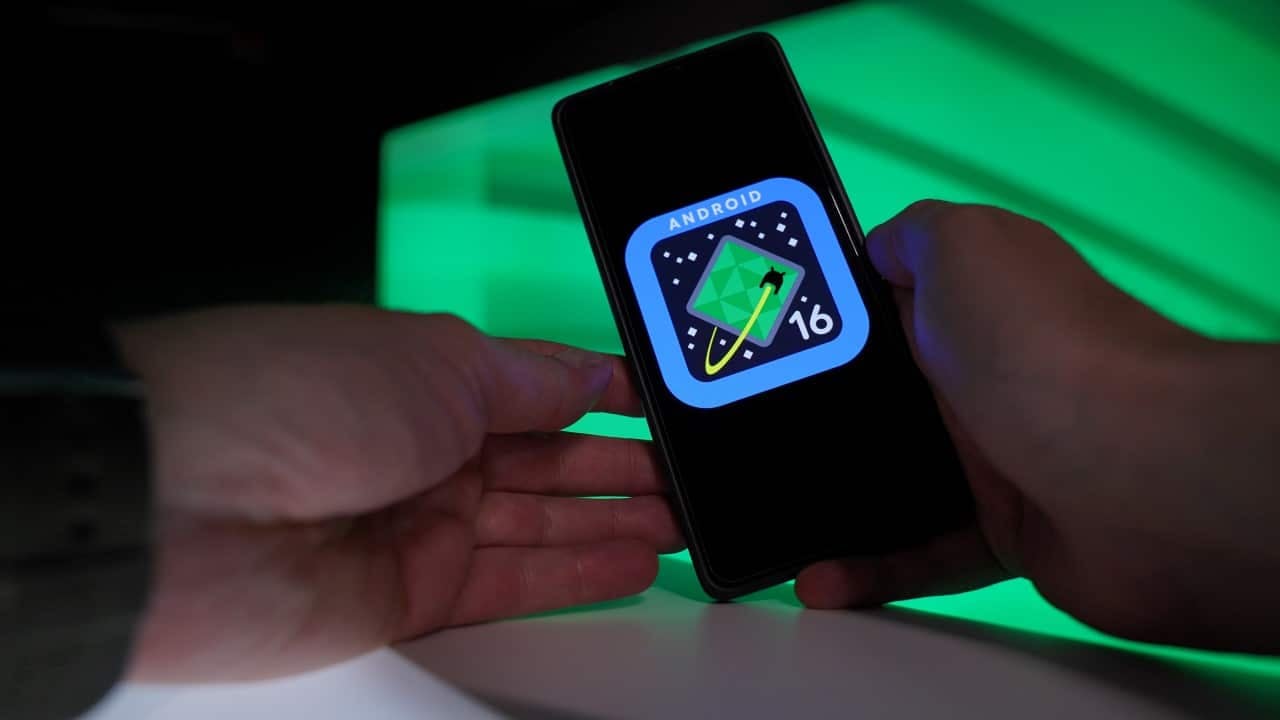
The Asian manufacturer OPPO has started the global distribution of its latest user interface, ColorOS 16, built under the Android 16 architecture. Proprietários of the brand’s smartphones and tablets are starting to receive the software package that promises to restructure daily usability, with a focus on energy optimization, data security and an unprecedented connectivity bridge with competing operating systems. The update process occurs in a staggered manner, reaching different markets as stability tests progress.
During the development of this version, the company’s software engineering prioritized resolving performance bottlenecks reported in previous generations. The interface has been redesigned to offer faster responses to touch commands, while background processes have received a new sleep algorithm, ensuring that the hardware is not unnecessarily taxed during everyday use.
which quick setting animation do you prefer?
1. ColorOS 16
2. ColorOS 16.1 / ColorOS 17pic.twitter.com/Q5uKelRv9C— Luminance (@LuminanceXS)April 6, 2026
Among the main changes implemented in the update package, the following pillars of the system’s structural functioning stand out:
– Reformulação aesthetic and functional home and lock screen.
– Implementação intelligent charging for preservation of physical components.
– Integração native notifications and calls with iOS devices.
– Bloqueio Advanced against apps from unverified sources.
To access these new features, users need to access their device’s settings menu and search for the software update tab. The release of the download depends on the specific hardware model and the geographic region of product registration, following the schedule established by the company’s headquarters.
Impact on routine with the new blocking interface
The first layer of user interaction with the smartphone, the lock screen, has undergone a complete usability overhaul in ColorOS 16. Anteriormente restricted to displaying the clock, date and basic weather information, the interface now supports the inclusion of interactive widgets and quick action buttons directly on the front panel.
With this modification, it becomes possible to view the complete calendar of appointments, read the details of missed calls and activate utility tools without the need for biometric authentication or password entry. The manufacturer inserted direct shortcuts for the voice recorder and the stopwatch, making it easier to record sudden ideas or mark time during physical activities.
These structural changes aim to reduce the user’s active screen time for simple and routine tasks. By concentrating essential information at the first visual contact, the system reduces the friction of navigating through multiple menus, delivering a more direct, objective user experience adapted to productivity needs.
Task management and system fluidity
The recent applications panel, used to switch between running tasks, has abandoned the traditional layout of small icons located at the bottom of the screen. The new visual approach adopted by OPPO focuses on previews in larger card formats, eliminating the fast horizontal scrolling that divided consumer opinion in previous versions of the software.
This visual cleaning of the multitasking interface accompanies the improvements in the Android 16’s native graphics rendering engine. The transition between a heavy application and the home screen occurs more smoothly, reflecting the development team’s effort to deliver a digital environment that is less polluted and much more responsive to gestural navigation commands.
Expansion of the dynamic alerts tool
The feature known as Live Alerts, responsible for displaying information pills at the top of the display when using other applications, has had its compatibility significantly expanded. Enquanto In previous versions the function only operated with the native music player and system clock, the new update opens the programming interface to third-party developers, allowing transportation services, food delivery and audio streaming platforms to send real-time updates without interrupting the user’s primary reading or browsing.
Charging Technology for Hardware Preservation
Battery degradation is one of the main concerns for those who use their smartphones for high-performance tasks, and the new update brings a direct solution to this technical problem. ColorOS 16 introduces bypass charging mode, an advanced power management technology that changes the route of electrical current when the device is plugged into an outlet.
When activating this specific function, the energy supplied by the charger bypasses the battery cell and directly powers the device’s motherboard and processor. Esse strategic bypass prevents the battery from receiving continuous charge while the user plays graphics-heavy titles or streams video over several hours uninterrupted.
The main advantage of this power distribution architecture is the drastic reduction in internal heating of the device’s chassis. Excessive heat is the physical factor that most accelerates the chemical wear of lithium-ion batteries, and by eliminating it during intense use, the useful life of the internal component is considerably extended.
Owners of compatible devices can configure bypass activation manually within the system’s power control panel. The tool proves to be essential for the gaming public and for professionals who depend on their smartphone connected to power during long daily work hours.
Security barriers against malicious software
In the field of information security, integration with the Android 16 guidelines raises the standard of protection for the Asian brand’s devices to a new level. The system now has Proteção Avançada, a digital shield that, when activated by the user, severely restricts the installation of application packages that do not come from official and certified stores. Essa code barrier prevents malware disguised as common executable files from being accidentally installed while browsing untrusted websites, and also blocks silent updates of third-party applications that may have been compromised by attackers.
In addition to blocking obscure installations, the system’s privacy panel now monitors the behavior of background applications with much greater technical rigor. The software issues detailed alerts if a program tries to access the user’s microphone, camera or satellite location without a clear justification linked to its operation at the exact time of the request. Essa extra layer of defense returns absolute control of personal data to the device owner, mitigating the risks of corporate espionage or leakage of sensitive information in a digital scenario increasingly targeted by cybercriminals specialized in mobile devices.
Unprecedented connectivity with the Apple ecosystem
Breaking down traditional operational barriers between rival systems, OPPO has implemented a communication bridge via protocol Bluetooth aimed specifically at users who also have an iPhone. The pairing functionality allows the smartphone running ColorOS 16 to act as a direct receiver of notifications generated by the Apple device, centralizing message and email alerts on a single viewing screen.
System integration goes beyond simply reading text messages, allowing the user to answer phone calls directed to the iPhone number directly through the OPPO device’s microphone and speaker. The connections control panel also now displays the battery level of the paired iOS device in real time, facilitating the routine of those who need to charge two different devices to separate the demands of their personal life from the obligations of the professional environment.
Distribution schedule for compatible devices
The new software release strategy follows rigorous technical planning to avoid overloading global servers and ensure that any code failures do not affect the entire user base simultaneously. Neste first moment of implementation, the stable version of ColorOS 16 can now be downloaded on the brand’s high-performance models and premium intermediaries, a group that includes the OPPO Find Pad 3 and Pad 2. Para In the next few weeks of operation, the company’s software engineering prepares the expansion of the data package for standard entry-level and mid-range equipment, such as the OPPO A5 5G, the OPPO A3 5G and the OPPO Pad SE tablet. The manufacturer officially advises that consumers keep their devices connected to stable wireless networks and with at least half of the total battery capacity available before starting the download and installation process, ensuring that the deep transition to the new operating system architecture occurs without abrupt power interruptions that could corrupt the hardware initialization files.





