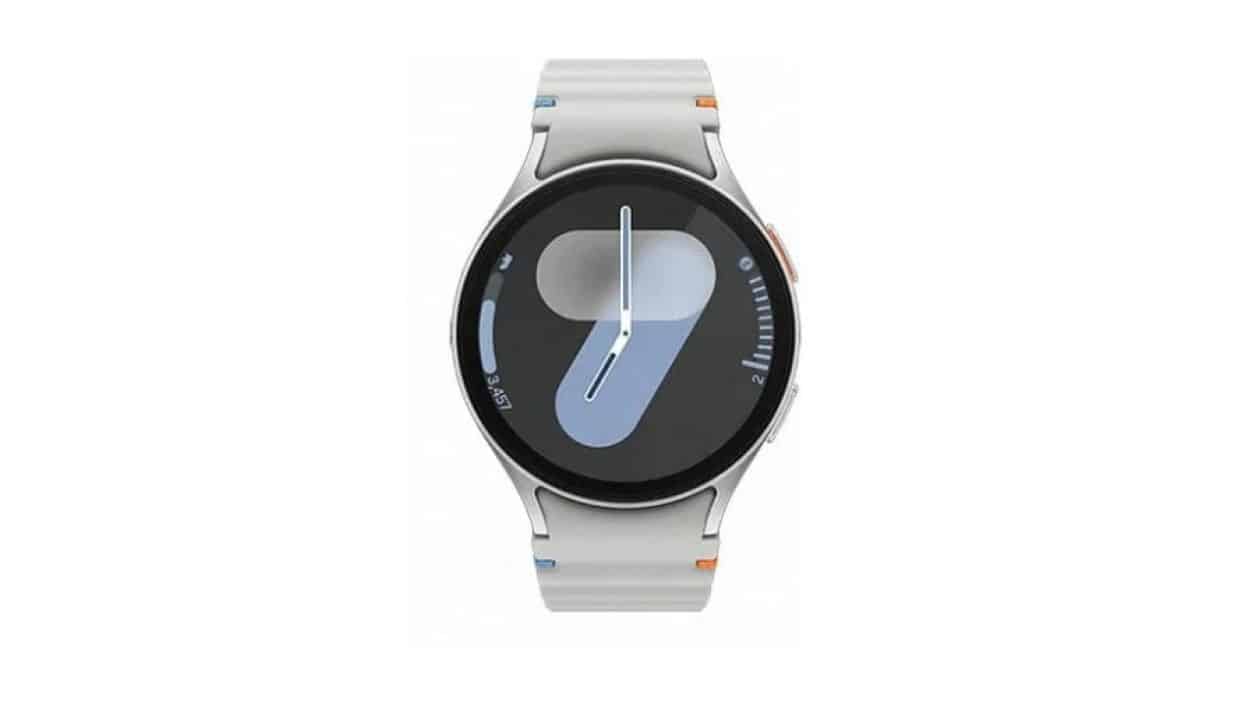
Owners of smart watches from the Galaxy Watch line face a sharp reduction in battery life. Modelos like Galaxy Watch 6, 7, 8 and Ultra log the issue on online forums and communities. Muitos point to Google Play Services as the main responsible for high energy consumption.
The case has gained prominence in recent days. Relatos indicates that the Google service appears at the top of the battery usage list on several devices. Alguns Users noticed the change after a security update. Outros noticed the problem without identifying a specific update installed.
User reports on different models
Several owners of Galaxy Watch share similar experiences on the networks. A user posted a screenshot that shows Google Play Services consuming 16.5% of the total battery across apps. Outros mention even more significant drops, with the service representing a large part of daily spending.
The problem appears on different generations of the device. More recent Modelos, such as Galaxy Watch 8 and Ultra, also record the same behavior. The variation between users is large. Enquanto Some face intense drainage, others do not notice any change in autonomy.
- Google Play Services appears as the main energy consumer in battery screens
- Drop in total duration varies depending on use and watch model
- Reports include cases after security update and situations with no apparent update
- Some users achieve partial recovery of autonomy after simple actions on the device
Possible causes under discussion
The exact origin of the increase in consumption is still not clear in all cases. Parte of the reports associates the issue with a recent security update released by Samsung. Outra hypothesis mentions Google server-side changes that affect devices with Wear OS.
There are also those who relate the timing to the release of the blood pressure monitoring function in more regions. Essa update Samsung Health Monitor took place a few weeks ago and brought new features to compatible watches. However, there is no official confirmation of a direct link between the events.
The Google Play Services takes care of various background tasks on watches. Atualizações Automatic or more frequent synchronizations may increase resource usage. Especialistas in technology follow the topic, but so far no company has issued an official statement on the matter.

Solutions suggested by the community
Many users try simple steps to reduce the impact. The most repeated recommendation involves accessing the watch’s settings, locating Google Play Services and clearing the app’s cache. Then it is recommended to restart your device to apply the changes.
This procedure resolved the problem for several Galaxy Watch owners. Outros reported temporary improvement, with consumption rising again after some time. In more persistent cases, users mention the need to repeat the process or explore other optimization options available in Wear OS.
Samsung and Google have not yet released an official position on the collective reports. Donos of affected watches can monitor future software updates. Enquanto This, actions such as reducing notifications or adjusting screen brightness help preserve battery life on a daily basis.
What to do while the problem persists
Anyone who notices abnormal drainage should first check the battery usage on the watch. The path goes through the device settings, in the section dedicated to power consumption. Identificar Featured apps allow you to act in a targeted manner.
In addition to clearing the Google Play Services cache, other general measures improve autonomy. Desativar Non-essential features like always on display or constant data syncing reduces spending. Atualizações System or application issues also deserve attention.
The user community continues to share results from different attempts. Alguns choose to wait for official corrections. Outros They prefer immediate solutions that work in the short term. Monitoring the official forums of Samsung and Reddit helps to keep up with new information on the topic.
Details about affected models
The Galaxy Watch 6 maintains good acceptance among users looking for a balance between features and price. The Galaxy Watch 7 brought improvements in performance and integration with the Samsung ecosystem. Já the Galaxy Watch 8 and the Ultra version stand out for premium construction and advanced health features.
All these models run Wear OS and depend on Google services for various functions. Compatibility with health apps and notifications makes the Google Play Services essential for full functionality. Qualquer Changes to this component can directly reflect on the user experience.
Users who calibrate features like blood pressure monitoring need to keep their watch updated. However, the balance between new features and battery stability remains in focus in current discussions.