Galaxy S26 Ultra smartphone operates as a native webcam in Windows with direct cable connection
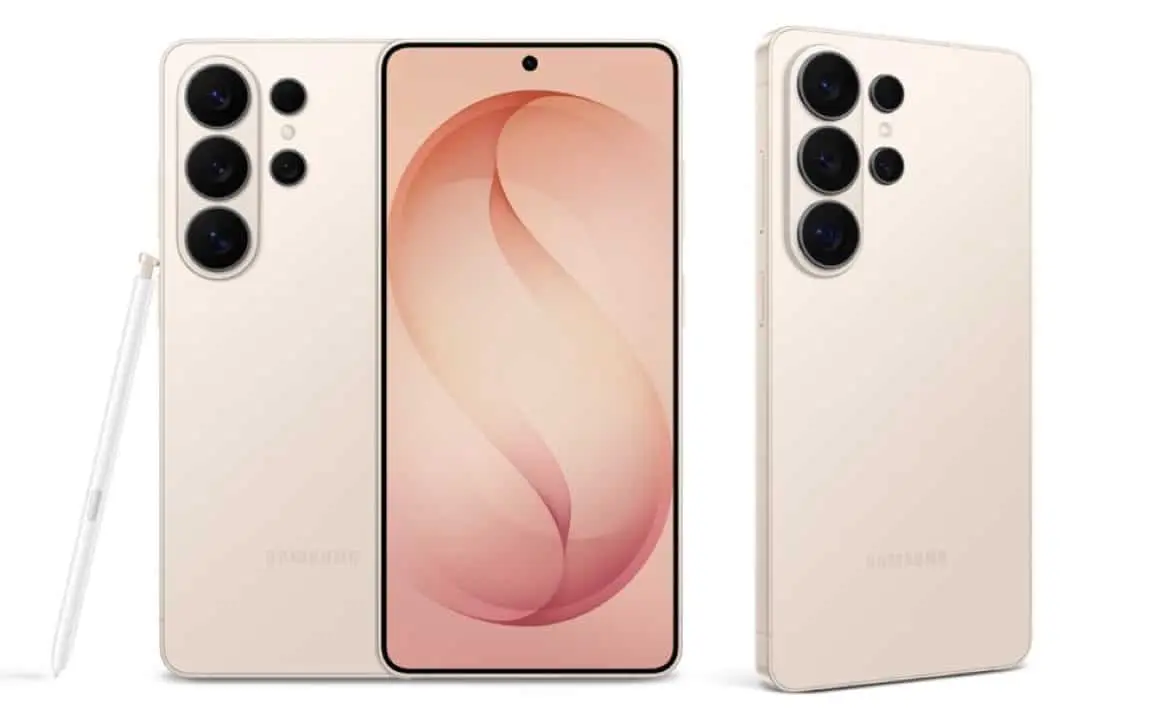
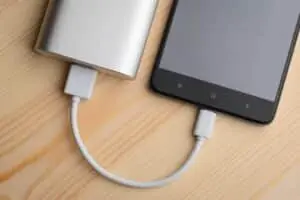
The Samsung Galaxy S26 Ultra presents functionality of high practical value for users who demand quality video capture on desktop computers. Conectado via a USB-C cable to a PC equipped with Windows, the smartphone automatically transforms into a high-performance webcam, completely eliminating the need to install third-party software or specific drivers. Plug-and-play operation delivers 1080p resolution at 60 frames per second, easily meeting the technical demands of professional meetings, live broadcasts and daily corporate recordings.
The discovery of this native integration solves a recurring problem for professionals who migrate from notebooks to fixed workstations and need a quick alternative to video conferencing. Enquanto other premium devices available on the market often require complex configurations or the use of alternative paid applications to perform this same function, the device from the South Korean manufacturer communicates instantly with the Microsoft operating system. The resource highlights the versatility of modern mobile equipment within hybrid corporate environments, where agility in hardware transition is essential.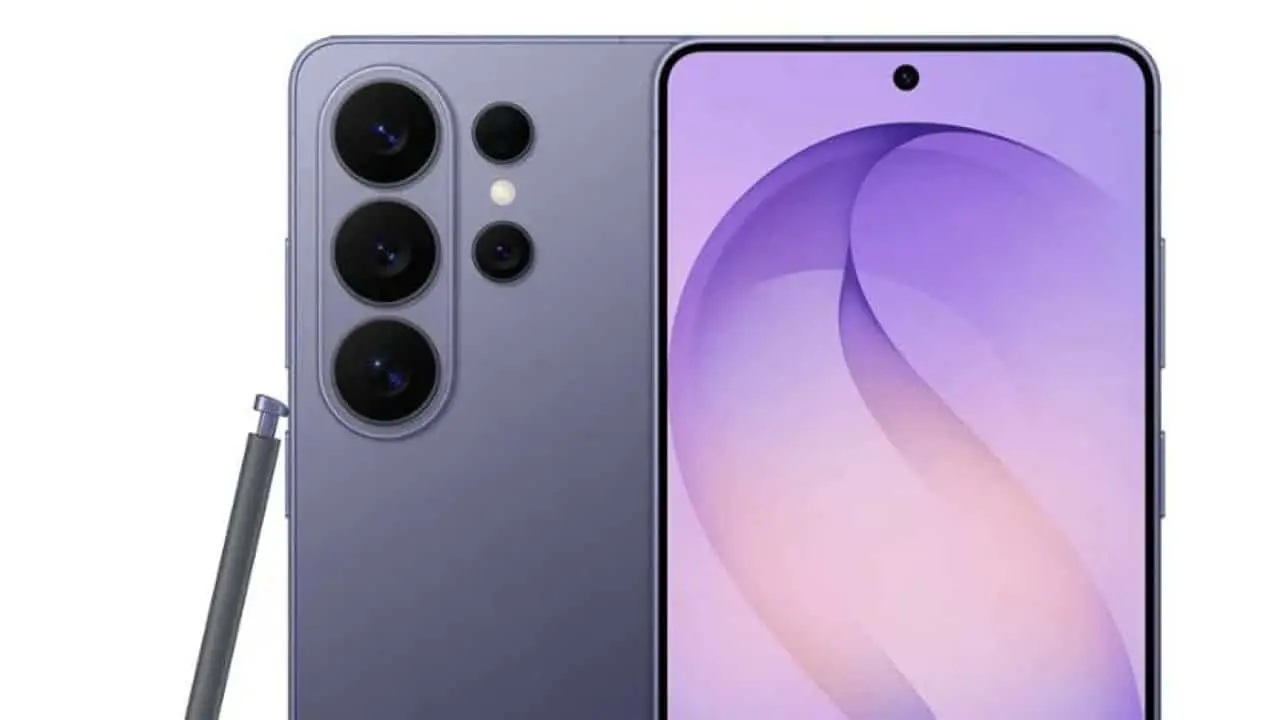
Immediate Integração with Microsoft operating system
The mobile device recognition process happens automatically as soon as the physical connection is established between the machines. The Windows operating system identifies the Galaxy S26 Ultra as a standard USB camera, integrating the hardware directly into its native device manager. Essa direct communication avoids the traditional compatibility conflicts that usually occur when the user tries to use external programs to emulate video signals over wireless networks. The stability of the wired connection guarantees continuous transmission free from external interference.
Durante hands-on testing in equipment transition scenarios, such as moving from an Pro MacBook to a custom-built desktop computer, the smartphone proved to be a highly reliable emergency tool. Previous Tentativas and other advanced models failed to deliver a stable connection without the aid of auxiliary software, contrasting sharply with the immediate response of the Samsung device. Native detection by the operating system ensures that any video calling platform, such as the Google Meet, Zoom or Microsoft Teams, recognizes the new image source instantly in the settings menu.
The absence of intermediaries in video signal processing significantly reduces transmission latency. The delay between real movement and the image displayed on the computer screen becomes practically imperceptible, facilitating natural communication during virtual debates and presentations. Profissionais who depend on lip reading or precise facial expressions during negotiations find this solution to have a higher technical performance than many improvised adaptations.
Configuração practice activating video mode
Activating the feature was designed by the manufacturer to be completely intuitive, not requiring advanced technical knowledge on the part of the device owner. The mobile device interface presents clear options on the control panel as soon as the cable is inserted into the USB port, directing the user to the correct configuration in a matter of seconds. The transformation from a conventional cell phone to an external high-definition camera takes place with just a few taps on the touch screen.
Para establishes the connection appropriately and starts transmitting the image to the computer monitor, the necessary steps are direct and quick:
- Conectar connects the cell phone to the computer using a USB-C cable compatible with high-speed data transfer.
- Acessar the smartphone’s notification panel by sliding the screen down and tapping the battery charging warning.
- Modificar the USB connection configuration by choosing the specific option named as “Webcam” from the floating menu.
- Definir which of the device’s lenses will be used for capture, alternating between the rear photographic set or the front lens.
- Aguardar confirmation from Windows indicating that the new video peripheral is configured and ready for use in applications.
Após Upon completion of these initial steps, the smartphone’s display starts to display a real-time preview of the image being captured. Esse visual feedback allows the user to adjust the framing, evaluate the ambient lighting and modify the physical positioning of the device before joining a virtual meeting room. The device can be accommodated on articulated stands, mechanical arms or tabletop tripods to ensure the ideal viewing angle during extended professional interactions.
Leia Também

Saudi Aramco aircraft crash results in 14 deaths near oil terminal in Saudi Arabia

Portuguese newspaper criticizes Cristiano Ronaldo’s performance in Portugal’s draw; Diogo Costa is elected highlight

Find out how to get GTA 6 without spending anything using Microsoft Rewards before its launch in November
Desempenho visually superior to traditional components
The image quality delivered by the Galaxy S26 Ultra easily surpasses the optical components integrated in the vast majority of conventional notebooks and entry-level webcams for desktop computers. The combination of advanced photo sensors with real-time image processing results in sharp, color-accurate transmission and proper exposure even in offices with challenging artificial lighting. Maintaining a fixed rate of 60 frames per second ensures absolute fluidity in movements, eliminating the robotic and stuck aspect very common in low-cost basic cameras.
Outra Considerable technical advantage of this native integration is the flexibility in choosing lenses for transmission. The user is not restricted to a single fixed field of view, being able to freely switch between the main camera to obtain maximum resolution, the wide-angle lens to capture wider environments with multiple people, or the front camera for simpler tabletop configurations. Essa optical versatility is a feature rarely found in dedicated webcams aimed at the standard consumer market, which usually come equipped with just a fixed lens with a pre-determined focus.
Durante continuous use in extensive videoconferences, the connection remains stable, without the crashes or desynchronization between audio and video tracks that often harm solutions based on Wi-Fi networks. The physical connection via USB-C cable ensures continuous power supply to the device while transporting heavy video data. Esse factor prevents the smartphone’s battery from draining quickly during important work commitments, keeping the device charged for later mobile use.
Impacto in the cost-benefit of the technological ecosystem
The presence of the native webcam function does not act as the main factor for purchasing a premium category smartphone, but it adds considerable practical value to the final package offered to the consumer. The ability to repurpose a high-end mobile device as a video input peripheral eliminates the immediate need to purchase dedicated external equipment. Para professionals who are setting up home offices or upgrading their fixed workstations, this represents a smart reallocation of financial and technological resources.
The current market for dedicated webcams offers very high-resolution models, but they require a significant financial investment to be able to match the optical quality and image processing of a high-end smartphone. By embedding this functionality directly into the system code, the manufacturer optimizes the device’s usefulness, extending its useful life and its application far beyond traditional mobile communication. The commercial strategy aligns perfectly with the growing demand for versatile equipment that quickly adapts to flexible work routines.
The simplicity of operation in the plug-and-play format reinforces the current trend of technological convergence, where a single device efficiently assumes multiple roles within an integrated digital ecosystem. The absence of mandatory proprietary software to mediate the connection democratizes access to the tool, ensuring that any standard computer can take advantage of the advanced photographic capabilities present in the smartphone. The feature consolidates the device as a complete productivity center for the modern user.