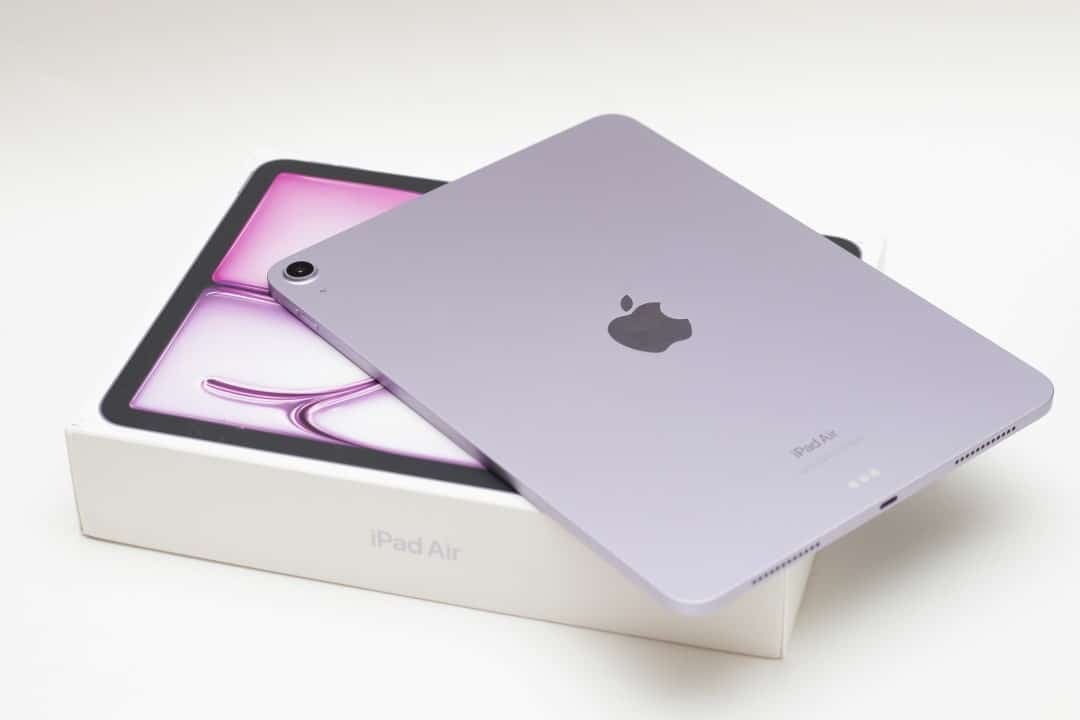
A new era of functionality is about to arrive on Apple tablets with the launch of iPadOS 27. The expectation surrounding innovations, especially with regard to artificial intelligence, raises the question of compatibility with existing devices. Many users want to know if their iPad models will be compatible with the system’s new features. Apple released the list of devices that will receive the update, as well as the specifications for accessing the most advanced features.
iPad models capable of receiving iPadOS 27
Apple has confirmed which tablets will be updated to the next version of its mobile operating system. Although the company seeks to offer long-term support for its devices, the hardware requirements for new functions limit installation to the latest models. Check below to see if your device is on the official compatibility list.
- 11-inch iPad Pro: from 2nd generation (with A12Z chip or higher)
- 12.9-inch iPad Pro: from 4th generation (with A12Z chip or higher)
- iPad Air: from the 4th generation onwards
- iPad: from the 9th generation onwards
- iPad mini: from the 6th generation onwards
Advanced artificial intelligence features require specific hardware
While a wide range of iPads are compatible with iPadOS 27, Apple Intelligence’s most powerful features, which promise to transform interactions with devices, impose even more stringent requirements. These cutting-edge innovations are restricted only to iPads equipped with the M4 chip or later models, and which have at least 12GB of RAM. Such a limitation underscores the processing-intensive demand for the company’s most sophisticated AI tools.
This means that many users who will have iPadOS 27 installed on their devices may not be able to use the most publicized artificial intelligence functions. The difference in user experience will be notable, with the latest models offering capabilities that others will not have, even with the updated system.
Learn how to identify your iPad model and system version
For those who are not sure which exact model of iPad they have or which generation, checking is a simple and quick process. Just go to your device settings to get all the information you need. This step is crucial before planning to upgrade or evaluating your device’s compatibility.
- Access “Settings”.
- Go to “General”.
- Tap “About” and find the model name and generation.
- Access “Settings”.
- Go to “Software Update”.
- The current version will be displayed; If there is a new update available, it will appear here.
What impact will the new limitations have on iPad owners?
Apple’s decision to target the most advanced artificial intelligence features to iPad models equipped with the M4 chip creates a challenging scenario for owners of older devices, even those that are compatible with iPadOS 27. They will have access to the general operating system improvements, but will be left out of the AI innovations that are the big highlight. The company’s strategy aims to drive the adoption of more powerful hardware, but it can generate frustration among users.
The feature gap could influence future purchasing decisions, forcing some consumers to consider a device upgrade if they want to experience the full artificial intelligence capabilities Apple promises. It’s a clear indication of the direction technology is taking, with software increasingly dictating hardware needs in the market.