Valve has just released the stable version of its operating system, SteamOS 3.8. This release represents one of the biggest updates ever to the Linux-based platform, introducing a wide range of significant changes for users.
There are many reasons for excitement, including the restoration of the Bluetooth Wake function for the Steam Deck LCD, WiFi performance improvements for the Steam Deck OLED, initial support for future Steam Machines, improved graphics drivers, and the ability to wake the console with the Steam Controller. Regardless of how the Steam Deck is used or which system SteamOS is installed on, this update offers notable improvements, including expanded support for third-party handheld devices.
Main news and improvements coming to the system
The improvements cover several areas crucial to the user experience, ensuring greater stability and compatibility.
- The Arch system base has been updated, bringing with it the latest security packages and fixes.
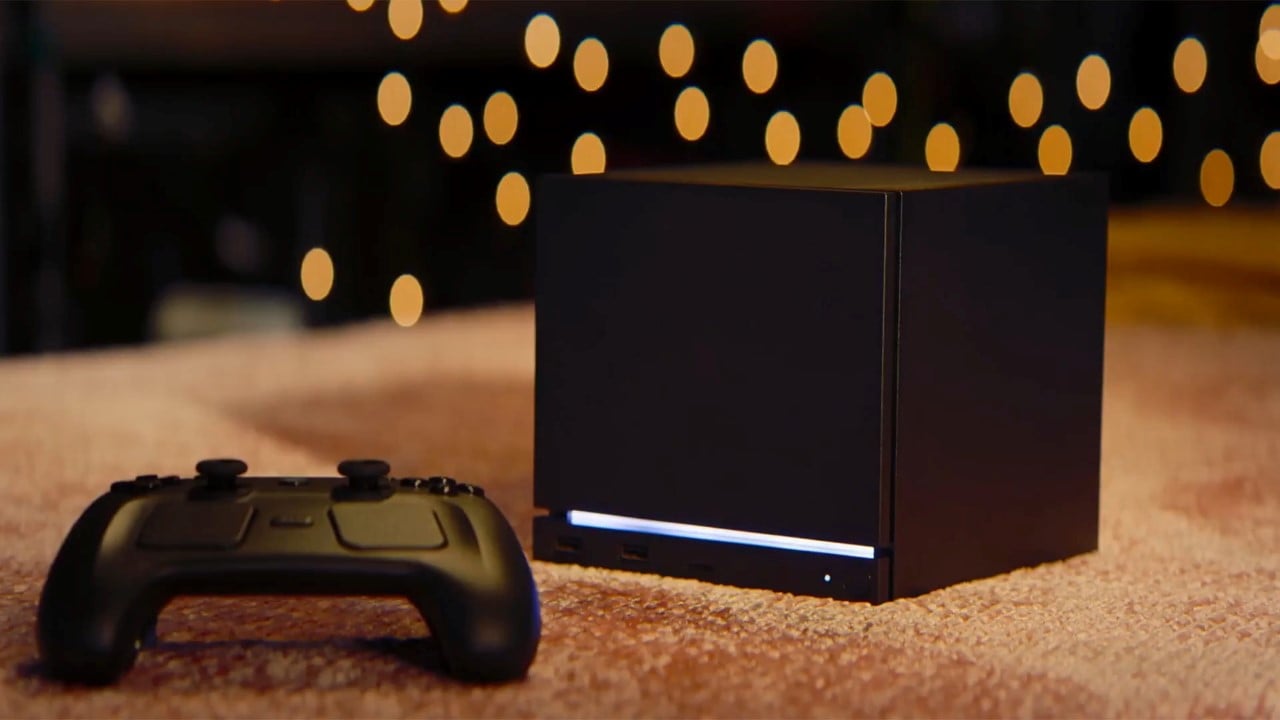
- Preliminary support for upcoming Steam Machines hardware has been added.
- It is now possible to wake the console from sleep mode using a connected Steam Controller.
- The speed of future operating system updates has been substantially improved on high-speed connections.
- Support for screen mirroring in Game Mode has been improved, making it easier to use with platforms like OBS and Discord.
- Fixed an issue that prevented drop-down menus from displaying in some games.
- Excessive trackpad sensitivity on certain older Steam Deck LCD models has been adjusted.
- There has been improved support for games that attempt to open PDF files in external viewers.
- Resolved an issue where video output could freeze while using Remote Play.
- Fixed a possible session crash when using Game Recording with certain “Max Video Height” settings.
- Resolved an issue affecting some titles, such as “SpongeBob SquarePants: Titans of the Tide”, where the game window could have an incorrect position.
- Fixed quitting certain titles such as “STAR WARS Jedi: Survivor™” and Starfield resulting in a session failure.
- Improved support for some USB racing wheels and USB devices that boot in a non-standard mode, often appearing as USB storage devices with a driver installer, requiring the operating system to switch them to normal mode.
- Steam Deck controller firmware updates now display progress on the launch screen.
- Fixed a bug in specific revisions of the Steam Deck where firmware updates could render the left stick inoperative for that session.
- Several other stability and security updates have been implemented.
Display and graphics performance improvements
SteamOS 3.8 brings a series of optimizations aimed at a more fluid and interruption-free visual experience.
- Graphics drivers have been updated, incorporating performance and stability fixes.
- Added preliminary support for HDMI VRR on devices with native HDMI output.
- Fixed an issue where the “Allow Tearing” option did not have the desired effect in some configurations.
- VRR frame scaling has been improved for greater consistency.
- Resolved issue with FSR badge remaining disabled in performance overlay even when active.
- Fixed a scenario where per-app performance settings would intermittently fail when launching a game.
- Added missing graphical features essential for titles like “Crimson Desert”.
- Fixed an issue on certain TCL TVs where the display would remain blank when using the Steam Deck Dock with VRR enabled (requires a Dock firmware update).
New features for Bluetooth and WiFi connectivity
Connectivity improvements ensure a more stable and efficient wireless experience for users.
- Fixed an issue where WiFi performance could degrade until the device was put to sleep or manually reconnected.
- The Bluetooth Wake function has been re-enabled for the Steam Deck LCD after previous attempts.
- Fixed other false awakening issues that were present in previous attempts.
Significant improvements to the audio experience
The sound system received special attention, with several fixes for clearer and more reliable reproduction.
- The system now detects the HDMI channel count and exposes the surround setting if available.
- Added a setting to allow the use of Bluetooth headset microphones (Bluetooth playback quality will be lower while capture is active).
- The internal audio device is restored after reboot if it is set to “Off” in desktop mode.
- The sleep timeout for HDMI devices has been increased, preventing the initial audio from cutting out after a few seconds of inactivity.
- Fixed an error in switching input devices when a wired headset is connected.
- Resolved an issue where audio glitches could be experienced after suspend/resume.
- Fixed a bug on the Steam Deck OLED where restarting would occasionally cause the speaker output to be lost until a further restart.
- Fixed a scenario where FPS limits were not applied when downscaling games from a higher resolution.
Improved accessibility features
A new accessibility option aims to serve a wider audience of users.
- Added an option to force mono audio output.
Substantial advances in desktop mode
The SteamOS desktop environment has been updated and optimized, offering a more robust and functional experience.
- KDE Plasma has been updated to version 6.4.3 (previously 6.2.5) and now uses Wayland by default.
- Fixed several cases of reduced performance in Desktop Mode compared to Game Mode.
- Support for rotated screens has been improved.
- Best standard scale factor on TVs for optimized viewing.
- Added support for external HDR displays.
- Added support for VRR screens.
- Added support for per-screen scaling factor.
- Keyboard layout and language now follow Game Mode settings.
- Window behavior for games running on Proton has been improved.
- Fixed a bug in Desktop Mode that prevented previously opened applications from being remembered when using the “Return to Game Mode” shortcut to exit.
- Fixes for experimental nested desktop mode.
- Fixed Desktop Mode night color settings inappropriately remaining active when returning to Game Mode.
System Firmware Updates
Firmware updates bring important security improvements and new power management options.
- Includes BIOS v133 for the Steam Deck LCD.
- Security updates.
- Added “Memory Power Down” configuration option.
- Preliminary support for hibernation.
- Includes BIOS v114 for the Steam Deck OLED.
- Security updates.
- The charging LED now changes color when the charge limit is reached, not just at 100%.
Expanded compatibility for non-Steam Deck devices
Valve has significantly expanded SteamOS support for a wide range of third-party handheld devices, making the experience more accessible.
- Improved compatibility with recent Intel and AMD platforms.
- Significantly improved video memory management on dedicated GPU platforms.
- Fixed a compatibility issue with the SteamOS chainloader that could cause boot failure on some desktop systems with recent UEFI firmware.
- Short and long power button presses are now supported on a wide variety of devices.
- Improved support for OneXPlayer F1, GPD Win 5, GPD Win Mini, Anbernic Win600, OrangePi NEO, and Lenovo Legion Go series controllers.
- Added controller support for OneXPlayer X1 and Lenovo Legion Go 2 series.
- Added system and controller firmware update support for Lenovo Legion Go 2.
- Added preliminary load limiting support for Legion Go, Legion Go S, and Legion Go 2, currently only accessible in Desktop Mode.
- Added controller RGB LED color settings for Lenovo Legion Go 2.
- Added controller support, TDP control and speaker audio for ASUS ROG Xbox Ally series.
- Handheld controller input latency reduced from 5-8ms to 100-500us.
- Night mode, color vibrancy, and color temperature sliders in Steam now work on AMD Z2E and later APUs.
- Continuous boot fixes for AMD Z2E and later APUs.
- Automatic internally rotated screen handling for some third-party laptops.
- Improved support for motion control on laptops with BMI260 IMUs.
- SD card reliability improvements for some third-party laptops, including ASUS ROG Xbox Ally, Legion Go 1, Legion Go S, Legion Go 2, and MSI Claw.
- Fixed faded colors for Zotac and OneXPlayer laptops with OLED screens.
- Fixed some GPU crashes on devices with Phoenix APU (Tales of Arise, Octopath Traveler II).
- Fixed ASUS ROG Ally fingerprint reader power consumption when turned off.
- Fixed trackpad losing functionality after suspend/resume in Legion Go.
- Fixed spurious activations when using a Logitech Bolt receiver.
- Added controller support for MSI Claw devices (A1M, 7 AI+ A2VM, 8 AI+ A2VM, A8 BZ2EM).
- Added controller support for the OneXPlayer APEX and X1 series.
- Improved gyroscope response for devices using AccelGyro3D (Legion Go 1, Claw A1M).
- Fixed a system crash on international models of the Asus ROG Xbox Ally.
- Fixed Bluetooth not working on some Intel laptops.
- Added initial firmware for future Intel laptops.
News and tools for developers
The update also introduces features and improvements aimed at developers, making working on the platform easier.
- Desktop Mode now uses Wayland by default.
- X11 support can still be selected through Steam’s developer settings or via `steamosctl`.
- The Linux kernel has been updated to version 6.16.
- Steam now uses `steamos-manager` to query available desktop sessions and trigger desktop session switching.
- Added support for setting desktop password in developer settings.
- Initial support for running as a Virtual Machine guest (`virtio` guest drivers).
- Added support for third-party devices to trigger the SteamOS boot menu via the EFI variable.
- Added `custom-update` verb to `atomupd-manager` to make testing specific builds easier.
- System reports now include more audio debug information.
- Initial support for the LAVD CPU scheduler via `steamosctl set-cpu-scheduler lavd`.