Essential steps before installing the new One UI 8.5 interface on your Galaxy

The South Korean giant has started the global distribution of the long-awaited One UI 8.5 interface, a robust software package that profoundly changes the operating system architecture on its smartphones. As this is a profound structural modification, the manufacturer issued a clear warning for owners of Galaxy line devices to adopt strict preventive measures before starting the download. Ignoring these preliminary steps could result in critical installation failures, severe power drains in subsequent days, or even the irreversible deletion of important personal files.
While the company’s recent track record shows remarkable stability in the delivery of firmware packages, especially since the consolidation of the previous generation of software, no technological transition is immune to setbacks. The Android ecosystem is complex and interacts differently depending on the current state of each device. Therefore, preparing the device properly works like an insurance policy, drastically minimizing the chances that the experience with new features will be overshadowed by unexpected crashes or loss of performance.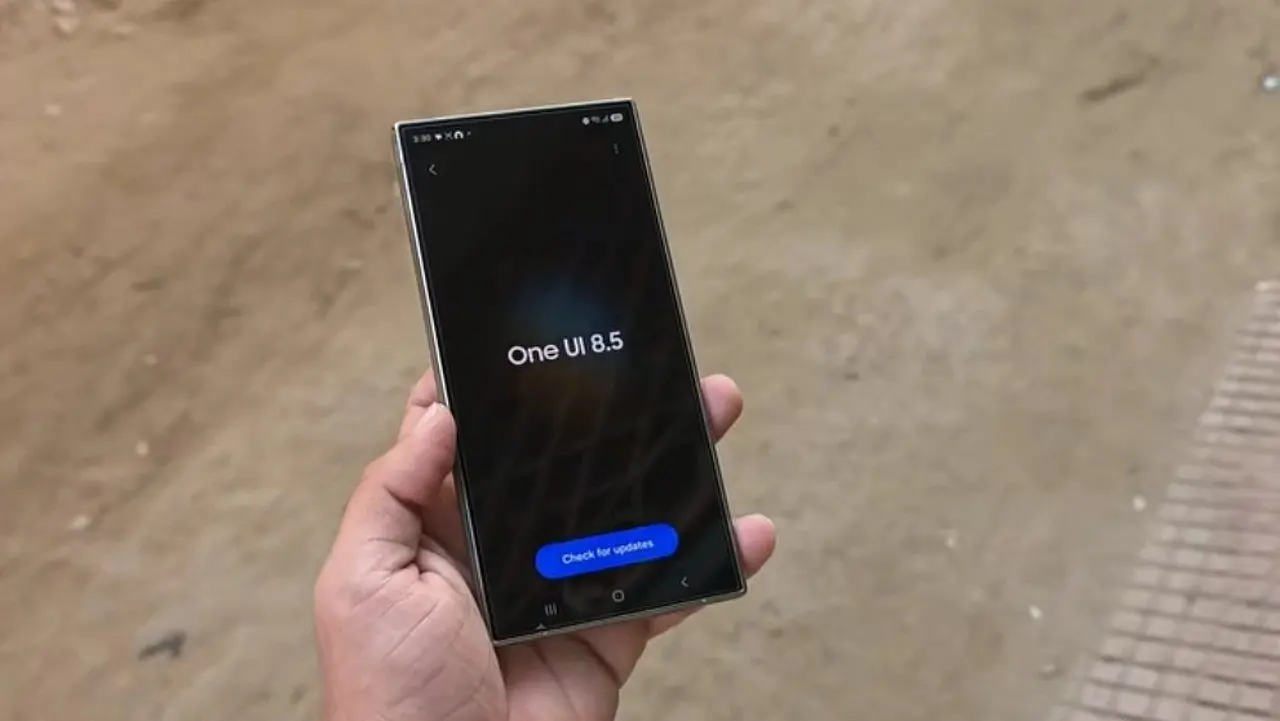
Strategic release of internal memory before download
Operating system transition packages are often extremely heavy, often exceeding the multi-gigabyte mark in the compressed file alone. However, the real bottleneck occurs at the time of decompression, when the cell phone needs extra space to relocate old codes and record the new system core partitions. If the device’s flash memory is operating at the limit of its capacity, the procedure may be abruptly interrupted, generating a logical collapse that is difficult to reverse. The technical recommendation is to carry out a deep digital cleaning, eliminating heavy videos, cleaning the social media cache and uninstalling those applications that have been forgotten in the virtual drawer for months.
More on this story: Japanese operators fix Wi-Fi failure in the new Galaxy Z Fold8 and Flip8
Creating a backup copy to protect personal information
Establishing a data safeguard routine is arguably the most important protection barrier against digital disasters. Nowadays, with the native integration of cloud services and synchronization platforms, this procedure only requires a few taps on the screen and a few minutes of waiting. Neglecting this basic step can turn a simple update into a nightmare, culminating in the permanent destruction of memories and working documents if the device needs to be formatted in an emergency. The complete backup must include the following items:
- Photographic records and video recordings saved exclusively in physical memory.
- Complete phone book and recent call history.
- Important conversations in instant messengers and SMS boxes.
- Files in PDF format, spreadsheets and confidential work documents.
- Access credentials, memorized passwords and application usability preferences.
Power management to avoid sudden shutdown
Continuous power supply is a non-negotiable pillar during firmware rewriting. If the smartphone runs out of charge and turns off exactly when it is replacing vital boot files, the most likely result is a severe crash, a state in which the device gets stuck on the screen with the brand’s logo and is no longer able to load the interface. Hardware maintenance experts advise that the power tank level is at least sixty percent of its total capacity. The ideal scenario, however, is to keep the cable plugged into a reliable power source in the wall from the beginning to the end of the installation cycle.
Hardware thermal control to prevent display damage
Thermal stress poses a silent but highly destructive hazard to internal components. Starting the transition to the new interface right after a long gaming session with heavy graphics or after recording videos in very high resolution means subjecting the processor to an extreme workload while it is already overheated. This excess heat, combined with the requirement to refresh, has historically been associated with physical failures in display panels, such as the irreversible appearance of vertical green lines crossing the display. The most sensible course of action is to let the equipment rest on a cold surface until its housing returns to room temperature before proceeding.
See Also

Michigan serial killings result in six deaths, including US suspect

7.7 magnitude earthquake destroys buildings in Indonesia and triggers tsunami warning
Videos of the 7.7 earthquake in Indonesia reveal damage and panic in Asia
Ensuring continuous connectivity during file transfer
The internet infrastructure chosen to download the data package dictates the pace and security of the first phase of the process. Using mobile phone networks to transfer such massive files is a risky strategy, subject to signal fluctuations and limited allowances that can cut the download in half. Likewise, public wireless networks or those with unstable routers can cause small data packets to become corrupted, forcing the system to restart the download from scratch or, worse, install a faulty file. Using an interference-free broadband home network ensures that the code reaches local storage intact.
Third-party software compatibility alignment
A smartphone’s ecosystem is not just made up of the operating system, but dozens of tools created by independent studios. Knowing the arrival of a new version of Android, software creators rush to release compatibility fixes on their own platforms. Therefore, before authorizing the change of the cell phone’s core, the user must visit the official application stores and download all pending updates. This preventative action eliminates the risk of essential day-to-day programs experiencing forced closures, slowdowns or anomalous battery drain immediately after the first restart with the new interface.
Learn more: Android system updates emoji library with unprecedented three-dimensional look
Respect machine processing time
From the moment the progress bar appears on the dark screen, the device enters a state of maximum vulnerability and must be left absolutely alone. Depending on the generation of the processor, the reading speed of the flash memory and the amount of pre-existing data, completing this step can vary from fifteen minutes to more than an hour. Trying to force a restart by holding down the side buttons because the screen seemed frozen for a few moments is the perfect recipe for making equipment unusable that, until minutes before, was working perfectly.
The definitive guideline for software engineers is to combat the anxiety generated by the new notification available in the status bar. The rush to try new icons and animations should never take precedence over the security of digital assets. The correct path requires method: checking the free space, confirming the sending of files to the cloud, plugging the charger into the socket and ensuring that the temperature is adequate. Only after crossing all these checklist items should the confirmation button be finally pressed.