Apple and manufacturers advise against using rice to dry wet cell phones; see what to do


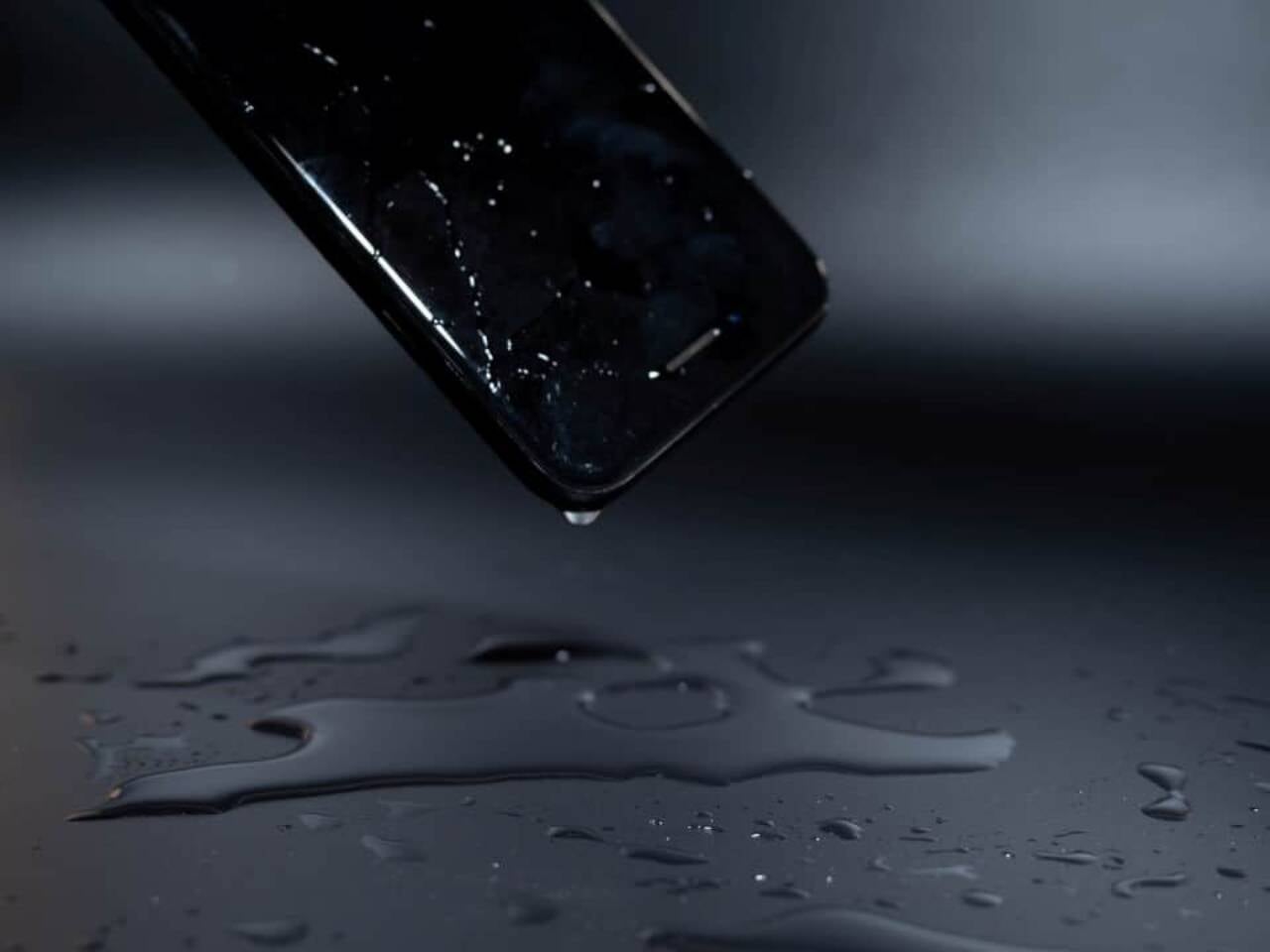
Walking near a swimming pool, slipping and dropping your cell phone into the water, or it falling into the bathtub or toilet. The situation of having a wet smartphone is common and requires quick and correct measures to avoid permanent damage, but not all advice found on the internet is valid. Apple published a warning that included clear guidance against using rice to dry the device.
This instruction from Apple adds to recommendations from other manufacturers, such as Samsung and Google, to clarify what to do when your phone has an unwanted encounter with liquids. It is crucial to understand the differences in guidelines and the reason behind each, ensuring device recovery without causing further problems.
The following tips will help preserve your smartphone after a water incident.
Immediate and safe measures to save your device
First, dry the outside of the device using a towel, clean cloth or even your shirt sleeve — any absorbent material available. Remove the SIM card and its holder. If possible, remove the back cover and battery to dry them separately. Turn off your phone immediately if it is still on.
For iPhone users who cannot disassemble the device, Apple recommends gently tapping the bottom of the phone against your hand, with the connection ports facing down, allowing the liquid to drain.
Samsung, one of the largest Android smartphone manufacturers, suggests using a cotton swab to remove moisture from the headphone and charging ports. Contradictorily, Apple warns that cotton swabs should not be inserted into iPhone openings.
If the liquid is not just water, but a drink, sea water or chlorinated pool water, Samsung advises soaking the phone in clean water for a few minutes and then rinsing it. This procedure serves to eliminate impurities or salinity that could accelerate the corrosion of internal circuits.
Both companies, Apple and Samsung, recommend letting the device dry in a well-ventilated area, perhaps with the help of a fan. Google, in turn, advises that the device be left to dry at room temperature.
What not to do when trying to dry your cell phone
It is essential to avoid some practices that can further harm your smartphone. Do not use hair dryers or compressed air, as excessive heat or pressure can push water into more sensitive areas of the appliance. Do not place your cell phone in the freezer, as this may stop a short circuit temporarily, but the problem will return once the device defrosts. Of course, do not place the device in a clothes dryer or on a radiator.
Also, do not try to turn on your cell phone or charge it with a cable immediately after contact with liquids. However, wireless charging is acceptable in an emergency if your phone has this function and you really need to turn it on.
Regarding the old popular tip of using rice to dry devices, Apple categorically advises against the practice. The company published a warning in early January that initially went unnoticed but later gained attention by stating: “Do not place your iPhone in a bag of rice. Doing so could allow small particles of rice to damage your iPhone.”
Efficient alternatives to remove moisture
The best option for absorbing large amounts of moisture is silica gel. These small desiccant beads are often found in sachets that accompany products such as dehydrated foods or sneakers, with the aim of keeping them dry. It is possible to buy silica gel in bulk online. For best results, place the sachets together with the cell phone in a hermetically sealed box.
Ideal time to know if the device is dry
It is difficult to determine the exact moment when the cell phone is completely dry, but the ideal is to wait as long as possible — at least a few days. Samsung advises taking the device to a service center for inspection, even after it has been completely air-dried.
Difference between water resistant and waterproof cell phone
Most modern phones are designed to be water resistant, which means they can prevent liquid from entering critical areas for a certain period of time. However, it is important to note that this is not the same as being waterproof.
Apple reports that the iPhone 7 and newer models are splash and water resistant. iPhone XS and higher devices have an IP68 rating, indicating that they can be submerged for up to 30 minutes and, depending on the model, at a depth of up to 6 meters. These models also emit a warning if they detect liquid in the connection ports and warn not to charge. Samsung claims that most of its Galaxy Android smartphones feature the same rating, although the maximum depth is approximately 5 meters.
Google’s latest Pixel phone models also have similar water resistance ratings. However, Google warns that they are not waterproof and that water resistance may decrease over time due to “normal wear and tear, device repairs, disassembly, or damage.”