

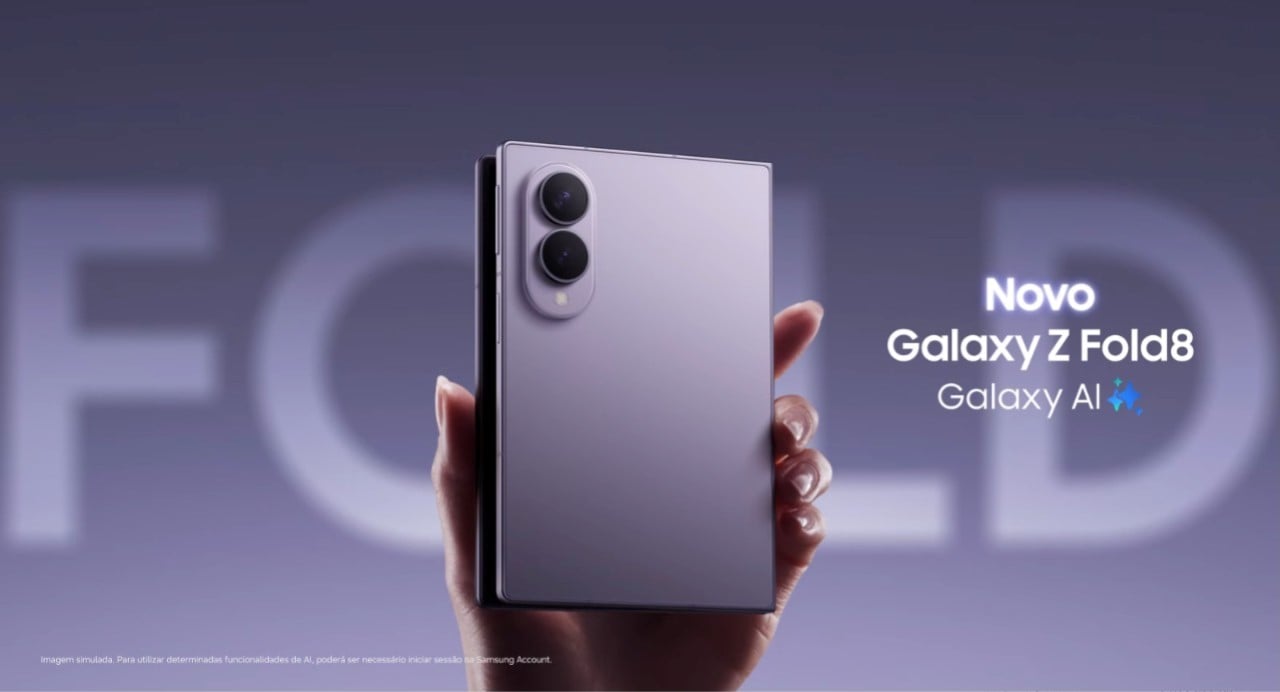
On August 7, 2026, telephone operators NTT Docomo and KDDI released a software update for Samsung smartphone models: Galaxy Z Fold8 Ultra, Galaxy Z Fold8 and Galaxy Z Flip8. The main objective of the measure is to improve the performance of the Wi-Fi connection on devices.
Enhancements to device wireless connectivity

The update focused on the Wi-Fi system aims to correct and optimize the user experience for Samsung cell phone owners. NTT Docomo detailed that the improvement specifically resolves “the problem of some applications not being able to connect to the internet via Wi-Fi”. KDDI communicated the initiative as an “improvement in the communication environment when using Wi-Fi”, indicating a more general optimization of functionality.
Full coverage: Latest News (EN)
Relevance of updates for high-end smartphones
For premium devices such as the Galaxy Z Fold and Z Flip line, which represent the pinnacle of mobile technology and have a high market value, software updates are crucial. They not only correct flaws, but also ensure that users fully enjoy all features, maintaining trust in the brand and the investment made in sophisticated devices. The agility in making these patches available reflects our commitment to quality and customer satisfaction.
The impact of the Galaxy Z Fold and Flip series on the mobile scene
The Galaxy Z Fold and Galaxy Z Flip models are known for their innovation in foldable screens, setting a new standard in the smartphone market. These devices attract consumers looking for cutting-edge technology and differentiated features. Ensuring impeccable performance, especially in basic functions such as connectivity, is essential to keep the line competitive and relevant among the most demanding users.
Steps to install the update on Samsung devices
Owners of the Galaxy Z Fold8 Ultra, Galaxy Z Fold8, and Galaxy Z Flip8 models can check update availability directly on their devices. Generally, the process is started by accessing the cell phone’s settings, looking for the “Software update” option and selecting “Download and install”. It is recommended to perform the update with the device connected to a stable Wi-Fi network and with sufficient battery power to avoid interruptions.
Operators’ commitment to customer experience
The joint action of NTT Docomo and KDDI in offering this correction reinforces the role of operators in ensuring that the devices sold work with maximum efficiency. Collaboration with manufacturers like Samsung in distributing updates is essential to ensure the best user experience and longevity of devices in the hands of consumers.