
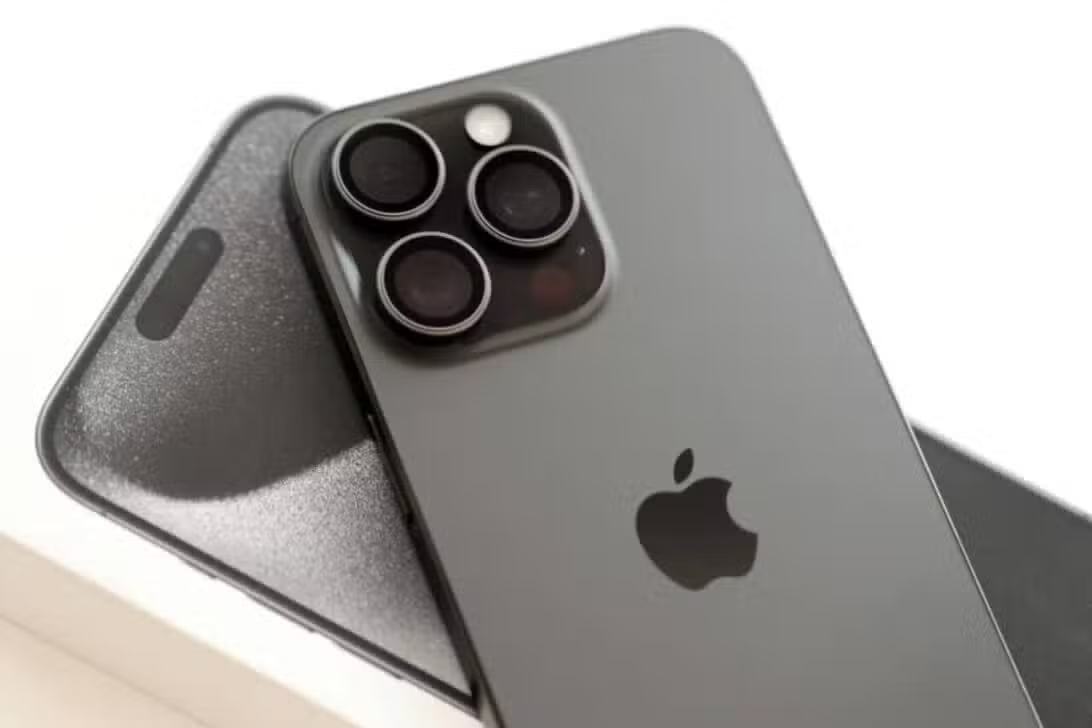
Many people face voice capture problems when trying to record a video, send a long message on messaging apps or participate in a virtual meeting while using headphones paired to their cell phone. This unwanted phenomenon happens because the operating system automatically prioritizes the external accessory hardware as soon as the connection is established. As a direct consequence of this automatic switching, the vocal register often results in a metallic, distant sound or full of background noise, frustrating those who need clean communication. Fortunately, there is a little-explored path within the device’s settings that returns control to the user, allowing this limitation to be permanently circumvented.
How the operating system manages sound devices
The software architecture developed for modern mobile devices is designed to provide convenience above all else. When a user inserts a plug into the main input or connects a pair of headphones via Bluetooth, the device’s intelligence assumes that all media interactions must be transferred to this new device. This transition encompasses both the speakers, which emit sound directly into the ears, and the pickup sensors, which take on the responsibility of recording speech.
The major obstacle to this automation lies in the technological disparity between the components. While premium cell phones have very high fidelity pickup arrangements spread throughout their structure, the vast majority of headphones focus only on music reproduction. By delegating the recording task to an accessory that was not primarily designed for that purpose, the richness of the vocal details ends up being lost in the data compression process.
Practical guide to selecting the device’s main voice pickup
To resolve this deficiency and extract the maximum potential from your device, it is not necessary to install third-party applications, use adapter cables or perform complex formatting procedures. The manufacturer itself provides a native tool, hidden in the system menus, capable of managing sound input sources intelligently and manually.
- Unlock your device and locate the gear icon on the home screen to access the main Settings menu.
- Gently scroll down the interface until you find the section called Haptic Response and Sound, responsible for all listening preferences.
- Within this submenu, look for the specific Audio Input area, which lists the currently available hardware.
- Modify the system’s default selection by checking the option that forces exclusive use of the iPhone’s Microphone.
This immediate modification ensures that regardless of which wireless or wired device is currently paired, the system will always look for the sound source directly from the phone’s chassis. It is a quick intervention that completely transforms the experience of those listening on the other end of the line, returning the clarity expected from cutting-edge equipment.
Technical limitations of wireless connections during vocal capture
Understanding the mechanics behind this miscommunication helps justify the change in system preferences. Most wireless headphones, due to their extremely small size and focus on ergonomic design, house tiny components that are physically far from the user’s mouth. This physical distance forces the small sensor to capture much more ambient sound, such as wind or traffic, than the speaker’s own voice.
In addition to the physical issue, there is an invisible barrier related to transmission technology. The Bluetooth protocol, used worldwide to connect these peripherals, tends to severely compress voice data to save bandwidth and avoid delays in bidirectional communication. This drastic cut in sound frequencies is really responsible for generating that old radio look or muffled sound during phone calls and video recordings.
Direct benefits for content creators and professionals
In contrast to the limitations of accessories, today’s smartphones are equipped with multiple capture sensors designed with advanced noise cancellation and directional focus. When you force the system to use this built-in structure, the audio processor can isolate your speech, remove echoes and deliver a studio-quality final file, even if you continue to hear the audio return through your favorite headphones.
Content producers for social networks, journalists who record interviews on their cell phones, professionals who hold many video conferences and frequent users of voice messages are the biggest beneficiaries of this adaptation. By adopting this simple setup practice, the amateur aspect of everyday recordings is completely eliminated, ensuring that any message is conveyed with impeccable clarity, regardless of the environment in which the recording takes place.