
Find out why a green dot appears on the screen of Samsung cell phones

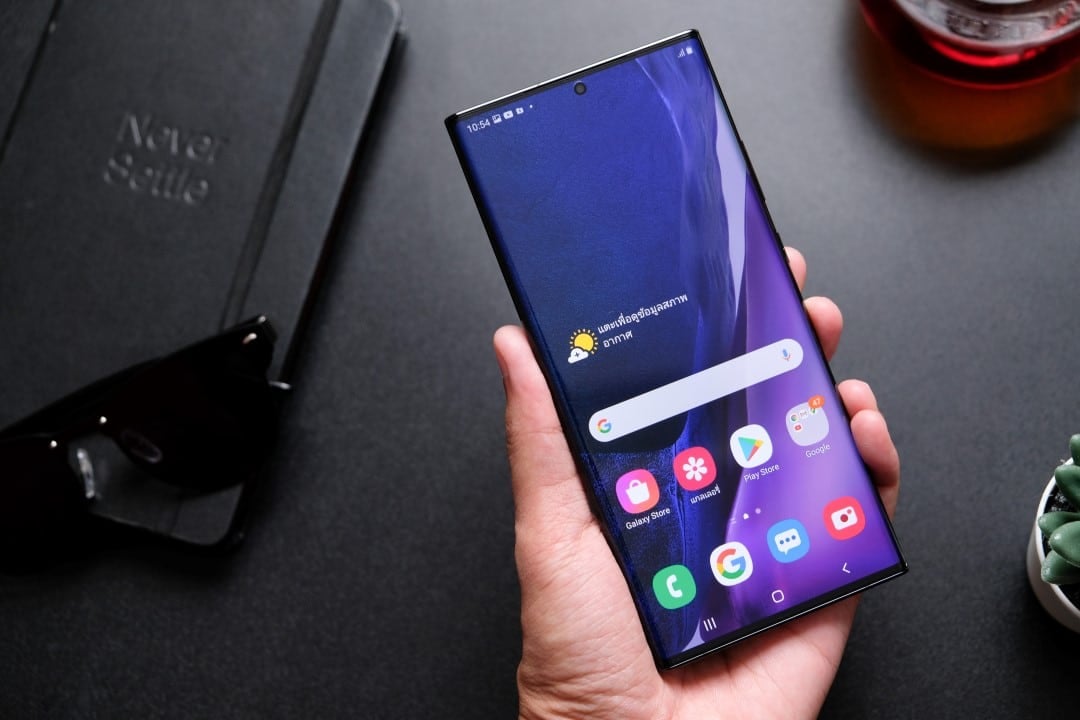
A small green dot that appears at the top of Samsung smartphone screens has generated questions among users about its usefulness. This feature, present on devices with recent versions of the Android operating system, serves to indicate when applications are accessing the camera, microphone or both simultaneously, increasing transparency for the user.
The tool is part of a set of privacy and transparency features that were integrated into Android starting in 2021. Whenever an application starts using these device components, the indicator appears in the top bar of the screen and remains visible while access occurs, providing a quick way to monitor activities that may be considered sensitive. This initiative reflects a growing trend in the technology industry to offer users greater control and visibility over how their data and device resources are used by applications.
The mechanism also acts as an important safety warning. If the green light appears without the cell phone owner having opened an application that naturally depends on the camera or microphone, it is advisable to investigate the situation to see if any software is operating inappropriately.
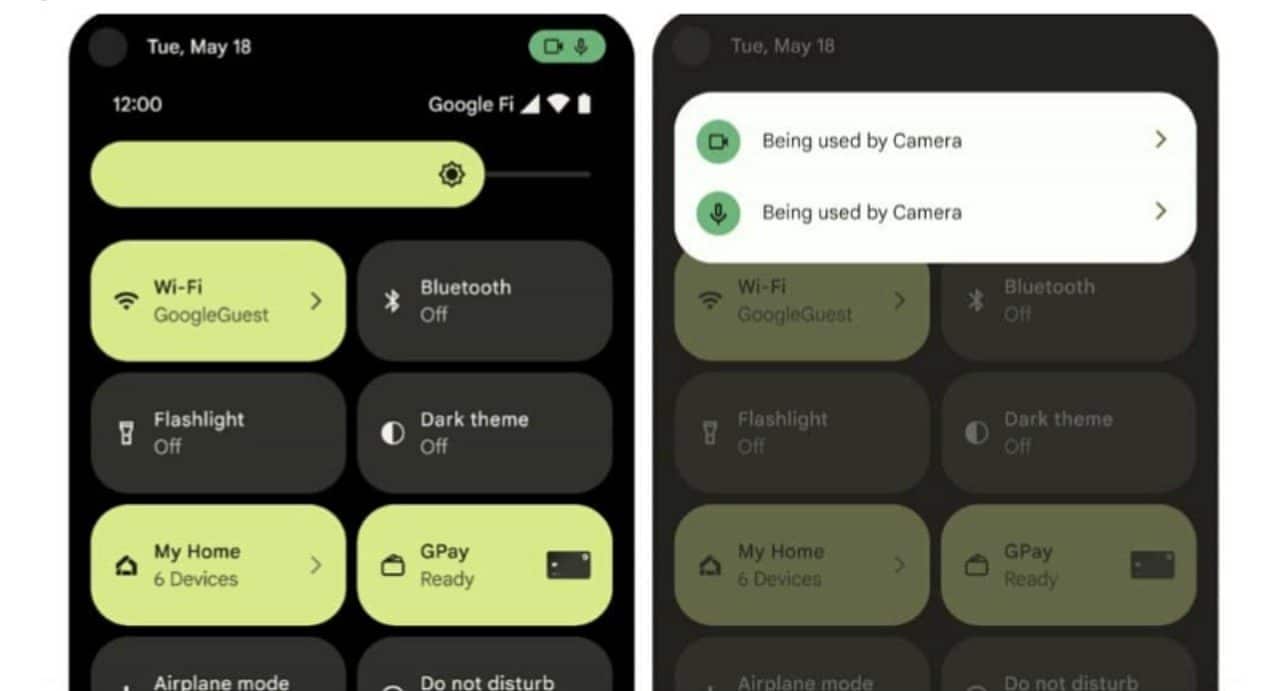
Understand how the privacy indicator works on Samsung devices
When an application uses the camera, microphone or both resources at the same time, the system initially displays a more detailed visual alert. This notification is then reduced to a small green circle, positioned near the connectivity and battery icons. The visual indication disappears a few seconds after access ends.
In addition to signaling activity in real time, the feature allows you to identify which application is accessing these cell phone components. To do this, simply open the notifications panel and tap the indicator, which will show the software responsible for access at that exact moment.
This procedure can be useful in daily activities, such as recording videos, making voice or video calls, or publishing content on social networks. In these cases, the appearance of the green dot is considered expected and normal behavior of the system.
If the indicator appears without a clear reason, one of the recommended actions is to restart the device and check for the presence of applications that could be potentially harmful. Samsung devices have the integration of Google Play Protect, a tool that analyzes the system in search of software considered harmful.
Another measure is to individually review the permissions granted to installed applications. The panel associated with the green indicator offers access to authorization settings, making it possible to modify the level of access to the camera and microphone, restricting or conditioning their use to user approval.





