
Google Pixel 11 menu saves custom Camera Look as default

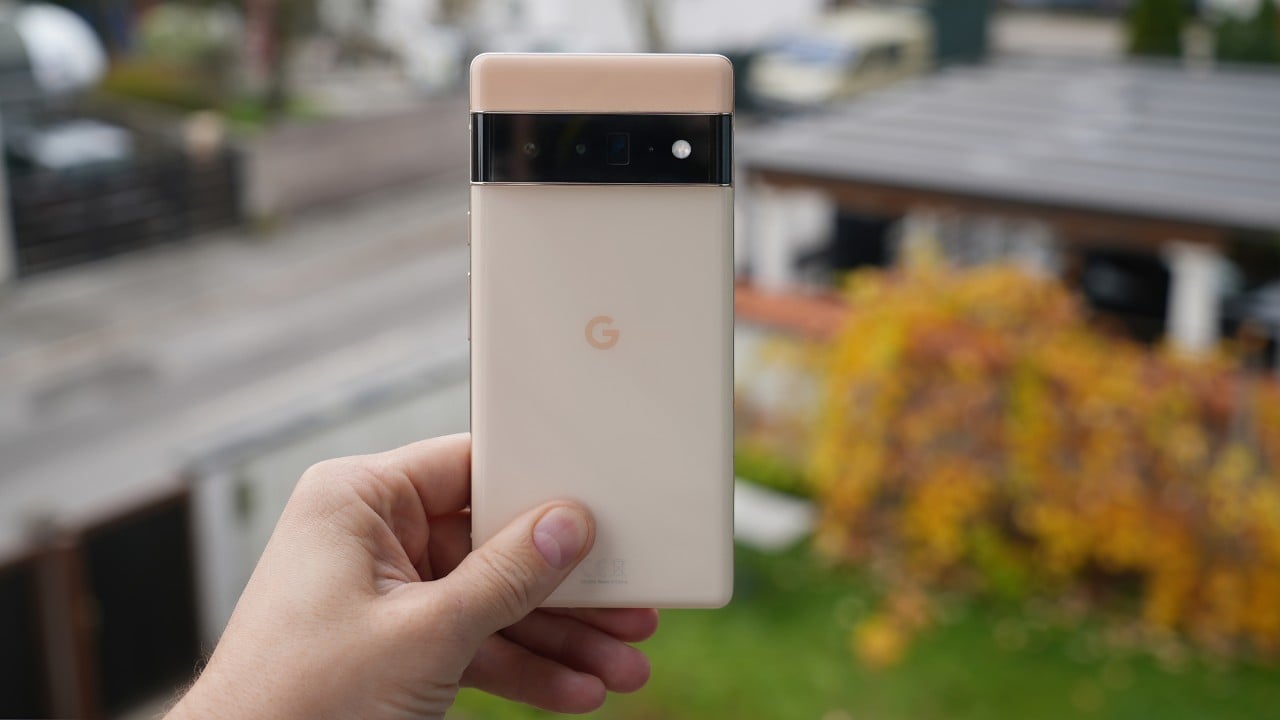
Google confirmed on September 4, 2026, that owners of the Pixel 11 smartphone series can permanently preserve any non-standard Camera Look profile as their startup camera preset. This flagship hardware generation introduced a substantial adjustment to Google computational photography by reducing historical reliance on heavy HDR processing across primary captures. The revised camera platform gives mobile photographers significantly greater flexibility over contrast, color rendering, and shadow profiles, directly addressing earlier criticisms surrounding preset retention.
Google confirmed the operational adjustment.
Initial hands-on evaluations of the device showed that owners appeared strictly limited to four baseline presets within the standard software controls. Those basic rendering profiles include Original, Natural, Shadows, and Vanilla, which all occupy an accessible Default Look drop-down menu inside the viewfinder. However, representatives from Google clarified that more stylized options like Velvet, Classic, and Digi can also function as default startup modes through an alternate toggle. Without this specific setting enabled, the Pixel 11 camera software automatically reverts to one of the four standard processing options whenever an owner closes and relaunches the capture application.
Users who prefer distinctive color tuning over standard computational looks must navigate through the secondary configuration menus embedded within the Pixel 11 camera application. The configuration procedure bypasses the standard drop-down list to alter how internal storage registers persistent visual profiles.
How to locate the permanent style toggle
Configuring an alternate style requires the user to launch the Pixel 11 camera application and select the settings gear icon situated in the lower-left corner of the viewfinder. From that introductory panel, the photographer must tap the triple-dot overflow menu icon positioned in the upper-right corner of the screen to display the advanced device preferences. Toward the bottom of this extended list, the owner locates the Photo options group and toggles on the specific feature labeled Always use selected look.
The toggle activates persistent storage.
After enabling that toggle, the photographer returns to the primary Looks menu to select any non-standard visual preset available within the Pixel 11 camera software. Choosing an aesthetic option such as Velvet, Digi, or Classic ensures that the camera application retains that exact look across distinct shooting sessions. The system preserves this preference even when the owner completely exits the software, switches between apps, or locks the smartphone display between photo sessions. This background persistence eliminates the need to manually choose artistic styles each time the user opens the mobile camera to capture an image.
Interface changes and viewfinder indicators
Whenever a photographer configures an alternative style as the default shooting mode, the Pixel 11 camera interface displays distinct on-screen indicators during daily operation. The full name of the chosen style flashes briefly across the lower-right corner of the viewfinder each time the user launches the application.
Alongside that momentary text banner, a permanent purple Looks icon remains continuously visible on the viewfinder interface throughout the entire photo session. Unlike the standard processing modes, touching this permanent purple graphic drops the user directly into the style selection carousel rather than regular camera parameters. Photographers looking to adjust standard shooting variables like exposure compensation, shutter response, or color temperature balance must press the back button to leave the dedicated filter screen and return to the primary manual control layout of the application.
The separate controls require navigation.
The current system architecture splits default camera preferences into two separate user experiences across the Pixel 11 operating platform. Basic looks like Natural or Shadows remain instantly configurable through the standard Default Look drop-down menu, whereas creative styles like Velvet require the buried toggle. This division introduces extra complexity for owners seeking a single, cohesive settings panel to manage all hardware and computational capture profiles. Future hardware revisions like the Pixel 12 could unify these two distinct preference pathways into a more streamlined user interface.





