


A detailed comparative analysis, conducted on older hardware, revealed surprising data about the performance of different generations of the Microsoft operating system. Windows 11, the most recent version, showed the slowest performance in most of the tasks evaluated, being consistently surpassed by legacy systems such as Windows XP, 7 and, notably, Windows 8.1, which stood out as the most agile and efficient overall.
The experiment was carried out by YouTuber TrigrZolt, who used six identical Lenovo ThinkPad X220 notebooks to ensure a fair comparison basis. The assessment ranged from boot time and system resource consumption to the execution of everyday tasks and synthetic benchmarks, offering a clear overview of how software evolution impacts machines that do not have the most modern components, such as SSD drives and latest generation processors.
Although Windows 11 is not officially compatible with the 2011 hardware used in testing, the results raise an important discussion about operating system optimization. The newer versions prioritize advanced features and robust security protocols, which, consequently, require more hardware, contrasting with the lightness and simplicity of their predecessors.
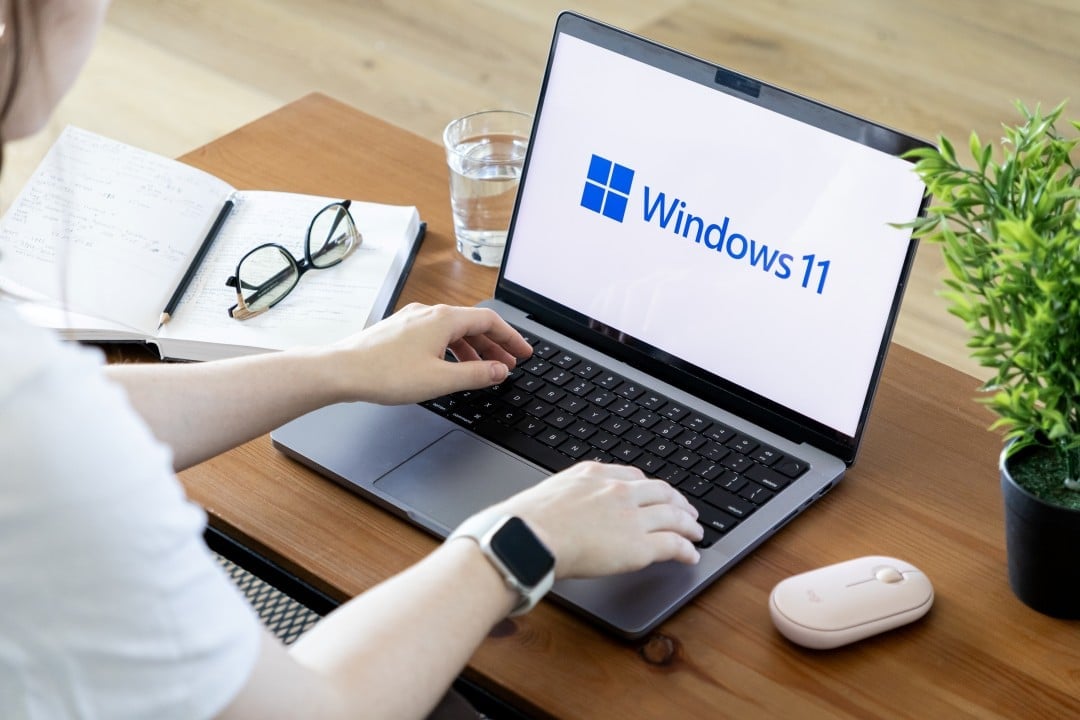
The technical comparison methodology
To ensure the integrity of the results, the choice of equipment was careful. Foram used six Lenovo ThinkPad X220 notebooks, all with the same factory configuration: second generation Intel Core i5-2520M processor, 8 GB of RAM and a 256 GB mechanical hard disk (HDD). Essa configuration is representative of many computers that are still in use but do not meet the official minimum requirements for Windows 11.
Each machine received a clean install of a different version of the operating system, including Windows XP, Vista, 7, 8.1, 10, and 11, all updated to the latest supported version for each. Hardware standardization made it possible to isolate the software variable, making the analysis focused exclusively on how each operating system manages the same resources to perform identical tasks, from the simplest to the most complex.
Startup results and resource consumption
The first major difference was observed in startup time. The Windows 8.1 was the quickest to power up and become functional, an advantage attributed to its “hybrid boot” feature, which optimizes the charging process. On the other hand, Windows 11 recorded the worst time, with a significant delay to completely load the interface, including the taskbar.
When it comes to resource consumption in idle state, older versions demonstrated remarkable efficiency. The Windows XP led handily, using just 0.8 GB of RAM, while the Windows 11 consumed between 3.3 GB and 3.7 GB. Essa difference is justified by the number of services, background processes and telemetry mechanisms that run constantly in the most modern system.
Disk space occupancy followed a similar pattern. Após installation and updates, Windows XP took up just 18.9 GB. Windows 11, in turn, required 37.3 GB, almost double the space, reflecting the complexity and volume of features integrated into the current operating system.
Performance in daily activities
When subjected to practical and common tasks, the superiority of older systems on limited hardware became even more evident. Opening basic applications such as Explorador, Arquivos, Calculadora, and Paint was consistently slower on the Windows 11.
In activities that demand more from the processor, such as exporting an audio file in the Audacity software, the pattern was repeated. The Windows 11 again came in last place, taking longer to complete the process compared to the other versions tested on the same equipment.
The video rendering test, an intensive task, also put Microsoft’s latest system in the spotlight. The combination of an older processor and a mechanical hard drive created a significant bottleneck for the Windows 11, which was unable to compete with the efficiency of systems like the 7 and 8.1 under these conditions.
File copy analysis, however, showed one of the few positives for the newer system. Nessa specific task, Windows 11 achieved a good result, coming in second place, slightly behind only Windows 10, demonstrating that its file management algorithms are well optimized.
Web browsing and multitasking ability
One of the most revealing tests was the browser stress test, which consisted of opening as many tabs as possible until the system reached its memory limit and became unusable. Windows 8.1 established itself as the absolute champion in this category, supporting the opening of an impressive 252 tabs before presenting performance problems.
In stark contrast, Windows 11 only managed to open 49 tabs before memory consumption reached its limit, making browsing extremely slow. Esse result exposes how the newer operating system’s memory management is more aggressive and less efficient in scenarios with constrained hardware resources, especially the amount of RAM available.
The surprising performance of Windows 8.1
The big surprise in the comparison was, without a doubt, the Windows 8.1. Lançado amid criticism for its radically different interface, focused on touch screens, the system proved to be the most balanced and performant on the legacy hardware of the ThinkPad X220. Ele not only won in crucial tests such as boot time and browser multitasking ability, but also had superior overall fluidity when navigating the interface and opening applications. The robust performance of Windows 8.1 in this scenario highlights low-level optimizations that were implemented at the time and that were apparently lost or replaced by other priorities in subsequent versions, such as Windows 10 and 11. The result serves as a reminder that public perception of a software does not always reflect its underlying technical efficiency, especially when evaluated years later in a different context.
The issue of security and official support
Despite the superior performance of older versions in this specific test, it is essential to highlight that using them on computers connected to the internet represents a significant security risk. Sistemas like Windows XP, Vista, 7, and 8.1 no longer receive security updates from Microsoft, making them vulnerable to modern malware and cyberattacks.
Positive points of the recent system
Although it lagged in most speed metrics, the Windows 11 showed advantages in specific operations. The system had a remarkable performance in file copying speed, surpassing almost all previous versions and being very close to Windows 10.
In disk benchmark tests such as CrystalDiskMark, the Windows 11 also placed well, achieving third place. Isso suggests that even on an HDD, its optimizations for data input and output operations are effective, a benefit that would be further amplified on an SSD.



