IOS 26 improves Passwords app with temporary menu that stores recently created passwords
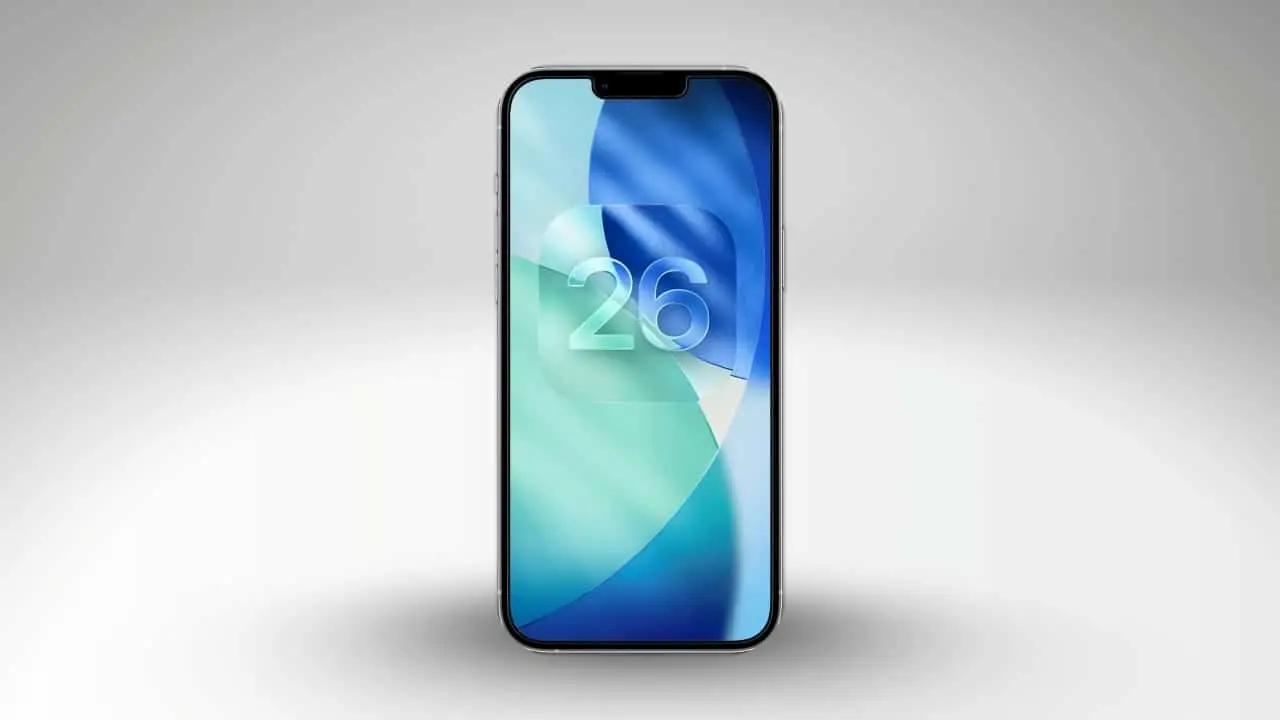
The iOS 26 Senhas app received a new feature that temporarily stores passwords generated by the system, but not saved correctly due to website or application failures. Esse feature appears only when there are recent uncompleted passwords and allows you to recover them for up to 30 days. The update resolves a common issue users face when creating complex credentials.
The tool is available in the three-dot menu in the top right corner of the application. Ela displays the associated site, the time elapsed since generation, and options for saving or deleting the password. This way, the user avoids time-consuming access reset processes.
Apple implemented this improvement to make the native manager more reliable on devices compatible with iOS 26. The feature integrates with AutoFill and synchronizes with other branded devices after the final save.

How Staging Works
The system maintains automatically generated strong passwords in a dedicated hub for ۳۰ days. Essa retention occurs when the password is not completely saved, such as in cases of website outage. The app’s internal description explains that the credentials are available for future use in AutoFill on all devices connected to the same iCloud account.
On the same topic: Find out how iOS 26 resolves issues with passwords generated in Apple’s dedicated app
When accessing the menu, the user sees clear details about each pending password. It is possible to add a username and additional information when saving permanently. Essa approach ensures that the credential is not lost permanently.
Steps to access the new tool
Users will find the “Senhas generated” option in the Passwords app’s three-dot menu. Ela only appears when there are recent unsaved credentials. Caso Otherwise, the item remains hidden to keep the interface clean.
- Open the Senhas app on your iPhone updated to iOS 26.
- Tap the three dots in the top right corner.
- Select “Generated passwords” when available.
- Choose to save or delete each item listed.
These simple steps allow you to quickly recover your password. The process requires standard device authentication for added security.
Benefits for everyday life
The functionality reduces the time spent resetting passwords. Usuários avoid repetitive cycles of requesting recovery emails. Integration with the Apple ecosystem facilitates use on multiple devices.
Many report similar difficulties since the initial launch of the Senhas app. Agora, the temporary hub acts as a protection network in unpredictable situations. The 30-day retention provides enough room for corrections.
Later saving includes optional fields for organization. Isso improves overall credential management on the device.
More on this story: New function in iOS 26 allows you to recover generated passwords that have not been saved for up to 30 days
Context of improvements to the Senhas app
The Senhas app has evolved since its introduction as a dedicated tool in previous versions of iOS. Atualizações continues to add features to compete with third-party managers. The focus remains on safety and native practicality.
Apple prioritizes iCloud syncing for consistent access. Senhas saves automatically become available on compatible iPhones, iPads, and Macs. Essa integration reinforces adherence to the proprietary system.
See Also


Advantages over common problems
Website crashes during account creation occur frequently. The new hub prevents the total loss of the generated password. Usuários gain greater control over complex credentials.
The delete option keeps the hub organized. Apenas relevant items remain visible. Essa selectivity contributes to a more fluid experience.
Learn more: New Apple system update optimizes urgent task management for iPhone users
Integration with existing resources
After saving, passwords enter the normal AutoFill flow. Elas work across browsers and applications without additional intervention. The transition from temporary to permanent occurs transparently.
The feature complements tools for automatically generating strong passwords. Usuários maintain high security standards without risk of loss. Apple continues to improve practical aspects of the native manager.
The Senhas app has established itself as the main option for many iPhone owners. Atualizações like this increase daily reliability. Temporary retention addresses a gap identified by users over time.
Learn more: PlayStation 5 Pro price drop accelerates digital retail sales and eliminates global stocks
Tips to make the most of it
Check the menu regularly after creating new accounts. Salve pending passwords as soon as possible for immediate synchronization. Exclua unnecessary items to avoid accumulation.
Combine the feature with secure authentication habits on the device. Ative or Face ID or Touch ID for quick access to the app. Essas practices increase the general level of protection.
The functionality is available on all models compatible with iOS 26. Atualize the system to access the new feature. Apple distributes improvements through free updates.
Availability and compatibility
The feature arrives integrated into iOS 26 without the need for extra downloads. Ele works on iPhones updated to this version. Synchronization occurs automatically via iCloud.
Users of other Apple devices benefit indirectly. Senhas saves appear on Macs and iPads connected to the same account. Essa consistency reinforces the integrated ecosystem.