

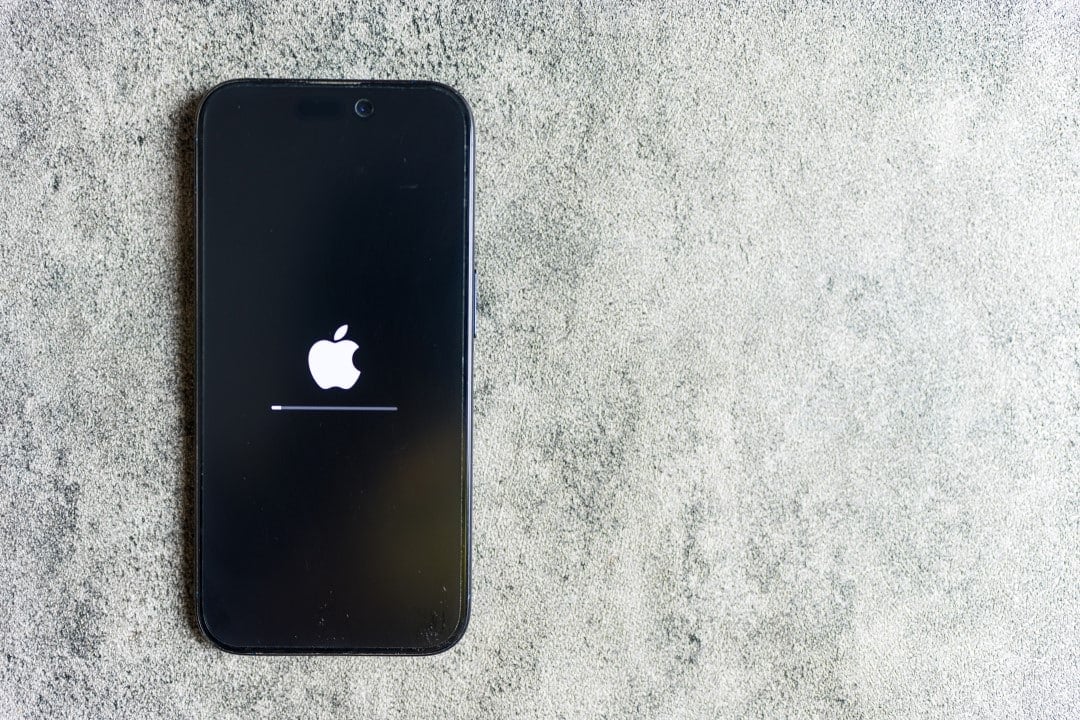
Apple smartphone owners have started receiving a new software package aimed at mitigating recently identified critical performance flaws. The release of the operating system focuses primarily on stabilizing energy consumption, responding to complaints about the reduced autonomy of devices in everyday use scenarios.
In addition to energy management, the technical compilation addresses instabilities in the user interface and communication via the mobile network. The emergency measure seeks to restore the operational fluidity that had been compromised in the previous version distributed globally.

Details of technical fixes implemented
The iOS 26.2.1 version reaches compatible devices with the main mission of stopping accelerated charge draining, a problem that affected users even during low-demand activities. Relatórios technicians indicated that background processes were consuming excessive resources, requiring frequent reloads throughout the day and degrading the mobile experience.
Another crucial point addressed by software engineering involves telephone connectivity. Foram adjustments to network protocols were applied to eliminate abrupt interruptions in voice calls, ensuring greater stability in communication with specific contacts and different operators.
The update also fixes noticeable delays in the virtual keyboard response and the execution of navigation gestures. X__NM0____
Secure update procedure
To ensure access to fixes, the user must navigate to the device’s settings menu and select the software update option within the general tab. The system performs an automatic check on the servers and, upon identifying the available package, enables immediate download, which should preferably be done over a stable Wi-Fi connection.
It is recommended to keep the device with a battery level greater than 50% or connected to the power source throughout the installation process. Automatic restart occurs after applying the files, at which time the system finishes integrating security and performance improvements.
Users who prefer greater convenience can activate the automatic updates feature in settings. Essa functionality allows the iPhone to manage the download and installation during periods of inactivity, usually at night, as long as the device is charging and connected to the internet.
Impact on autonomy and performance
The first analyzes from those who have already migrated to the new version point to a consistent normalization in battery life. The device’s thermal management also improved, with a reduction in sporadic heating that occurred during multitasking or using media applications.
More recent models, such as the iPhone 16 and 17 lines, demonstrate superior use of code optimizations. However, compatible older generation devices also see performance gains, validating the effectiveness of the fix for the entire supported ecosystem.
Recommendations for optimal settings
Experts suggest that, in addition to keeping the operating system up to date, users check third-party application updates in the official store. Outdated Softwares may conflict with the new system code, generating unnecessary residual energy consumption.
Location services management is another important preventative measure to preserve payload. Restringir Only accessing GPS when apps are in active use prevents mapping tools or social media from silently draining the battery.
- Disable background refresh for apps that don’t require real-time data.
- Use low power mode on long days to limit intense visual activity.
- Adjust screen brightness to lower automatic or manual levels indoors.
- Monitor battery health in settings to check for physical wear and tear on the component.
Apple maintains continuous development of future versions, such as iOS 26.3, which should bring new functional features. For now, installing version 26.2.1 remains the official recommendation to ensure short-term data stability and security.
Main keywords:iOS 26.2.1, iPhone update, battery drain, bug fix.
Long-tail keyword:how to solve battery problems on iPhone after update.
Sources researched:Suporte Apple, MacRumors, 9to5Mac.



