
Failed recent iOS update causes continuous reboot and disables security features
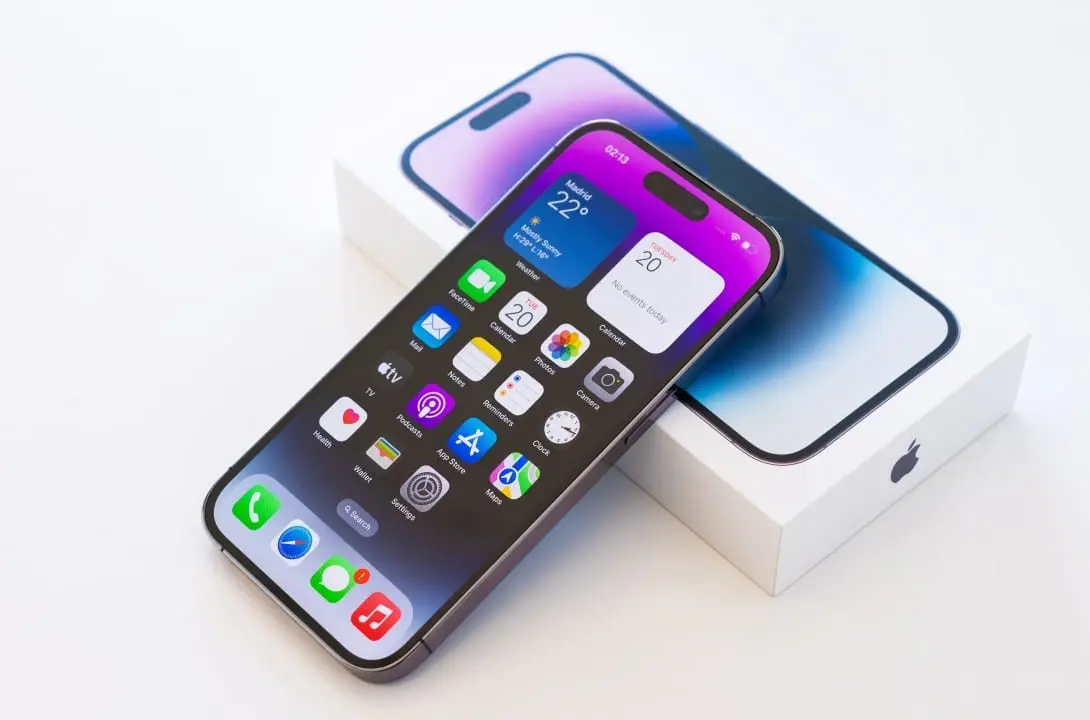
The release of a new software package for mobile devices has generated a series of technical instabilities on a global scale in the last few hours. Consumidores who downloaded the latest version of the operating system reported the immediate loss of basic functionality on their devices.
The central problem involves a critical flaw in the code architecture, which prevents essential hardware components from functioning properly. Reports registered on technical support forums point to a severe degradation in the usability of the affected equipment.

Major failures documented by device owners include the following anomalous behaviors:
– Reinicializações successive sequences without user intervention.
– Permanent Desativação of the facial recognition system.
– Queda abrupt signal reception from telephone operators.
– Superaquecimento of the chassis during low-demand tasks.
Given the seriousness of the situation, software engineers work to identify the source of the logical conflict that caused the interruption of services. The immediate recommendation for those who have not yet carried out the procedure is to suspend any installation attempts.
More on this story: Apple system update crashes functions and drains iPhone battery
Initial reports and feature disruption
The first signs of instability appeared a few hours after the file was made available on the manufacturer’s official servers. Proprietários of recent models have noticed that the facial biometrics identity verification process has become unresponsive, requiring manual entry of numeric passwords to unlock the screen.
The absence of this security layer directly affects the authorization of contactless payments and access to banking applications. The biometric sensor malfunction occurs due to a communication failure between the new software and the hardware module responsible for three-dimensional mapping of the user’s face.
Thermal overload and energy wear
Another widely reported symptom is accelerated battery drain, even when the device is at rest. The operating system presents an error managing processes in the background, keeping the processor at maximum activity uninterruptedly.
High-performance models, designed to withstand long periods away from the socket, are discharging completely in a fraction of the usual time. Unnecessary computational effort generates abnormal heating in the metal and glass structure of phones, causing physical discomfort during handling.
To prevent permanent damage to internal components, the system itself activates thermal defense mechanisms that reduce screen brightness and limit processing speed. However, this palliative measure slows down browsing and hinders the execution of everyday applications.
Instability in network and telephony connections
The update also introduced a critical error in the devices’ wireless communication protocols. Usuários face sudden disconnection from local networks and the inability to maintain a stable signal with mobile phone operators’ antennas.
On the same topic: Critical flaw in iOS 26.2.1 destroys battery and blocks Face ID on iPhone
The defect prevents traditional voice calls from being made and text messages being sent in times of need. Automatic switching between different cell towers while a user is on the move results in a complete loss of service, requiring airplane mode to be turned on and off to force a new signal search.
See Also



Expert technicians point out that the software package corrupted the devices’ internal modem configuration files. The software failure ignores the parameters established by telecommunications companies, creating a bottleneck in the exchange of data packets.
The lack of connectivity isolates the equipment, making it impossible to even receive remote instructions to correct the problem. Profissionais who depend on mobile communication to carry out their activities report operational losses due to the sudden lack of communication.
Internal storage management failure
An in-depth analysis of the code revealed an error in the memory allocation system that worsens the instability scenario. Faulty software creates temporary error log files in an uncontrolled manner, quickly taking up all free space on your phone’s storage disk. In some documented cases, the system data folder accumulated tens of gigabytes in a few hours, exhausting the physical capacity of the memory component.
When storage reaches its maximum limit, the operating system loses the ability to perform basic read and write operations, resulting in a complete meltdown. Esse Space exhaustion is the main trigger for the infinite cycle of reboots, technically known as the boot loop. The device tries to start the graphical interface, fails due to lack of available virtual memory and restarts the process, becoming completely inoperative and stuck at the initial loading screen.
Package Suspension and Corporate Response
Given the significant volume of complaints and technical confirmation of structural flaws, the distribution of the update package was interrupted on global servers. The manufacturer removed the digital signature from the defective version, preventing new devices from being able to validate and install the corrupted file. The containment measure aims to limit the number of affected devices while a team of developers works on compiling corrective code. The process of rolling back to the previous version of the operating system has become unfeasible for most consumers, as official software authentication channels have been closed to avoid additional version conflicts. The company instructed its technical support teams and physical stores not to carry out hardware replacement procedures, as the defect is strictly logical and will be resolved through a new software release via the internet, as soon as the stability of the code is confirmed in a closed testing environment.
Safety guidance for affected equipment
Data recovery experts warn that owners of crashed devices should not attempt to restore factory settings themselves. Forcefully formatting the hard drive will permanently erase photos, documents and credentials that were not previously copied to cloud servers, without guaranteeing resolution of the operating system defect.
Learn more: IOS 26.2.1 system update renders cell phones unusable and causes serious battery failures
Preventative measures and update management
The occurrence of systemic failures in large updates reinforces the need to adopt conservative practices in the administration of electronic devices. Profissionais of information technology recommend that you disable the automatic download and installation feature of new software packages. Essa precaution allows the consumer to wait for the first days of release, a period in which any critical errors are identified and reported by pioneering users.
Para garantir a integridade das informações armazenadas, a criação de cópias de segurança deve ser uma rotina rigorosa antes de qualquer alteração no sistema operacional. The safeguard procedure protects an individual’s digital assets against file corruption or catastrophic failures during the flash memory rewriting process. Information security guidelines suggest the following practices:
– Manter cloud backup synchronized daily over stable connections.
– Realizar encrypted physical copies on personal computers periodically.
– Verificar the availability of storage space before starting updates.
– Acompanhar technology forums to monitor the stability of new versions.
Today’s reliance on mobile devices for financial transactions, professional communication and storage of identification documents requires a cautious approach. The rush to obtain the latest graphical interface modifications or small performance adjustments does not justify the risk of temporarily rendering the contemporary citizen’s primary communication tool unusable.














