

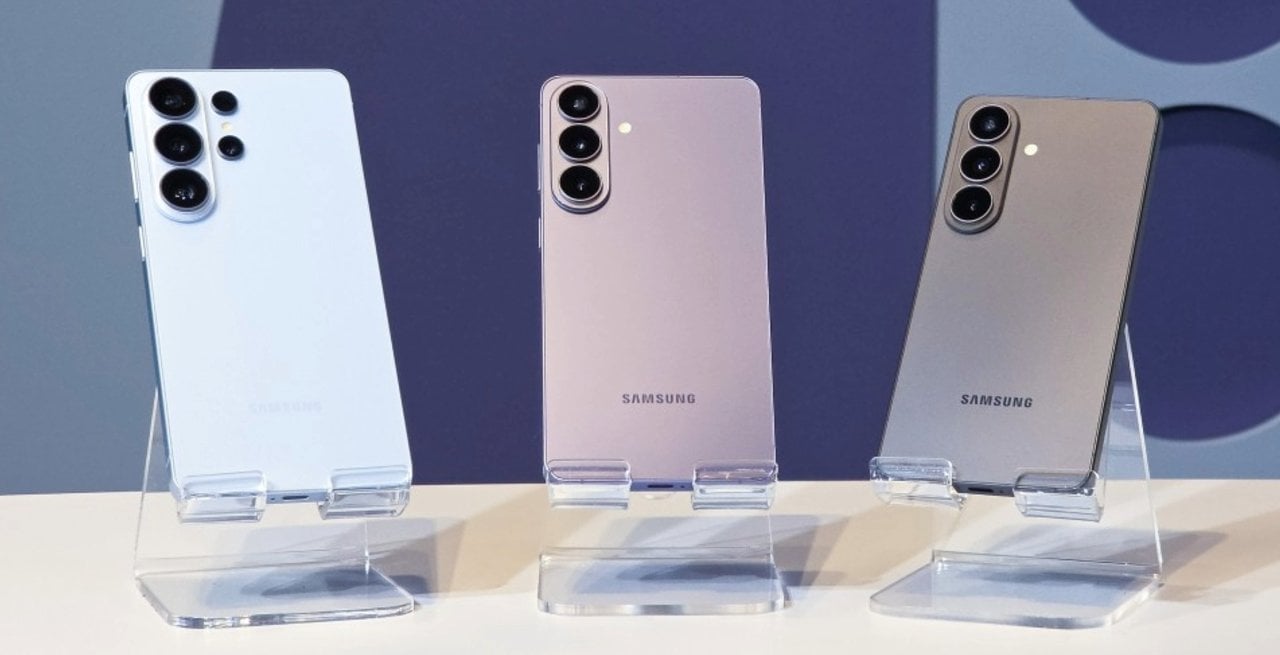
Samsung launched an update to the Camera Assistant application that simplifies activation of the 24 MP photo mode on the Galaxy S26 line, responding to recurring complaints from users about the difficulty in accessing the feature. Version 4.5.00.20, distributed by Galaxy Store, places the 24 MP option directly in the app’s main settings, eliminating the need to navigate through advanced submenus. The feature is now available for the Galaxy S26, S26 Plus and S26
Users need to download the Camera Assistant app from Galaxy Store to enable the functionality. Após installation, simply access the app’s settings and activate the 24 MP resolution, with the possibility of setting the option as default by checking “Keep 24 MP resolution”. Essa change improves the everyday shooting experience as the mode is more accessible without relying on repeated manual adjustments every time the camera is opened.
Easy access to 24 MP mode
The update rearranges settings to make 24MP mode more intuitive. Antes, the option was hidden in advanced resolution submenus, which required several steps to activate it.
Now, it appears directly on the main Camera Assistant adjustments screen. Isso allows owners of the Galaxy S26 line to quickly activate the feature.
The feature uses AI-based processing to combine details from images of different resolutions, offering a balance between quality and file size.
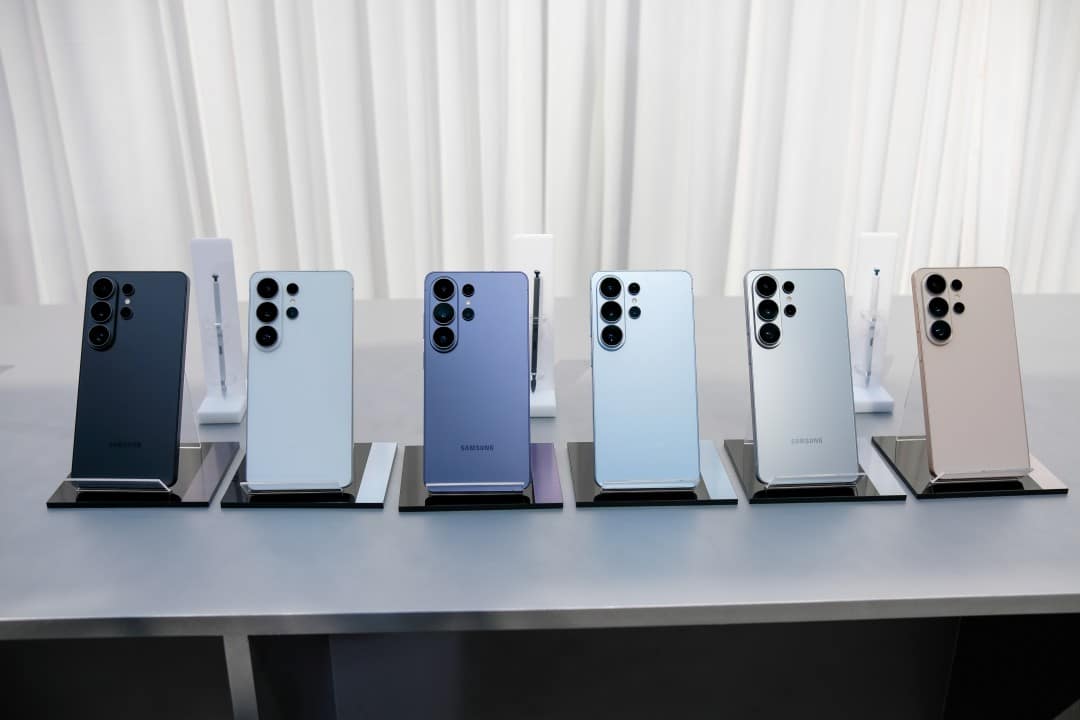
Advantages of intermediate resolution
The 24 MP mode offers more detail than standard 12 MP photos, but produces smaller files and faster processing than the 50 MP or 200 MP options. Ele reduces common problems at high resolutions, such as overexposure in bright areas or skies.
Users report more natural-looking images and fewer artifacts from excessive processing. The feature applies mainly to the main camera, with limitations on zoom or ultrawide lenses depending on the model.
The “Maintain 24 MP resolution” option ensures that the camera always starts at this setting, avoiding a return to the 12 MP default.
How to activate the feature step by step
Install Camera Assistant via Galaxy Store on your Galaxy S26, S26 Plus or S26 Ultra. Abra the application and locate the 24 MP resolution section in the main settings.
Activate the corresponding toggle and check the option to keep the resolution fixed. Retorne to the native camera app, where the choice of 24 MP appears in the resolution options.
Test in different lighting conditions to check the balance of details and dynamic range. Processing may take a few extra seconds compared to standard mode.
Limitations and dependency on the extra app
Although the update improves access, 24 MP mode still requires Camera Assistant installed and configured. Previous Modelos, such as Galaxy S25 and S24, offer similar resolution only in the Expert RAW app, which requires more complex manual adjustments.
The Samsung maintains the unique feature of the S26 series in the standard Foto mode via this module. Não there is an official indication of expansion for past lines at the moment.
Experts point out that direct integration into the native camera app would be ideal for greater simplicity.
Balance between quality and practicality
The 24 MP resolution appears as an intermediate solution for everyday photography. Ela leverages high-capacity sensors with AI fusion, delivering superior clarity without compromising storage or speed.
In real scenarios, photos have better preservation of textures and balanced colors. The mode avoids processing overhead common in high-resolution captures.
Owners of the Galaxy S26 line gain additional flexibility to adjust the camera according to the specific needs of each situation.
The update reinforces Samsung’s commitment to refining post-launch software experiences for the Galaxy S26 series.



