

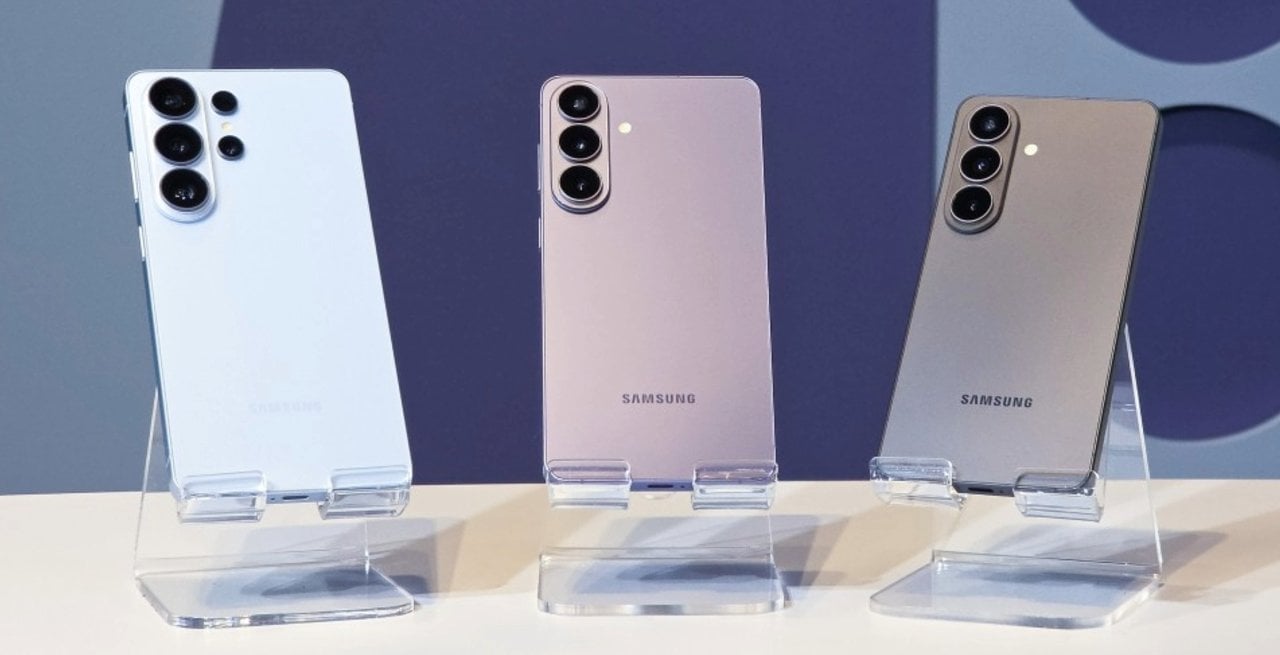
South Korean manufacturer Samsung has released a new software update that changes the way users interact with photography settings on its latest premium smartphones. The change occurs through version 4.5.00.20 of the Camera Assistant application, which now allows you to activate the 24 megapixel resolution directly on the main settings screen.
This change meets a frequent demand from device owners, who previously had to navigate through several complex submenus to find the intermediate capture option. The new feature is now available for free download from the brand’s official store and includes all current generation devices.
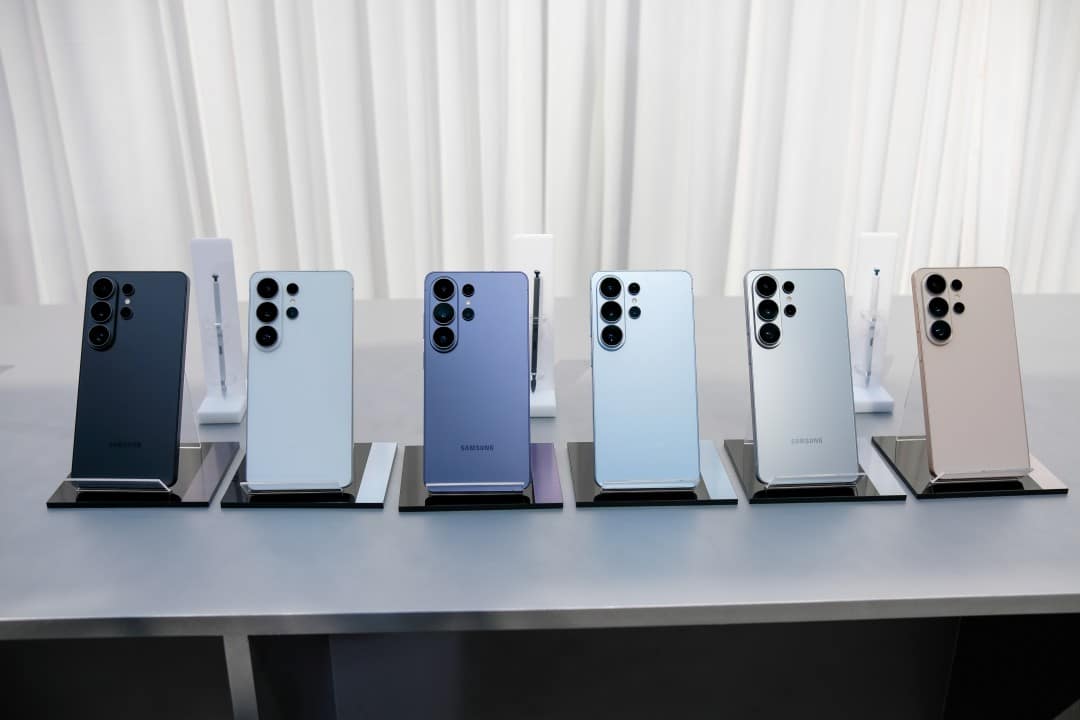
The benefited models include the standard versions, Plus and Ultra, ensuring that the entire high-performance line offers the same ease of use when recording images on a daily basis. Installing the additional module is the only requirement for the camera’s native interface to display the new shortcut permanently.
Reorganization of the photo interface
The architecture of the photographic system’s internal menus underwent a restructuring focused on intuitive usability. Antes of this modification, the choice of 24 MP resolution was hidden beneath layers of advanced settings, which ended up discouraging daily use by people less familiar with the device’s technical features.
With the recent update, the activation button has been moved to the first preferences screen of the Camera Assistant, eliminating friction in the selection process. Além to simplify the way, the system introduced the state memorization function, allowing the user to check the option to keep the resolution fixed. Dessa However, the native camera application does not automatically return to the 12 MP default after closing, saving time in sequential captures or in moments that require speed.
The software development team’s decision reflects a change in the brand’s user interface design philosophy, prioritizing the display of tools that offer the best balance between visual quality and practicality. Especialistas in mobile technology point out that the previous hiding of valuable resources limited the potential of the photographic hardware, something that the new button arrangement solves effectively and without polluting the main capture screen, maintaining the clean aesthetics of the operating system.
Benefits of Intermediate Resolution
The choice of 24 megapixels acts as an ideal balance point for most everyday visual recording situations. Essa configuration delivers a level of detail significantly higher than the standard 12 MP, allowing image cropping without drastic loss of sharpness.
At the same time, it avoids the setbacks generated by maximum resolutions of 50 MP or 200 MP, which produce extremely large files and require perfect lighting conditions to work properly. The intermediate format reduces the occurrence of blown-out areas in bright skies and minimizes digital noise indoors.
Image processing and artificial intelligence
The functioning of the 24 MP mode relies heavily on advanced computer processing algorithms. The system uses artificial intelligence to merge multiple snapshots into a single final photograph.
This fusion process combines the fine details captured by high-resolution sensors with the light-absorbing capabilities of the clustered pixels. The result is an image with wide dynamic range and accurate colors.
The processing speed of this format also has advantages over heavier modes. The delay between tapping the shutter button and saving the photo to the gallery is minimal, ensuring agility.
Users who tested the new feature report that the images generated have a more natural appearance, with fewer artificial sharpness artifacts that tend to appear in traditional automatic settings.
Internal storage management
One of the most critical factors when choosing photo resolution on mobile devices is the impact on internal storage space. Fotografias captured at 50 MP or 200 MP can easily surpass the 25 megabyte mark per file, which quickly fills the device’s memory during trips or extended events. The 24 MP format solves this issue by generating files with an average size of 6 to 8 megabytes, optimizing disk usage without sacrificing the visual quality that modern sensors can offer.
In addition to saving space on the device itself, smaller files make it easier to back up to cloud services and share on messaging apps. Data transfer occurs more fluidly, consuming less mobile internet allowance and speeding up the sending of media to social networks. Essa Efficiency in data management makes intermediate resolution the most logical choice for recording routine moments, combining high definition with saving system resources.
System Setup Procedure
To take advantage of the new menu layout, the smartphone owner needs to carry out a simple procedure that involves the manufacturer’s proprietary application store. The first step is to open the Galaxy Store, search for the Camera Assistant application and download or update it to the latest version available. Após completion of the installation, the user must open the module, locate the section dedicated to photographic resolution on the home screen and activate the switch corresponding to 24 MP. Neste same menu, it is essential to select the check box that instructs the system to keep this configuration as default. Feito this, simply return to the cell phone’s native camera application, where the resolution icon at the top of the screen will now display the new option in a clear and accessible way, ready to be used in any lighting scenario without the need for constant reconfiguration.
Hardware and lens restrictions
Despite the improvements in the interface, the resource has physical limitations linked to the device’s optical assembly. Enhanced capture applies exclusively to the device’s main lens and is not available for ultrawide cameras or long-distance optical zoom sensors, which continue to operate at their pre-programmed native resolutions.
Differences from previous generations
The exclusivity of the simplified function for the current generation creates a clear distinction in relation to models launched in previous years. Older Dispositivos require the use of the Expert RAW application to achieve similar resolutions, which requires advanced technical knowledge.
So far, the manufacturer has not released official information about the possibility of bringing this easier Camera Assistant interface to past lines through retroactive software updates, maintaining the feature as a differentiator of the most recent series.
Evolution of the photographic ecosystem
The strategy of unlocking refined features through additional modules demonstrates the company’s focus on advanced customization. The Camera Assistant works as a laboratory of functions that serves the most demanding users without complicating the experience for casual consumers.
This modular approach allows the engineering team to release camera-specific fixes and improvements independently of major operating system updates. Isso speeds up response time to feedback from the technology community.
The increasing integration between cutting-edge hardware and adaptable software consolidates the brand’s position in the mobile photography segment. Delivering tools that adjust to each individual’s needs reinforces the ongoing commitment to improving visual recording on portable devices.



