

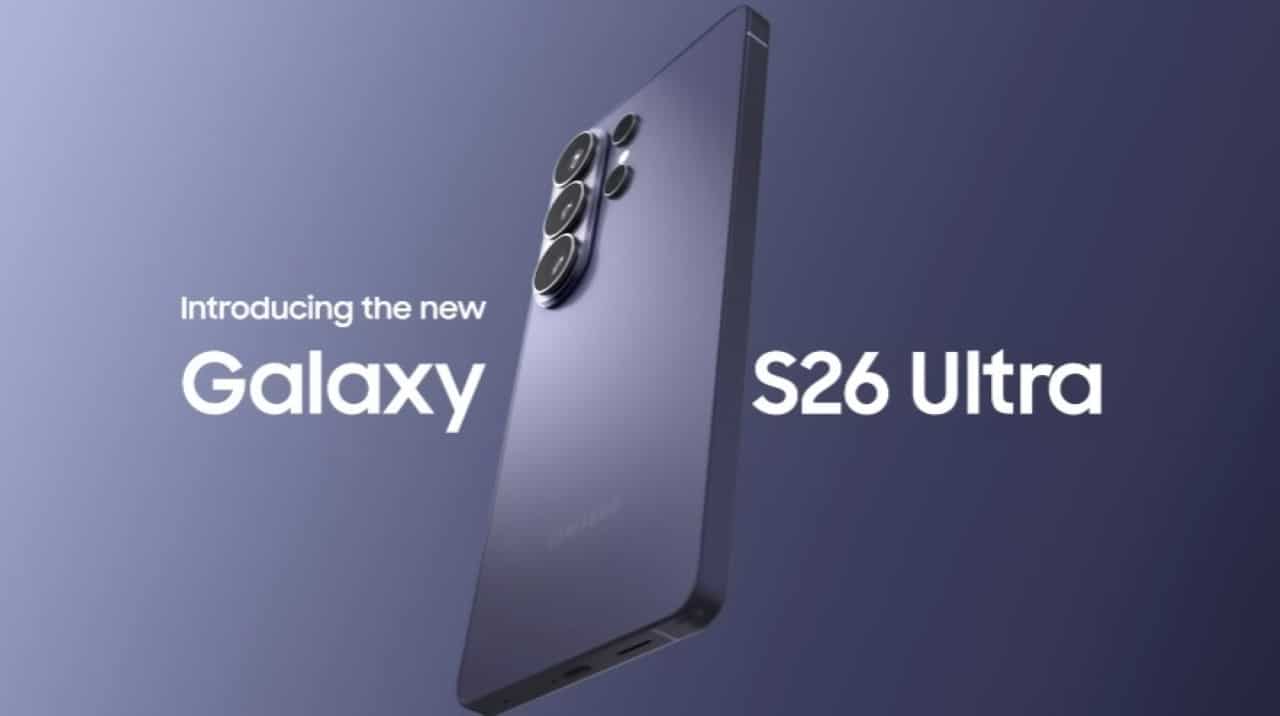
Samsung has begun rolling out a software update that adds support for AirDrop-compatible sharing on the Quick Share for the Galaxy S26 series. Usuários who receive the update can send and receive files directly with Apple devices, such as iPhone, iPad and Mac, without the need for third-party applications. The functionality operates through nearby Bluetooth and Wi-Fi, with automatic detection of devices configured in “All” mode.
The rollout began on March 23, 2026 in Coreia of Sul and has expanded to other regions, including Europa, América of Norte, Proprietários of Galaxy S26, S26+, and S26 Após installation, the feature appears enabled by default in most cases.
- Configuration on Configurações > Dispositivos connected > Quick Share > Compartilhar with Apple devices.
- Need for both devices (Galaxy and Apple) to be in “All” mode for immediate visibility.
- Sharing photos and videos takes place in a few seconds when the devices are close together.
- Functionality similar to that previously implemented in Pixel models.
How the new sharing feature works
The updated Quick Share detects nearby Apple devices and displays them as destination options during the file upload process. An informative Samsung pop-up appears on first use to explain the integration. Sharing keeps speed high, comparable to the native experience in single ecosystems, and works for both sending and receiving.
Tests carried out with the Galaxy S26 Ultra alongside the iPhone 15 Pro and MacBook Air demonstrated image transfer in seconds. Integration does not require complex configurations beyond the open visibility mode on the devices involved. Usuários report that the process becomes more fluid in environments with multiple devices from different brands.
Samsung plans to expand support for other Galaxy models in future updates, although it has not yet released the exact list of devices or additional timelines. The initiative follows the path opened by the Google with the Pixel series in the previous year, reinforcing the trend towards greater interoperability between the Android and iOS platforms.
Software Update Details for Galaxy S26
The corresponding One UI update brings the build that enables the specific toggle for sharing with Apple devices in the Quick Share settings. In some markets, the feature is now available for direct download via system settings. Samsung did not change the security patch level in most initial packages, focusing primarily on new connectivity functionality.
Owners must ensure that the Galaxy S26 has sufficient battery power and is connected to a stable Wi-Fi network before beginning installation. The process usually takes a few minutes and restarts the device when finished. Após reset, the Quick Share automatically recognizes nearby Apple targets.
Hands-on experience with Apple devices
Sharing occurs bidirectionally when proximity and visibility conditions are met. Arquivos sent from the Galaxy S26 arrives directly to the Fotos or Downloads application on the receiving Apple device. Speed varies depending on file size and wireless connection quality, but remains consistent in tests with images and short videos.
Users in mixed work and family environments report significantly reduced reliance on cloud services or cables for quick transfers. The integration respects the permissions of each platform and does not store data beyond what is necessary for timely transfer.
Expansion and next steps for Samsung
The company confirmed that initial support focuses on the recently launched Galaxy S26 line. Futuras updates should bring the feature to other smartphones and tablets from the brand, expanding the range of interoperability. Samsung monitors user feedback for possible refinements to the interface or connection stability.
The Quick Share with AirDrop support represents an advancement in the experience for users switching between the Android and Apple ecosystems. The functionality eliminates common barriers in file transfers and makes everyday life easier for those who use devices from different manufacturers.
Requirements for using cross-platform sharing
Both sides need to keep Bluetooth and Wi-Fi enabled during the process. Setting to “All” mode is essential for the Galaxy S26 to detect the Apple device instantly. In cases of first use, the system displays clear guidance on the necessary permissions.
There is no additional cost for the functionality, which is integrated into the standard software update. Usuários can disable the toggle in the Quick Share settings if they prefer to limit visibility. Samsung recommends keeping the system updated to ensure the best performance and security in transfers.
Initial compatibility and current limitations
For now, integration is restricted to the Galaxy S26, S26+ and S26 Ultra models. Older Dispositivos from the Galaxy line have not yet received the equivalent update. The company should announce the expansion to other devices in future announcements, following the pattern adopted in similar features.
Device detection works best over short distances, typically within the same room or table. Interferências of congested Wi-Fi networks may slightly affect speed, although most users will be able to complete transfers without notable interruptions.
Improvements to the usability of Quick Share
The addition of Apple support makes the Quick Share more versatile in professional and personal scenarios. Profissionais who deal with editing photos or documents between mixed teams benefit from immediate practicality. The feature maintains the simplicity of use that already characterizes the Quick Share on Android devices.
Samsung continues to invest in connectivity to differentiate its line of premium smartphones. The Galaxy S26 series, with this update, gains more attractiveness among audiences who value flexibility between different platforms.



