

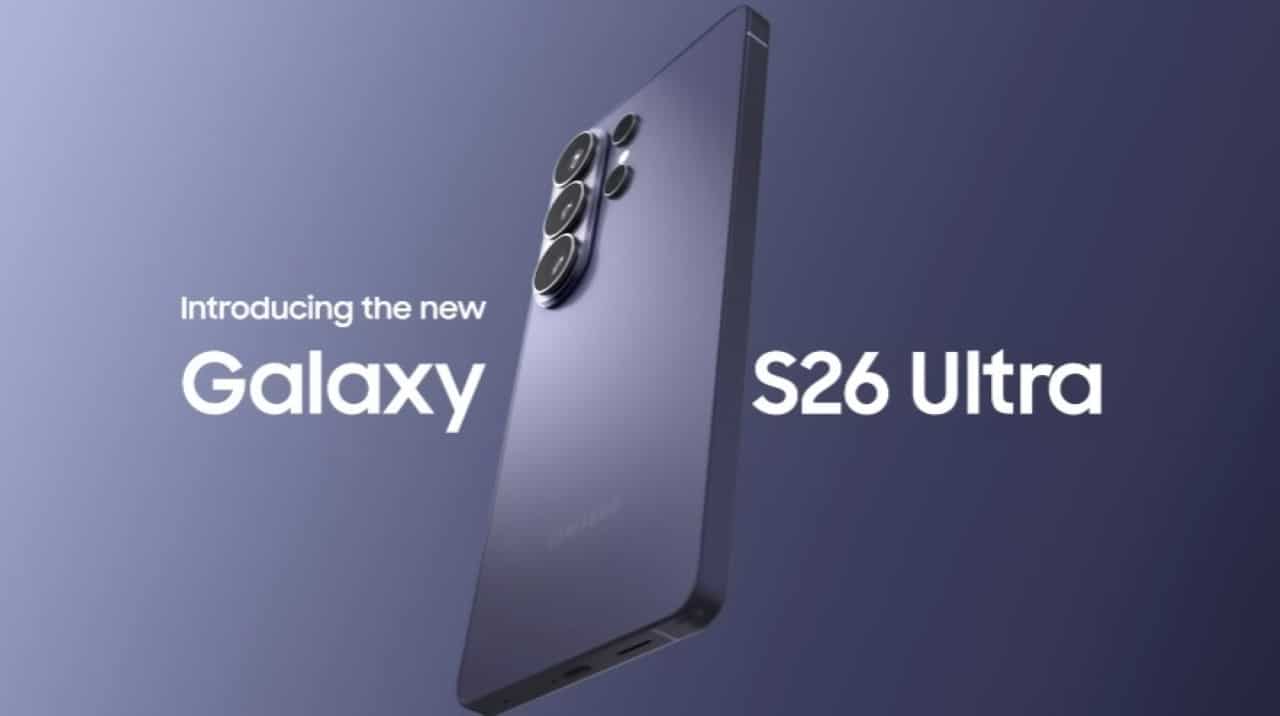
The South Korean manufacturer has begun global distribution of a new software suite that fundamentally changes the way its premium smartphones interact with competing ecosystems. Owners of the newly launched series now enjoy native support for sending and receiving documents, photos and videos directly to devices such as iPhone, iPad and Mac. The functionality eliminates the need to install third-party applications or use cloud storage services to carry out basic transfers between different platforms.
The firmware release process began in the Asian market and quickly expanded to strategic regions, encompassing América, Norte, América Latina and Europa. The integration operates invisibly to the user’s eyes, using a combination of proximity protocols that guarantee immediate recognition of the receiving hardware.
This technical move represents a significant change in the mobile device market, which has historically operated with rigid software barriers. The ability to communicate directly between different operating systems meets a long-standing demand from consumers who move between multiple devices in the corporate or home environment.
Installation package technical details
Users of the standard models, Plus and Ultra need to access the system settings menu to check download availability. The update file has a size that varies between 870 MB and 900 MB, depending on the region and the telephone operator linked to the device. The standard recommendation is to perform the procedure connected to a stable wireless network and with a battery greater than fifty percent.
The new version of the proprietary interface brings the necessary code to enable the cross-sharing key. In most of the initial packages distributed, the manufacturer chose to keep the security patch level unchanged, focusing engineering efforts exclusively on the stability of the new wireless connectivity tool.
Cross-system detection and visibility mechanism
The technology behind this new feature uses an efficient combination of radio frequencies. The Bluetooth acts initially to recognize nearby devices, while a direct local network connection takes responsibility for heavy data transfer. Para For the process to occur without failure, it is essential that both sides of the operation have their respective visibility modes configured to accept connections from anyone.
During the first attempt to use, the operating system displays an informative warning on the screen of the sending smartphone. Este alert serves to guide the consumer on how the integration works and the necessary permissions for the communication bridge to be successfully established.
Detection occurs in real time. Assim Once the user selects media from the gallery and clicks the share button, competing brand devices that have their screens unlocked and within range will appear in the list of available destinations, side by side with other contacts in the phonebook.
Step by step to activate interoperability
Although the functionality is activated by default after the post-update restart on most devices, the system offers full control over the feature. The way to manage this tool requires just a few taps on the screen and allows the owner to decide exactly when they want to keep their device visible to other brands, ensuring autonomy over the management of external connections.
- Access to the main menu in Configurações, followed by connected Dispositivos and the specific tab for Quick Share.
- Activation of the selector switch named Compartilhar with Apple devices.
- Need to keep visibility mode open for all contacts at the time of transfer.
- The speed of sending heavy media resembles the native experience of closed ecosystems.
Impact on users’ routines in mixed environments
The routine of professionals who work with content production or image editing usually involves the simultaneous use of smartphones and computers from different manufacturers. The absence of a direct communication channel has always required alternative solutions, such as sending files via email, messaging applications or physical cables.
With the update, a high-resolution video recorded on a smartphone can be transferred to a notebook from another brand in a matter of seconds. The received file is automatically forwarded to the downloads folder or directly to the receiving system’s gallery application, keeping the original quality and metadata intact.
Practical tests have demonstrated that the fluidity of the process drastically reduces the time spent on basic operational tasks. The absence of forced compression, common in instant messaging applications, preserves the integrity of important documents and professional photographs.
The integration also facilitates casual sharing at social events or family gatherings, where diverse cell phone brands are common. Eliminating the software barrier allows photographic records to be distributed to everyone present instantly, regardless of the logo stamped on the back of the device.
Transfer speed and connection stability
The tool’s performance is directly linked to the conditions of the physical environment where the transfer takes place. The proximity between equipment is the most determining factor in maintaining a high transfer rate. At short distances, such as devices arranged on the same work table, sending dozens of photographs is completed even before the progress bar is completely filled on the screen.
External interference can cause occasional fluctuations. Ambientes with high density wireless networks, such as crowded offices or shopping centers, may cause slight congestion in communication channels. However, the transfer protocol is designed to renegotiate the connection automatically, preventing the send from being canceled mid-process.
Data privacy when sending media
The system architecture was developed with a focus on protecting the information transmitted. Communication is strictly peer-to-peer, meaning files do not pass through external servers or data centers on their way from sender to recipient. Access permissions are revoked immediately upon submission completion, preventing any type of unauthorized persistent connection.
Ecosystem expansion and next steps for the manufacturer
The initial focus of software distribution includes exclusively the brand’s most recent and advanced line of smartphones. Esta strategy allows the development team to monitor tool behavior on a large scale and apply stability fixes before expanding the supported user base.
The market expectation is that previous generation models and the premium tablet line will receive the same treatment in future update packages. The company maintains a continuous software improvement schedule, indicating that interoperability will become a standard across its high-performance product portfolio.
End of historical barriers between mobile platforms
The initiative to break down the walls between mobile operating systems reflects a change in attitude in the technology industry. The movement follows a trend started by other giants in the search sector, which had already implemented similar solutions in their own hardware lines. The standardization of wireless communication protocols directly benefits the end consumer, who gains freedom of choice when purchasing new equipment.
By adopting this open stance, the manufacturer adds significant value to its premium devices. The ability to dialogue natively with the competing ecosystem removes one of the main obstacles for users considering migration between platforms, consolidating the smartphone as a universal productivity tool without local communication restrictions.



