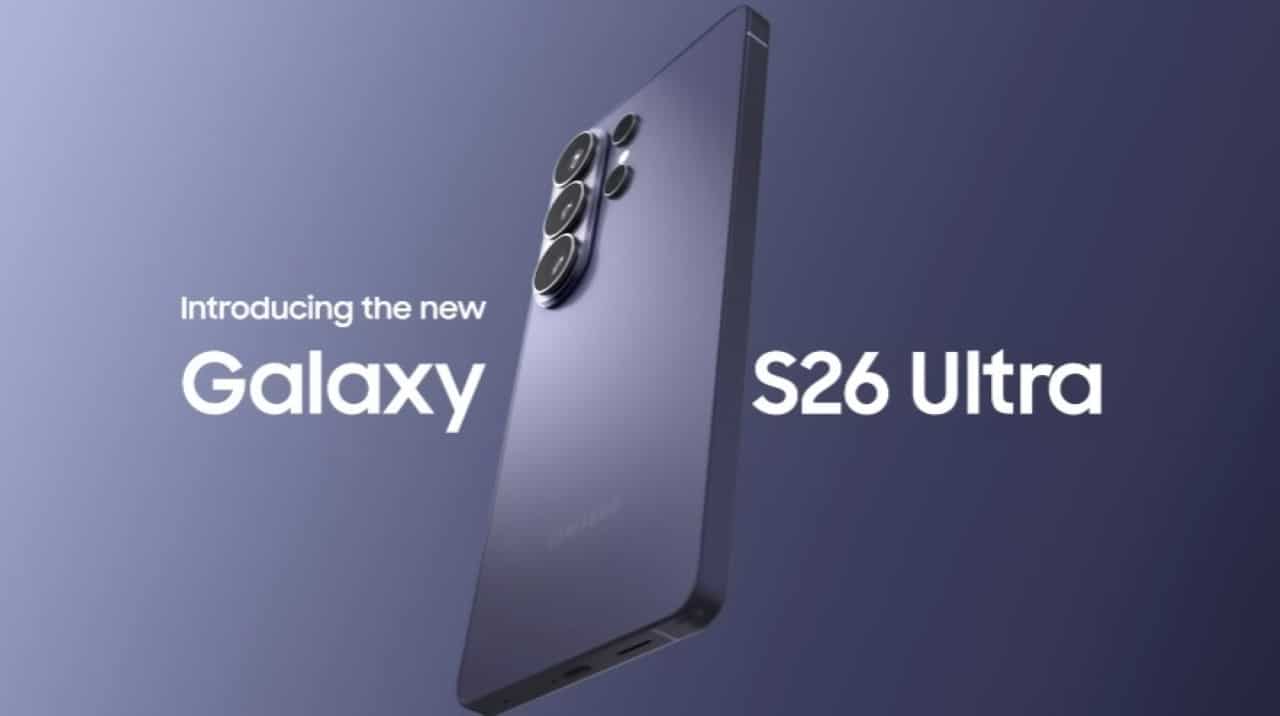
The Samsung Galaxy S26 Ultra retains the 200MP main sensor and offers users the choice between capturing images at 12MP or enabling a 24MP mode. Essa option is available through the Camera Assistant module of Good Lock and does not appear directly in the camera app’s default settings. The feature appears as an intermediate alternative between standard binned resolution and high resolution modes such as 50MP or 200MP.
Many flagship owners use the 12MP mode on a daily basis because pixel binning groups information to improve light capture in low-light environments. The resulting photos process quickly and generate lightweight files, ideal for sharing on social networks or viewing on screens. Samsung processing applies efficient noise reduction and preserves natural colors in this setting.

Resolution options on the main camera
The 24MP mode combines exposure fusion elements with advanced software to deliver more realistic textures and less over-sharpening. Imagens at this resolution maintain a good balance between detail and file size, which facilitates subsequent edits or cropping without excessive loss of quality.
Users report that 24MP has an advantage in scenes with controlled lighting, where fine details such as skin textures, leaves or architecture appear more naturally. The device’s powerful processor takes care of additional processing in the background, although save times can reach a few seconds in more demanding conditions.
Comparison between 12MP and 24MP in everyday use
The 12MP configuration prioritizes speed and energy efficiency, making it practical for quick or burst photography. Arquivos smaller ones take up less storage space and load faster on messaging apps or online platforms.
24MP demands more from the system, but delivers files with a greater amount of information per pixel. Essa choice benefits those who perform post-processing or print photos in medium sizes. The feature does not change the sensor hardware, but better exploits the processor’s ISP capabilities.
Access to 24MP mode requires extra configuration
To activate the 24MP resolution, the user needs to install or open the Camera Assistant module within the Good Lock. The option is available in advanced resolution settings and applies to both photo and portrait modes. Essa approach keeps the main interface clean for most users who prefer the streamlined 12MP experience.
The Galaxy S26 Ultra also continues to offer 50MP and 200MP modes for specific situations that demand maximum resolution. The presence of 24MP fills a gap by delivering intermediate quality without the bulky files of higher resolutions.
Main sensor technical details
The Galaxy S26 Ultra’s 200MP sensor uses binning technology which, in standard mode, reduces the image to around 12MP by combining pixels and capturing more light. Essa strategy improves low-light performance and reduces noise without excessively sacrificing detail.
When enabled, 24MP mode applies a different fusion that preserves more of the original sensor information. The result tends to show fewer heavy processing artifacts and colors that are more faithful to the real scene. Testes Practical data indicate that the difference becomes more evident in enlargements or when comparing sections of the same image.
Practical benefits for different user profiles
Casual photographers or those who share content on social networks often stick to the 12MP mode for speed and space savings. The resolution well meets the viewing needs on smartphone and tablet screens.
Enthusiasts who edit photos or value greater flexibility in post-production frequently activate the 24MP. Essa configuration offers a compromise between quality and practicality, especially in environments with favorable lighting where the additional detail stands out.
Limitations observed in 24MP mode
More elaborate processing may cause a slight delay in saving the image, although it occurs in the background in most cases. Arquivos in 24MP takes up more space than the 12MP ones, which requires attention to the device’s internal storage.
At specific zooms or extreme light conditions, behavior may vary and may not always deliver 24MP at all focal lengths. Samsung keeps the mode as an advanced option instead of the default to preserve the fluid experience for the average user.
Camera evolution in the ecosystem Galaxy
The inclusion of 24MP mode in the Galaxy S26 Ultra reflects the manufacturer’s effort to offer flexibility without complicating daily use. The feature complements improvements in image processing and main sensor hardware present from previous generations.
Device owners can switch between resolutions as needed for the scene or workflow. Essa approach allows the same 200MP sensor to serve different profiles without requiring application switching or complex configurations.
Storage and performance considerations
The 12MP mode remains an efficient choice for those who take a lot of photos throughout the day. The reduced file size facilitates backups and sharing without compromising perceived quality in most situations.
Activating 24MP makes sense when the user plans more elaborate edits or wants more room for cropping. The processor of the Galaxy S26 Ultra manages the extra demand well, keeping the overall performance stable while using the camera.
The Galaxy S26 Ultra delivers varied resolution options on the 200MP main camera, with the 24MP mode accessible via Camera Assistant as an alternative for greater detail in everyday photos. Usuários switch between 12MP for speed and efficiency or 24MP for more natural textures, depending on the lighting and the purpose of the capture. The feature expands the possibilities without changing the physical sensor, taking advantage of the device’s advanced processing.
