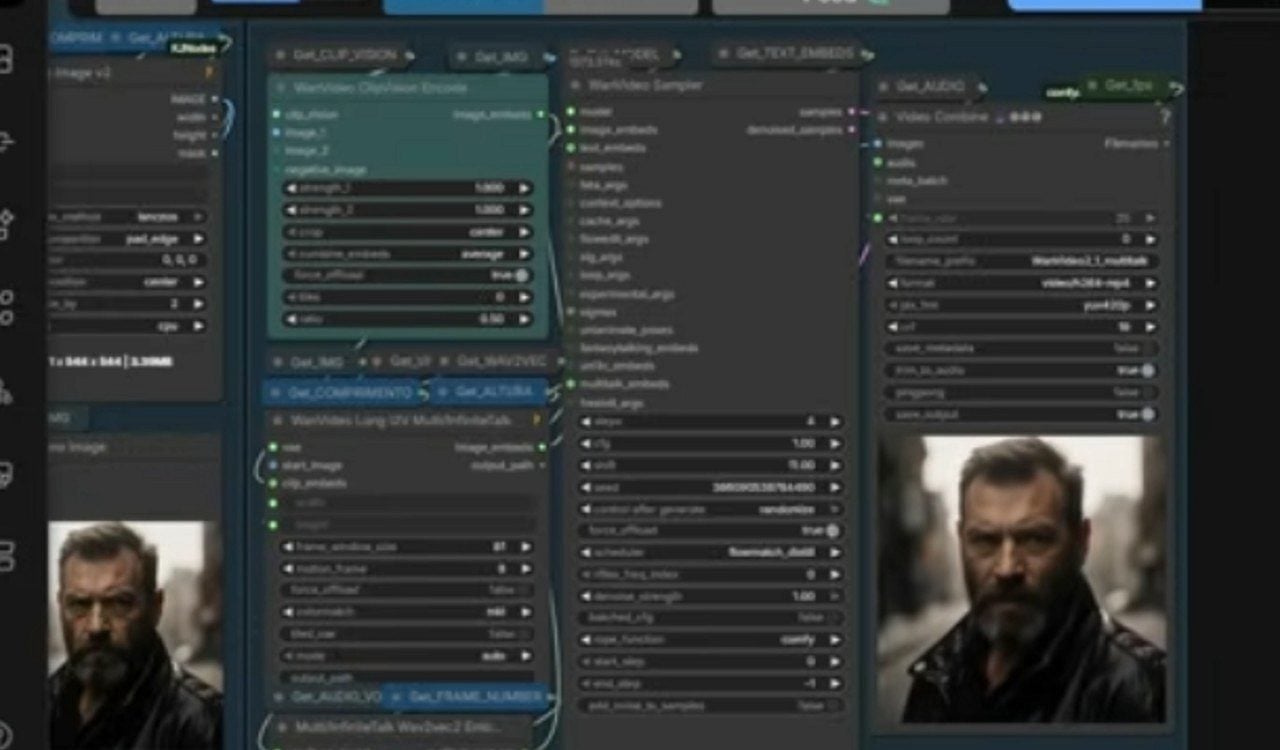
ComfyUI received updates that simplify the use of the tool for local generation of images and videos using artificial intelligence. The new features include Modo Aplicativo, released in March, and support for the NVFP4 format announced by NVIDIA in January. Esses features reduce VRAM consumption by up to 60% when running on GeForce RTX cards and increase generation speeds by up to 2.5x compared to previous versions.
The tool allows users to run AI models directly on their personal computer. Antes, the connected node system required detailed configuration, which put off many beginners. Agora, Modo Aplicativo transforms complex flows into a simpler interface, where you just enter prompts and generate the result.
What is ComfyUI and why does it attract attention
ComfyUI serves as a flexible platform to integrate templates like Stable Diffusion and other broadcast models. Users connect nodes to set conditions and process images or videos as needed. Essa Modularity serves researchers and creators seeking precise control.
Modo Aplicativo, launched in March, changes the flow. Ele converts the nodes into a clean canvas, similar to familiar interfaces from other AI programs. The user selects inputs such as text or image and activates generation with a button. Modelos ready-compatible mode is now available, although the version is still in beta. Mais Options should arrive in the coming months.
Many users reported difficulty with the branching nodes screen. The new mode reduces this barrier without losing the power of the original tool.
Requirements for running generative AI locally
The desktop version of ComfyUI automates part of the installation, including tools like Python, which makes it easier for those without advanced experience to get started. The program runs on Windows and macOS, with a greater focus on the Windows experience in this guide.
NVIDIA GeForce RTX GPU recommended for best performance. Modelos lightweight devices like SD1.5 require at least 8 GB of VRAM. Para SDXL or video generation, the ideal goes up to 12 GB or more. Armazenamento in SSD helps with loading speed.
- 8 GB VRAM: SD1.5 and SDXL base generation
- 12 GB VRAM: SDXL, short videos with AnimateDiff and quality improvements
- 16 GB VRAM: use multiple models, longer videos and LoRA training
- 24 GB VRAM: models such as Flux.2, large-scale videos and high-resolution enlargements
Most generative AI models were developed for NVIDIA’s CUDA platform. RTX cards include Tensor Cores, dedicated to artificial intelligence calculations, which improves stability and energy efficiency.
ComfyUI installation on Windows up to first generation
The desktop version offers a dedicated installer for Windows. Após download the package, the process creates a desktop shortcut. The user opens the program and follows the initial settings, selecting the NVIDIA GPU option.
The system detects the card and configures the environment automatically. Modelos initials are available for immediate testing. The first image generation occurs after choosing a simple workflow or using ready-made templates.
The process avoids lengthy manual configurations of Python and dependencies. Usuários with RTX GPU notice a difference in speed from the first use.
How GeForce RTX accelerates AI generation
NVIDIA announced native support for NVFP4 in ComfyUI in January. Esse format reduces VRAM consumption by up to 60% and increases speed by up to 2.5 times on GeForce RTX 50 series cards when compared to previous accuracies. Modelos and FLUX.2 Klein already have NVFP4 and FP8 variants.
The Tensor Cores processes AI calculations with less energy consumption. NVFP4 support works natively in the tool, without the need for complex adjustments. Para older RTX cards, FP8 offers 1.7x speed gains and 40% reduction in VRAM.
These optimizations make image and video generation more viable on consumer hardware. User downloads checkpoints directly from repositories like Hugging Face and replaces the default template in ComfyUI.
RTX Video Super Resolution for 4K videos
ComfyUI now integrates the RTX node Video Super Resolution. Essa tool allows you to quickly increase the resolution of generated videos to 4K on RTX cards. The process takes place in seconds and improves sharpness without adding excessive artifacts.
The node is available through an extension in the ComfyUI manager or direct download from the official repository. Ele integrates with existing workflows, enabling direct upscaling after video generation.
Creators who produce content in lower resolutions gain a practical option for high-quality delivery. The technology uses dedicated acceleration from RTX GPUs.
Which GeForce RTX card to choose
The choice depends on the main use and the amount of VRAM available. Basic Modelos runs well on 8 GB or 12 GB configurations. Fluxos More advanced ones, with multiple templates or long videos, require 16 GB or more.
For those who want to try Flux.2 or high-resolution enlargements, 24 GB cards offer greater comfort. NVIDIA’s RTX series remains a top recommendation due to the CUDA ecosystem and specific optimizations in ComfyUI.
Modo Aplicativo and performance improvements should attract more users to local AI generation. The tool maintains advanced flexibility while reducing initial difficulties.
