System update releases Galaxy S26 smart tools for models from S22 onwards
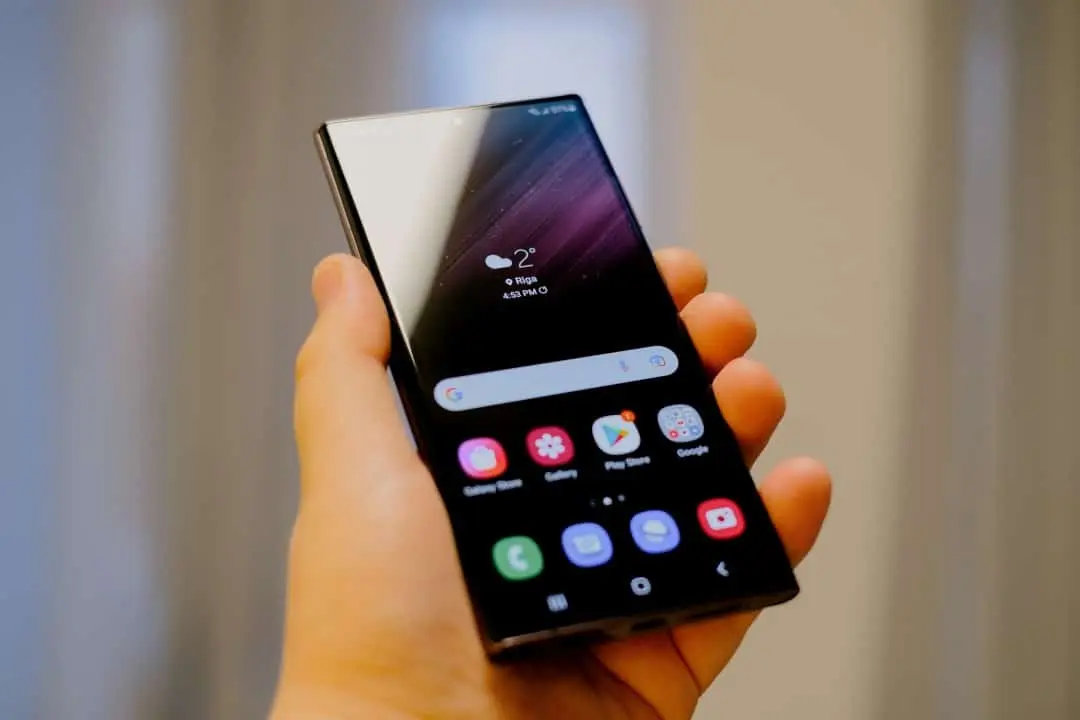
South Korean manufacturer Samsung is preparing to release the One UI 8.5 interface for a wide range of smartphones. The software suite introduces four advanced artificial intelligence tools that recently debuted in the Galaxy S26 lineup. Proprietários devices from the Galaxy S22 family will receive the new feature free of charge. The stable version of the operating system is scheduled for release on April 30th on Coreia and Sul. The global distribution schedule begins in May.
The company’s strategy democratizes access to technological innovations without the need to immediately change equipment. Consumers gain a robust protection system against unwanted calls. The package also offers professional options for editing photos and videos directly in the native gallery. The focus of development remains on the features that perform processing on the device itself. Essa architecture guarantees greater speed in responses and increases the level of privacy of personal data.
Local Processamento drives new tools on devices
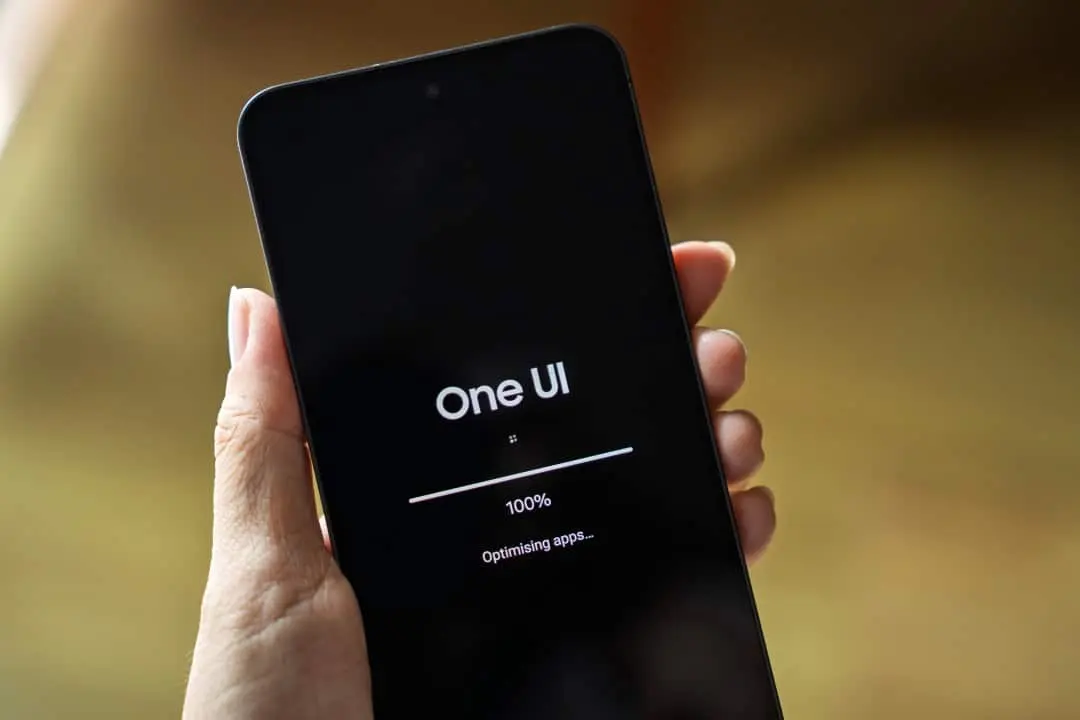
The software update activates a specific set of innovations on compatible cell phones. The package includes the Call Screening, Advanced Audio Eraser, Creative Studio and Photo Assist systems. Essas platforms use the hardware’s own processing power in most daily executions. The dependence on cloud computing decreases considerably with this technical approach. The change expands the operational capacity of intermediate and top-of-the-line models from previous generations.
The company’s Engenheiros carried out exhaustive tests of these functions on internal versions of the system. The Galaxy S24 Ultra served as the main basis for calibrating the algorithms during the development phase. Source code analysis confirmed the stability of the tools for mass distribution. Software optimization allows older processors to handle the complex demands of artificial intelligence. Battery consumption has also been adjusted to avoid excessive wear during intense use.
The mobile device market in 2026 requires integrated solutions that facilitate the digital routine. The manufacturer responds to this demand with a cleaner and more intuitive interface. Voice and text commands replace complex configuration menus. The learning curve for new features presents a friendly format for different consumer profiles. Deep integration with the operating system prevents common crashes in third-party applications.
Sistema screening creates barrier against unwanted calls
The tool that has the greatest impact on users’ routines is called Call Screening. The virtual assistant takes control of the phone call as soon as the feature is activated on the home screen. The system answers the call in place of the device owner. A synthesized voice asks the identity of the interlocutor and the exact reason for the contact. The software records the audio of the conversation and generates a real-time transcript on the smartphone’s display.
The cell phone owner follows the text and decides the next step with complete security. Ele can accept the call, send a standardized text message, or simply end the communication. Diversos reports indicate that those responsible for telephone fraud hang up immediately upon noticing interaction with the machine. The functionality provides significant relief during work meetings or leisure moments. The user does not need to interrupt their activities to deal with telemarketing contacts.
The operating mechanics are reminiscent of solutions implemented on other platforms in the technology market. The difference lies in the exclusive processing engine developed by the South Korean brand. The control panel is housed in the native phone app settings. The specific section allows fine adjustments to the assistant’s behavior. Consumers can change the voice language and set strict rules for automatic screening of unknown numbers.
Edição audiovisual gains professional studio features
The Advanced Audio Eraser module revolutionizes the way people handle sound recordings on their devices. The system can clean up unwanted noise in any video recording stored in memory. The user can separate different layers of audio with just a few taps on the screen. The interface isolates the main voice, wind noise, background music or ambient sound. Volume control for each track occurs independently.
The tool operates natively within the Galeria application and the system’s default video editor. Content creators who shoot material outdoors are given unprecedented control over the end result. The software reduces the sound of a bustling crowd or heavy vehicle traffic. The clarity of the protagonist’s speech remains intact after processing. Artificial intelligence automatically identifies sound elements and suggests the best adjustments.
Leia Também

Motoboy prevents tragedy by rescuing baby crawling on avenue in ES; mother is arrested for abandonment

Peak approach of giant asteroid to Earth occurs this Saturday, without danger of impact

Europe records a thousand deaths in France and record temperatures with heat wave that affects economy and infrastructure
The rendering time for modifications is impressive due to its agility on the most recent devices. The results appear in a matter of seconds in the vast majority of everyday editions. The need to transfer files to a desktop computer almost completely disappears. Produtores of short videos for social networks gains speed in publishing your materials. Audio quality reaches a professional level without the need for expensive external microphones.
Geração of images and modifications by text commands
The Creative Studio application acts as a design assistant integrated into the operating system. The platform makes it easy to generate new images and personalized stickers for messaging applications. The process only requires a text description of what the user imagines. The graphics engine creates multiple visual variations in different artistic styles. The tool can also transform existing photographs by adding new virtual elements.
Photo Assist complements the creative package with photo edits guided by artificial intelligence. The consumer types direct and simple commands in the search field. Frases how to remove the background of the image or erase the person in the background triggers the correction algorithms. The system applies structural changes naturally and preserves the scene’s original lighting. Ambas functions perform the mathematical calculations on the hardware itself to ensure the privacy of personal photos.
The arrival of these options transforms the user’s relationship with the creation of digital content. The practical impact of the One UI 8.5 update covers different aspects of daily smartphone use. Key advantages include:
- Bloqueio intelligently detects suspicious calls without the need for manual intervention from the owner.
- Limpeza quickly and accurately tracks audio tracks in videos recorded in noisy environments.
- Criação of exclusive visual material without installing additional third-party software.
- Modificações complex photography guided by natural language commands.
Design tasks that previously required technical knowledge now occur intuitively. The manufacturer’s ecosystem is strengthened by retaining users in its native applications. The dependence on monthly subscriptions to image editors decreases drastically.
Cronograma distribution and installation guidelines
The distribution of the final version of the software follows a strict schedule established by the Asian headquarters. Sul’s Coreia marketplace receives the first update packages at the end of April. The global expansion of the code occurs gradually from the first weeks of May. The list of eligible equipment includes all models from the Galaxy S22 family onwards. Aparelhos with foldable screens launched in recent years are also part of the company’s official schedule.
The company confirms device compatibility through internal stress test reports. Owners should monitor the software settings tab regularly. The download becomes available as soon as the regional servers allow access to the files. The data package is considerable in size due to the complexity of the new algorithms. The manufacturer recommends using a stable wireless network and a battery above half capacity to avoid failures.
The installation delivers general improvements to the fluidity of the graphical interface and critical cybersecurity fixes. The process of activating the new features requires a quick visit to the configuration menus after restarting the system. Call assistant needs to be enabled manually in the phone app. Editing tools automatically appear in photo gallery menus. Hands-on experimentation with real files helps the user master new features quickly.