Four devices that expand the use of the Steam Deck in everyday life
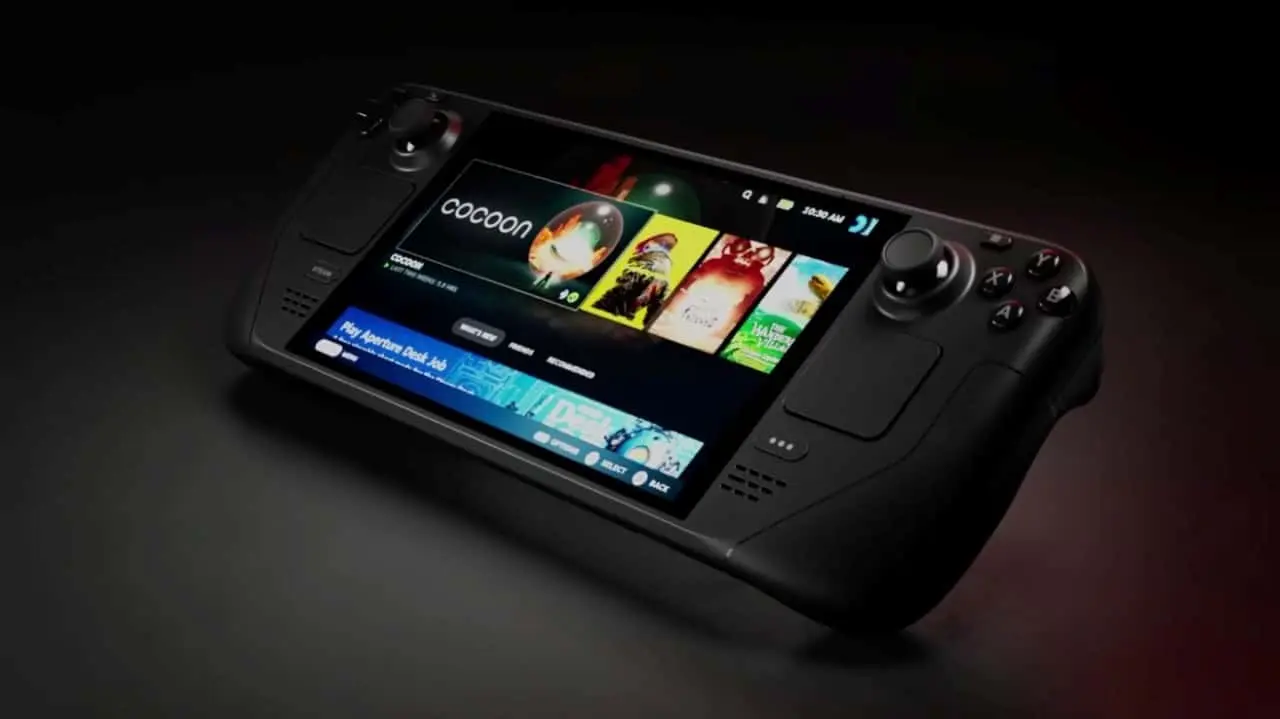
The Steam Deck consolidated its position in the portable console market not only for its performance, but for its flexibility in connecting to various external devices. Apesar While newer competitors have emerged, the ability to integrate the Valve’s hardware with peripherals remains a differentiator that keeps the notebook relevant. The Linux-based architecture allows users to expand the original functionality through simple and intuitive connections, transforming the way players interact with their titles.
The community of developers and modders has created a robust ecosystem around these connections. Fones headsets, smart glasses, personal computers and phones can be docked with the Steam Deck in ways that enhance their daily use. Usuários of Asus ROG Ally and other portable PC consoles also benefit from these recommendations, although the experience is optimized on SteamOS and specialized Linux distributions like CachyOS Handheld and Bazzite.
Transmissão gaming PC via Remote Play transforms laptop
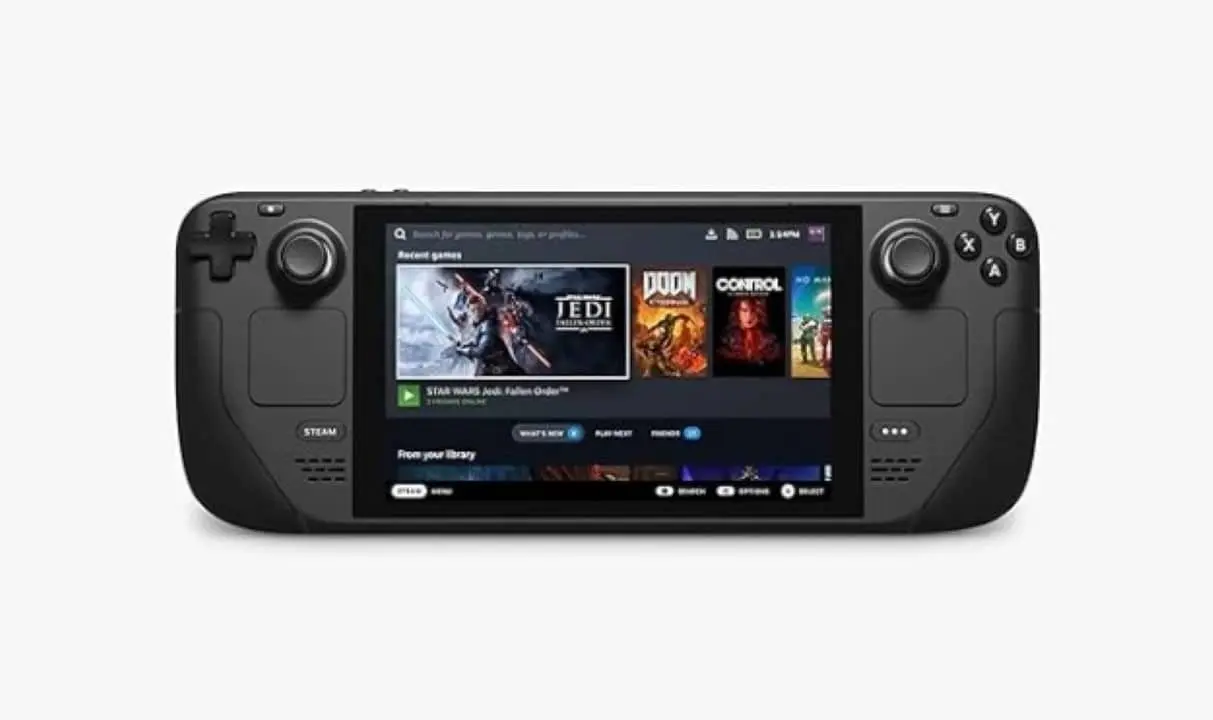
The Remote Play functionality integrated into the Steam Deck offers an elegant solution for those with a higher performance desktop computer. The portable device works like a giant controller with a screen, similar to the PlayStation Portal, allowing heavy processing to be performed by the more powerful machine while transmission takes place over the local network. Todos control methods remain accessible, including the Deck’s back buttons, gyroscope, and touchpad.
Essa approach is particularly valuable for modern titles that require robust hardware. Jogos currently impractical on the old processor of Steam Deck can be enjoyed comfortably through transmission. The user experiences the maximum graphics quality of the PC while playing from a more comfortable position, whether in bed or in the living room.
Desenvolvedores who wish to explore alternative solutions can use Sunshine and Moonlight, software that offers greater technical control over transmission. Essas tools even work with Windows, although Linux makes the configuration process easier. One current limitation involves HDR (High Dynamic Range), which two years ago was added to the Steam client on the desktop, but is not yet enabled for streaming on Linux.
Proprietários and Steam Deck OLED encounter a peculiar situation: although the panel supports superior color depth, this advantage is not taken advantage of in standard remote transmission. Contudo, advanced configurations with Sunshine can bypass this restriction with technical dedication.
Quality in-ear Fones elevates sound immersion
Quality Áudio transforms the gaming experience, especially in titles with a dense narrative or important sound atmosphere. Resident Evil (2002) loses impact without the disturbing sounds of Mansão Spencer, just as Disco Elysium doesn’t make the same impression without its updated dubbing. The Steam Deck offers multiple headphone connectivity options, ensuring no one is stuck with limited-quality internal speakers.
The laptop’s USB-C port supports specialized headphones that deliver high-quality audio via a wired connection. Essa approach provides simultaneous charging of the accessory while you play. Bluetooth remains available for traditional wireless options, and the 3.5mm jack remains present for compatibility with conventional models.
Usuários with AirPods should consider Decky Loader, a plugin manager that expands the capabilities of Steam Deck. The MagicPods add-on integrates seamlessly with the Decky Loader, offering:
- Noise Canceling Gerenciamento
- Integrated Microphone Controle
- Earphone battery Monitoramento
- Sincronização optimized with Apple devices
MagicPods eliminates the need for manual reconfiguration between sessions, keeping your Apple headphones running smoothly on the Steam Deck with minimal technical effort.
Leia Também

Saudi Aramco aircraft crash results in 14 deaths near oil terminal in Saudi Arabia

Portuguese newspaper criticizes Cristiano Ronaldo’s performance in Portugal’s draw; Diogo Costa is elected highlight

Find out how to get GTA 6 without spending anything using Microsoft Rewards before its launch in November
Smartphone controls the desktop through KDE Connect
The Steam Deck has a full desktop mode based on the KDE environment, transforming the laptop into a conventional Linux computer. Durante complex configurations that require terminal or web browsing, the virtual keyboard of Deck becomes impractical. KDE Connect solves this problem by allowing your phone to act as a wireless keyboard and remote mouse.
Esse free app works on Android and iOS, although the Apple version requires keeping the window open for continuous operation. Configuration occurs exclusively via the local network, requiring only the granting of initial permissions. The process is straightforward: install it on both devices, authorize the connection, and start using it immediately.
Additional Funcionalidades from KDE Connect include:
- Transferência bidirectional file sharing between Steam Deck and smartphone
- Remote Execução from custom Bash scripts
- Inicialização shutdowns and restarts
- Envio of specific terminal commands
- Cross-device notifications Sincronização
Para complex workflows such as installing custom software or managing files, the KDE Connect eliminates the frustration of navigating with the Deck’s touchpad. Desenvolvedores and advanced users especially appreciate the ability to execute commands remotely without leaving Deck.
Smart Óculos projects virtual screen up to one hundred inches
Extended reality finds a practical application in Steam Deck through AR/MR glasses produced by manufacturers such as XReal, RayNeo and Viture. Esses devices project a giant virtual screen in front of you, offering an immersive experience radically different from the small laptop screen. A specific Decky plugin makes it easy to configure and manage these glasses.
Conectados via USB-C, works as a second monitor independent of the Steam Deck. Diversos models include lightweight motion tracking, allowing you to “anchor” the virtual screen in a fixed position or let it float as the user moves. The speakers integrated into the temples transmit audio directly to the ears, eliminating the need for additional headphones.
Configurar XR glasses require special consideration. Usuários who require prescription lenses must check compatibility with specific prescription adapters for their model. A recommended adapter offers two USB-C ports, allowing simultaneous charging while the glasses are in use, preventing rapid battery drain on the Steam Deck.
The gaming experience expanded to one hundred inches in a dark environment offers unparalleled immersion. Títulos with complex visual narrative takes on a new dimension when the screen occupies practically the entire visual field. Tecnologia of this caliber represents one of the most significant advancements in gaming peripherals in recent years, although it is not suitable for everyone due to the specific nature of the individual vision.
Investir on XR glasses requires careful assessment of personal needs and vision compatibility. Usuários that overcome the learning curve often consider screen expansion to be the most revolutionary feature available for Steam Deck.