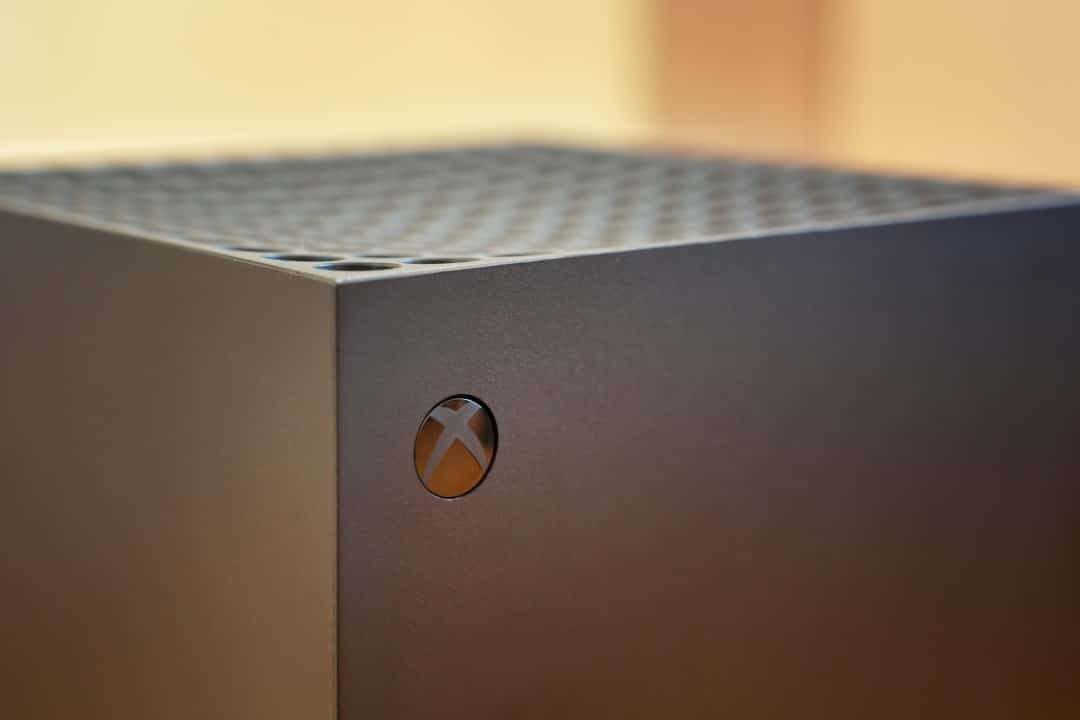
Microsoft has started testing a new feature for the Xbox Series X and Series S consoles that allows users to disable the Quick Resume feature individually for each game. The option is initially available to participants in the Xbox Insiders program. The quick resume tool has been part of the device’s operating system since launch in late 2020. The mechanism freezes the exact game state in storage memory for instant access later.
The change meets a long-standing demand from the consumer base due to technical conflicts in specific scenarios. Títulos with heavy reliance on online servers or complex progress tracking systems often crashes when resuming from a long sleep state. The software control approach avoids the need for a global shutdown of the function. User preserves loading speed in single-player adventures while ensuring stability in competitive environments.
Impacto on multiplayer servers and progress tracking
The operation of Quick Resume is based on transferring data from RAM memory directly to the console’s NVMe SSD. The process creates a hibernation file that the system reads in a few seconds when the player selects the title in the panel. The architecture works perfectly in disconnected games. The landscape changes drastically in continuous service products. Multiplayer game servers have security mechanisms that terminate inactive sessions after a few minutes to save bandwidth and processing.
Quando the console resumes the game from the frozen point, the local software believes the connection remains active. The remote server, however, already discarded that specific session hours or days ago. The immediate result involves on-screen error messages, abrupt disconnections, and the need to manually restart the application. The new deactivation key eliminates this frustrating step. The game configured with the restriction will start a new clean session on each run.
Caçadores of achievements form another group directly benefiting from the operating system update. Tracking specific actions to unlock virtual prizes depends on constant synchronization with the platform’s network. Suspending the application often breaks this background communication. Jogadores reports losing hours of progress because the system stopped recording statistics after Quick Resume returned it.
Navegação in menus and storage management
The user interface has received adjustments to accommodate the new startup preference without cluttering the main screen. Access to the activation key occurs through the individual management menu of each installed software. The console owner needs to select the game icon on the main panel and press the options button on the controller. The drop-down menu displays the add-on management tab and specific settings.
Dentro In this section, a new category dedicated to Quick Resume features the checkbox to enable or disable the feature. Microsoft chose to keep the function enabled by default for the entire library. The consumer only needs to make the change manually for products that exhibit unstable behavior. The design decision protects the fluid user experience that defines the company’s current generation of hardware.
Intelligent internal storage management also interacts with this functionality. The space reserved on the SSD for hibernation files has a fixed limit established by the operating system. By disabling fast resume for heavy open-world games that require a constant connection, the user avoids unnecessary occupation of this cache. The system gains efficiency by prioritizing the suspension of only narrative adventures that truly benefit from the technology.
Expansão from the panel and additional news from the update
The test package released for the Select group of the Insiders program carries other structural modifications to the devices’ interface. The development team focuses on expanding the home screen customization options. The Xbox dashboard has undergone several revisions since 2020 to balance display of background arts with accessibility to commonly used applications. The new version of the software significantly expands the content grouping limit.
- The limit of customizable groups on the home screen increased from two to ten different blocks.
- The system now accepts the application of customized colors to different elements of the navigation interface.
- The Guia menu has received the integration of profile badges to highlight recent milestones achieved by the player.
Expanding groups allows for granular organization of the digital library. Consumers can separate their products by genre, completion priority or focus on cooperative multiplayer. Profile badges add a social layer to the experience, making it easier to quickly see the preferences and achievements of friends across the network. The visual changes reinforce the identity of the Xbox ecosystem in unifying the experience between consoles and computers.
Ciclo testing and continuous improvement of the platform
The Xbox Insiders program serves as an essential validation environment for Microsoft software engineering. Dividing testers into different access rings ensures that critical failures do not reach the general consumer base. The Select group, which receives the control role from Quick Resume at this time, represents an engaged portion that provides detailed reports on the system’s behavior.
Telemetry data collection during this phase determines the update’s public release schedule. Engineers monitor the crash rate and stability of network connections on participating consoles. Implementing a feature that changes the application startup flow requires caution to avoid corrupting local or cloud save files.
The evolution of the Xbox Series X and S operating system demonstrates an adaptation to the realities of the contemporary gaming market. The initial promise of instant transition between multiple virtual worlds encountered barriers in third-party server architecture. Handing control over to the end user resolves the technical impasse in a practical way. The platform matures by recognizing that the convenience of a technology needs to go hand in hand with the stability of the gaming session.