Android 17 patch package fixes connectivity issues on Pixel phones
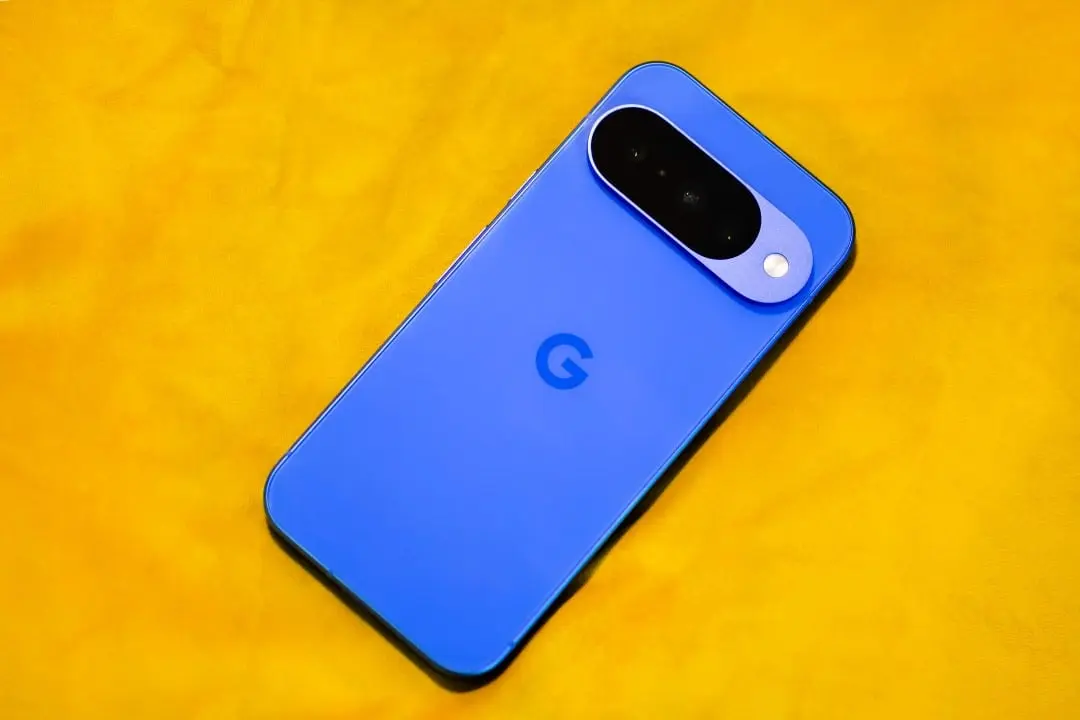
Google has started distributing a new software package to testers of the company’s mobile operating system. The latest build reaches devices in the Pixel line enrolled in the testing program under version number Beta 4.1. The installation file bears the technical identification CP21.260330.011. Essa release comes shortly after the availability of the fourth major testing phase. Desenvolvedores and enthusiasts receive the material automatically over the internet.
The company focuses this stage of the schedule on the overall stability of the virtual environment. The package fixes five specific issues reported by the user community in recent weeks. The update also includes the security patch for the month of May 2026. The movement represents a fine-tuning of the platform before the release of the final edition to the general public. Aparelhos that have already migrated to the quarterly development arm do not receive this specific build.
Reparos in status bar and quick settings
The user interface had visual inconsistencies that caused confusion during everyday use. The carrier signal indicator in the status bar displayed zero reception bars at various times. The device kept the connection active and made calls normally. The failure was strictly graphic. The system failed to read the modem status to translate the information into the corresponding icon at the top of the screen.
Outro interface error affected the operating system’s quick settings panel. The icon representing mobile data remained highlighted and apparently active even when the user activated airplane mode. Radio frequency chopping worked perfectly behind the scenes. The incorrect visual indication led testers to believe there was a data leak or network blocking failure.
The software engineering team has fixed icon behavior in this new build. Network status reading now accurately reflects the actual state of the communications hardware. Visual accuracy is a fundamental element of user trust in the platform. Pequenos graphics defects often generate a high volume of bug reports on development forums.
Estabilidade on audio connections and use of external displays
Support for external monitors received special attention in this corrective update. Usuários who connected their cell phone to high-resolution screens faced a black screen problem. The operating system recognized the monitor but failed to send the proper video signal. The fix allows screen mirroring and productivity mode to work seamlessly across panels of different formats and capabilities.
Learn more: Google begins distributing the first Android 17 fix package for the Pixel line
Audio routing via Bluetooth was also critically flawed in the previous version. The system would suddenly go silent after common interruptions, such as the arrival of a notification or the receipt of a phone call. The user had to disconnect and reconnect the headset to restore sound. The system’s audio manager has received modifications to correctly handle switching sound channels.
Accessibility Acessórios has suffered from connection instabilities in recent weeks. Aparelhos hearing aids paired with the cell phone were forgotten by the system after periods of inactivity or while charging the battery. The flaw forced the user to carry out the pairing process repeatedly throughout the day. The low-power Bluetooth communication protocol has been tuned to maintain the memory of medical devices persistently.
Relação of crashes resolved by the new build
The official changelog details the exact points changed in the source code. The company prioritized the errors with the highest number of reproductions documented by participants in the testing program. The approach aims to clear the ground before final compilation.
Follow: all about android 17
See Also

Petunia wins title of Ugliest Dog in the World in traditional competition in California

Joey Chestnut’s win marks 18th Nathan’s Contest title with 66 hot dogs

August sky: 9 unmissable astronomical events, with solar eclipse and meteor shower
- Problema in the status bar that displayed zero signal bars despite active connectivity.
- Ícone of mobile data in Configurações Rápidas that was active during Modo Avião.
- Monitores external devices that had a black screen when choosing high resolutions.
- Roteamento audio Bluetooth that generated silence after system interruptions.
- Aparelhos hearing aids that were automatically forgotten after inactivity or charging.
The list reflects the advanced stage of software development. Engineers do not add new functions at this stage of the schedule. The work consists exclusively of identifying performance bottlenecks and communication failures between the software and the physical components of the device.
Distribuição of software and devices eligible for download
The package is delivered via the over-the-air method to all devices with an active test profile. The user accesses the settings menu, navigates to the system section and requests to check for updates. The download starts immediately if the server has already released the batch for that region. The distribution takes place gradually to avoid overloading the company’s network infrastructure.
Usuários with advanced knowledge have alternatives for immediate installation. Full factory images and manual update files are available on the developer portal. The manual procedure requires the use of a computer and data cables. The company recommends manual installation only in cases of automatic receipt failure or the need to completely format the device.
On the same topic: Humanoid robots will compete in new disciplines at the Beijing World Games
The compatibility list covers several generations of the manufacturer’s hardware. The package covers the Pixel 6 line, including the Pro and 6a variants. The Pixel 7 family and later released models also receive the file. Older Aparelhos no longer participate in the main testing cycle and remain on previous versions of the operating system.
Ciclo Device Development and Security
The inclusion of the May 2026 security patch reinforces the protection of devices against recent vulnerabilities. The testing program keeps the security calendar aligned with cybersecurity industry findings. Testadores deal with unfinished software, which makes quickly applying security fixes a priority for the development team.
The original planning indicated the fourth test version as the last stop before the stable release. The need for striped packages demonstrates the complexity of polishing an operating system used by millions of people. The company uses these minor updates to ensure that no impeding bugs make it into the production version.
Test program Participantes maintains continuous access to new builds. The development cycle does not end with the release of the final version. The test pipeline automatically transitions to quarterly platform updates. The constant flow of diagnostic data helps shape the future of the mobile operating system.
Full coverage: Latest News (EN)