Galaxy S26 line receives shortcut for 24 MP photos with new version of the Camera Assistant app

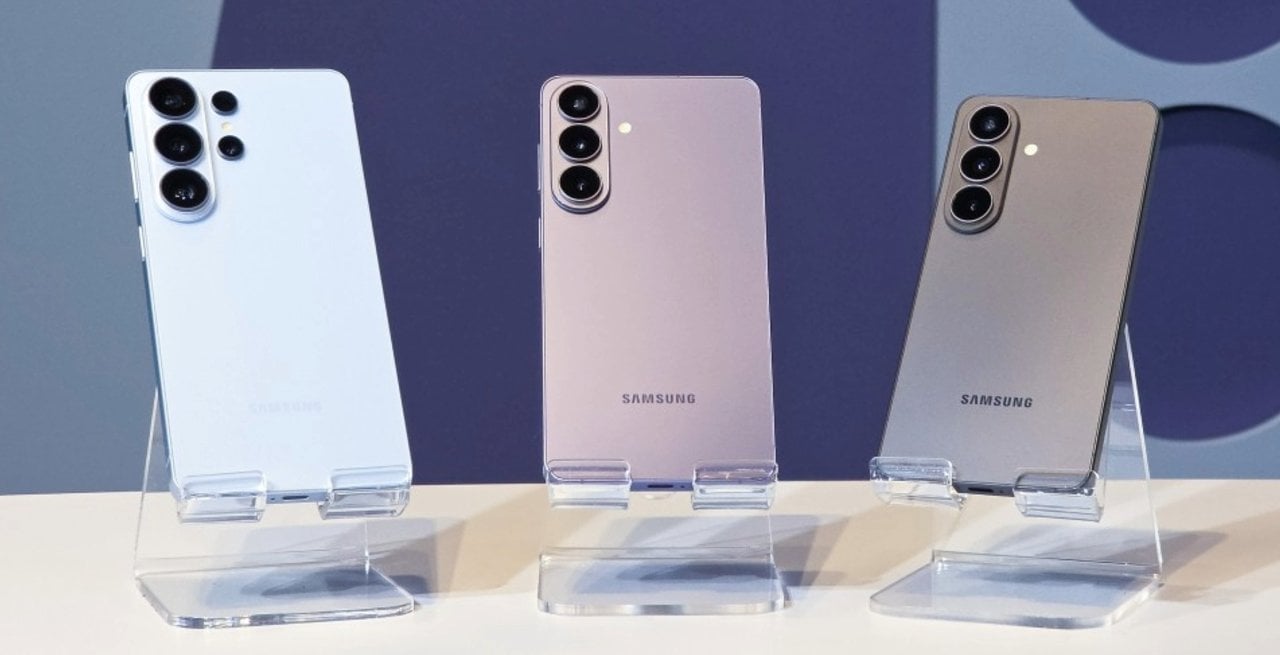
Samsung has released a new update for the Camera Assistant application that facilitates the use of 24 MP resolution on smartphones in the Galaxy S26 line. Version 4.5.00.20 of the software, already released for download at Galaxy Store, changes the settings interface to position the resource highlighted on the main screen. The adjustment meets a frequent demand from consumers, who previously needed to navigate through several advanced submenus to activate capture with a higher level of detail in the standard photographic mode.
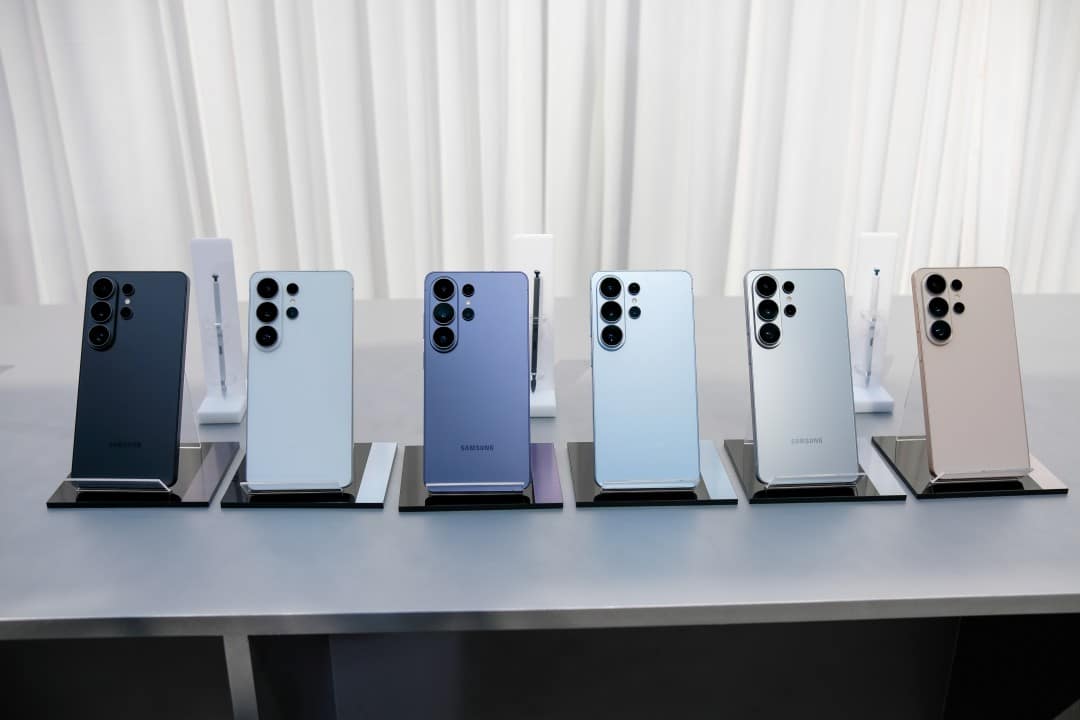
The change covers the Galaxy S26, Galaxy S26 Plus and Galaxy S26 Ultra models, optimizing the everyday mobile photography experience. With the new arrangement, users can quickly enable the function and set intermediate quality as the default for all future captures. Direct integration reduces reliance on repetitive manual adjustments, ensuring the device’s main sensor operates with an optimal balance between image sharpness and internal storage consumption.
Reorganização interface and simplified access
Antes release of this software package, the option to shoot in 24 MP was hidden within secondary categories of the camera system. Essa menu architecture required the device owner to perform multiple touches on the screen just to change the base resolution. The complexity ended up discouraging the continued use of the functionality, causing many amateur photographers to maintain the factory standard without exploring the full potential of the image sensors built into the latest generation devices.
The update resolves this usability bottleneck by bringing control directly to the first Camera Assistant tuning layer. When opening the companion app, the activation key appears clearly and intuitively. Essa interface design change reflects the South Korean manufacturer’s strategy of refining the user experience post-launch, delivering continuous improvements based on community feedback. Image processing occurs transparently, using advanced algorithms to fuse information from multiple frames into a single, sharp photograph.
Benefícios intermediate resolution technicians
The 24 MP format works as a technical balance point in the photographic ecosystem of the Galaxy S26 line. Traditional 12MP captures offer excellent speed and compact files, but can sacrifice fine textures in complex scenes. On the other hand, very high resolution options, such as 50 MP or 200 MP, generate extremely heavy files that quickly fill the cell phone’s memory and require longer processing time between one click and the next.
By opting for the intermediate configuration, the smartphone delivers a higher level of detail without compromising the system’s agility. The resulting files are a manageable size for sharing on social media or cloud storage. Além Furthermore, practical testing indicates that this particular resolution helps mitigate common exposure issues such as light burst in very bright areas of the sky or loss of information in deep shadow zones. Artificial intelligence works to balance colors and reduce unwanted visual artifacts.
The functionality optimally applies to the main lens of the rear photographic assembly. Dependendo specific model within the Galaxy S26 family, there may be technical limitations when trying to apply the same resolution to auxiliary cameras such as the ultrawide lens or optical zoom sensors. The device’s image signal processor concentrates its computational power on the primary sensor to ensure the best possible color fidelity and texture preservation during everyday use.
Application configuration Guia
Para To take advantage of the new menu layout, the device owner needs to download additional software, as the function is not natively activated in the standard camera application. The installation and configuration process requires some specific steps within the manufacturer’s ecosystem.
- Acesse the official Galaxy Store store on your smartphone and search for the Camera Assistant app.
- Realize free download and wait for the installation on the operating system to complete.
- Abra the application and locate the 24 MP resolution option right on the initial settings screen.
- Ative the selector switch and check the “Maintain 24 MP resolution” box to fix the choice.
- Retorne to the native camera app to confirm that the new quality option is now available for immediate use.
Após completes these steps, the camera will automatically launch in the chosen quality whenever it is triggered, eliminating the frustrating return to the default 12 MP. Especialistas in technology recommend that users test the new product in different lighting conditions, from sunny outdoor environments to indoor places with artificial light. Essa hands-on experimentation allows you to understand how the software manages dynamic range and digital noise level in varied scenarios. The capture time may increase by fractions of a second, something imperceptible to most people.
Diferenças compared to previous models
The exclusivity of this simplified feature in standard photo mode remains restricted to the Galaxy S26 series. Proprietários from immediately previous generations, such as the Galaxy S25 and Galaxy S24, also have the ability to record images with similar resolutions, but face different software barriers. Nesses older devices, detailed capture depends on the use of the Expert RAW application, a tool aimed at photography enthusiasts that requires prior knowledge about aperture, shutter speed and ISO sensitivity.
Using Expert RAW, while powerful, doesn’t offer the same point-and-shoot agility found in the conventional camera app. The need to move between different applications to obtain a high-quality photo in everyday situations represents a friction in the user experience. Até At this time, the manufacturer has not released any official statement about the possibility of expanding the direct integration of 24 MP resolution to models launched in previous years.
The impact of artificial intelligence on photography
The successful implementation of this pixel merging technology relies heavily on recent advances in artificial intelligence and machine learning embedded in mobile processors. Quando the user presses the shutter button, the cell phone does not just record a static image. The system captures multiple frames in fractions of a second, analyzing each one to identify the best elements of exposure, focus and sharpness. Esse invisible processing occurs in the background, requiring high hardware performance.
The 24 MP resolution takes full advantage of this computing architecture. The image processing algorithm evaluates the scene in real time, recognizing elements such as human faces, fabric textures, foliage and skies. Based on this reading, the software applies specific corrections to each area of the photograph, ensuring that the final result presents vibrant colors and defined contours. The Camera Assistant update facilitates access to all this processing power, democratizing high-quality photography for users who seek practicality without giving up technical rigor.