A feature long awaited by Samsung users has just been implemented. The South Korean giant launched a new version of the QuickStar module, part of the Good Lock package, which now displays the internet speed indicator directly in the status bar. The new feature is initially accessible to those who participate in the One UI 9.0 testing program, which runs on Android 17, covering devices such as the Galaxy S26 series.
In addition to the new function, the update reestablishes the operation of QuickStar within Good Lock on devices that already use the One UI 9.0 beta. Previously, this module was inactive due to compatibility issues with the latest operating system. To activate the improved features, the user simply needs to install version 11.0.03.15, access Good Lock, navigate to “Plugins”, locate QuickStar and click on the update icon.
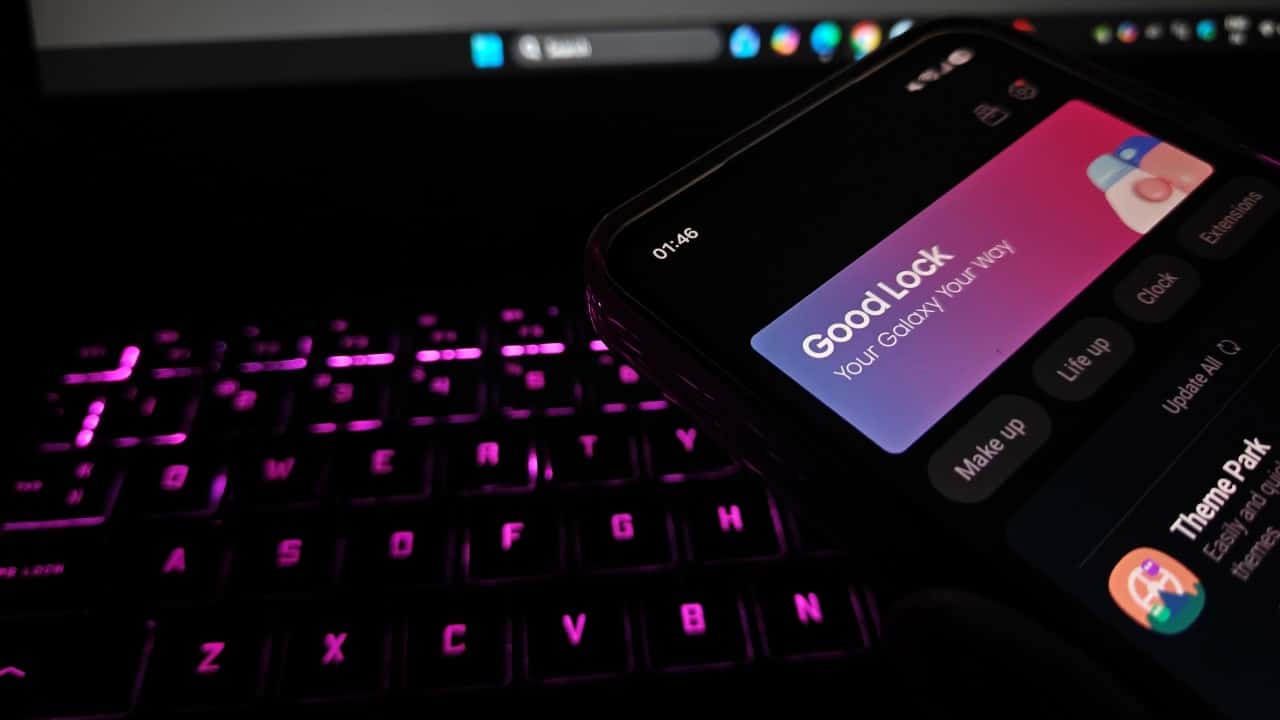
Samsung demonstrates a continuous effort to adapt its Good Lock ecosystem to One UI 9.0, making updates to several other modules. Recently, Nice Shot was one of the winners, receiving interface improvements and corrections aimed at greater stability. This series of moves reinforces the company’s commitment to optimizing users’ overall experience with the new system.
The migration to One UI 9.0 has driven Samsung to speed up updates to all Good Lock modules. With QuickStar compatibility already assured, the company is still dedicated to adapting three other remaining plugins, with the aim of ensuring full functionality and full compatibility with Android 17.
Additionally, QuickStar version 11.0.03.15 incorporates refinements to display options for weather information. The feature also offers the possibility of disabling the “Ongoing Chip”, an icon that signals the presence of applications in the background. Such additions grant users more granular control over their device’s aesthetics and the ability to customize the elements displayed in the status bar, removing anything deemed superfluous.