Understand why Android 17 can heat up your Pixel and temporarily reduce the battery after the update

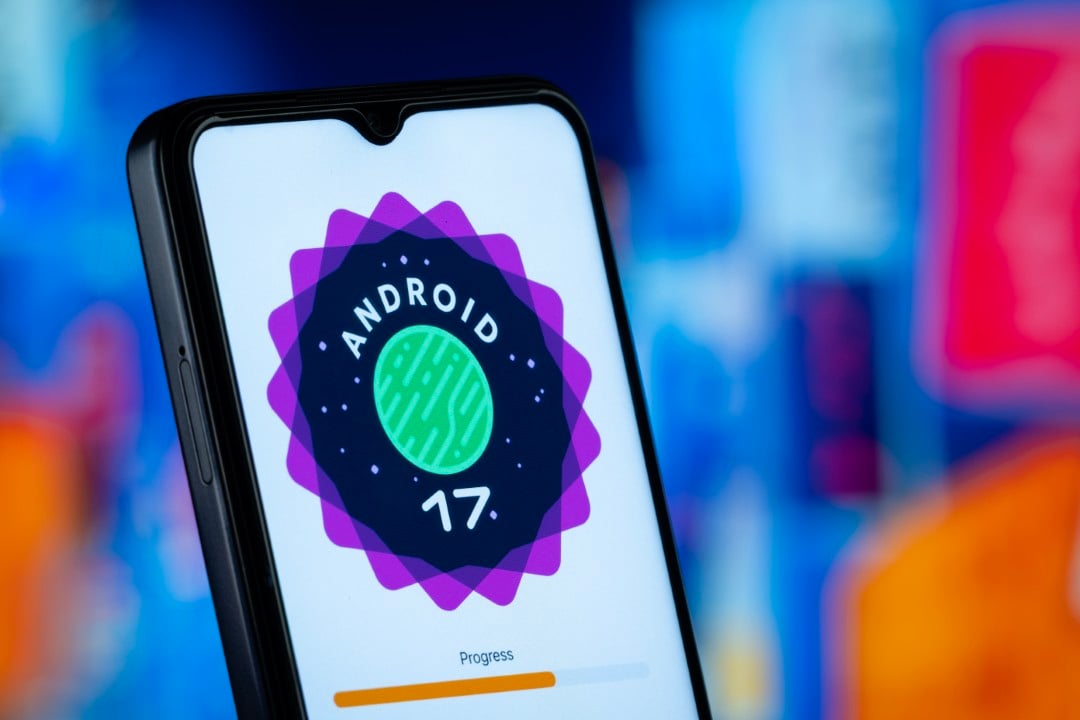
Google Pixel devices may experience an increase in temperature and a reduction in battery life for a few days after receiving major software updates, such as the recent arrival of Android 17. This behavior is considered temporary and occurs while the system adapts to the new settings.
An example recently noticed on a Pixel 10 Pro illustrates the situation well: after installing Android 17, the device operated hotter than usual and the battery discharged more quickly. On the first day, the charge dropped to 20% before going to bed, a considerable decline compared to the usual 40% or so.
This scenario persisted for a few days, but later the phone restored the temperature and battery life levels it had before the update. Understanding the reason behind this helps to understand that this is a normal adaptation phase of the system.
Heavy processing after software update
During a software update, the cell phone’s processor performs a large number of tasks to install the new system. Although in minor updates the device returns to normal after a restart, major versions, such as Android 17, can cause the phone to operate at a higher temperature for several days due to background processes.
After the update is complete, the smartphone works hard to optimize and adapt applications, as well as reorganize files. These operations occur in the background, even while the user uses the device, requiring additional processing power.
App developers often release optimizations for new versions of Android. This can generate a series of simultaneous app updates, contributing to an increase in the device’s temperature, especially when combined with processes still running in the background.
On Pixel devices, there is also the particularity that the embedded artificial intelligence models and their related data can be updated or reprocessed. This activity consumes extra processing power, resulting in higher operating temperatures.
If we add to this scenario the more intense use of the cell phone right after a major update, when the user explores new functions and customizations, the result is a device that actually operates hotter. However, it is a standard process and should not be a cause for concern.

The impact of intense processing on battery life
All this extra processing consumes more battery than usual, leading to faster discharge and also generating more heat, which intensifies the phone’s warming sensation. Additionally, using the device more frequently to test new features increases energy consumption, shortening battery life.
Specifically on Pixel phones, the Adaptive Battery feature may need a period of time to readjust to the user’s usage patterns after a major software update. This temporarily contributes to greater consumption and noticeably shorter battery life.
Taken together, these factors can significantly impact battery life for a few days. In the observed case, the charge was around 20% instead of the usual 40% or more the first night before being connected to the charger. The following night, the percentage was a little higher, close to 30%, but still lower than expected. After a few days, the situation returned to normal.
Normalization of the device in a few days
There’s no cause for concern if your Pixel runs hotter and the battery drains more quickly after a software update like Android 17. These effects are normal and typically last between 24 and 72 hours and can last up to five days.
However, if your battery life doesn’t improve and your Pixel continues to overheat for longer than expected, there may be a problem. An app may be working incorrectly with the new version of Android, or the update may have triggered a battery drain error, which occasionally occurs.
The good news is that Pixel phones offer several diagnostic options to check for anything unusual. It’s worth consulting them if the problem persists. To do this, access “Settings”, search for “Battery diagnostics” and run the available tests.
It is also advisable to manually update your apps as automatic updates are not always triggered immediately after a major operating system update. Restarting the device and performing some other simple actions can help reduce the temperature. If difficulties persist, contacting customer support is the best alternative.