Apple’s iOS 27 Beta 2 update focuses on improved Siri and speed for apps

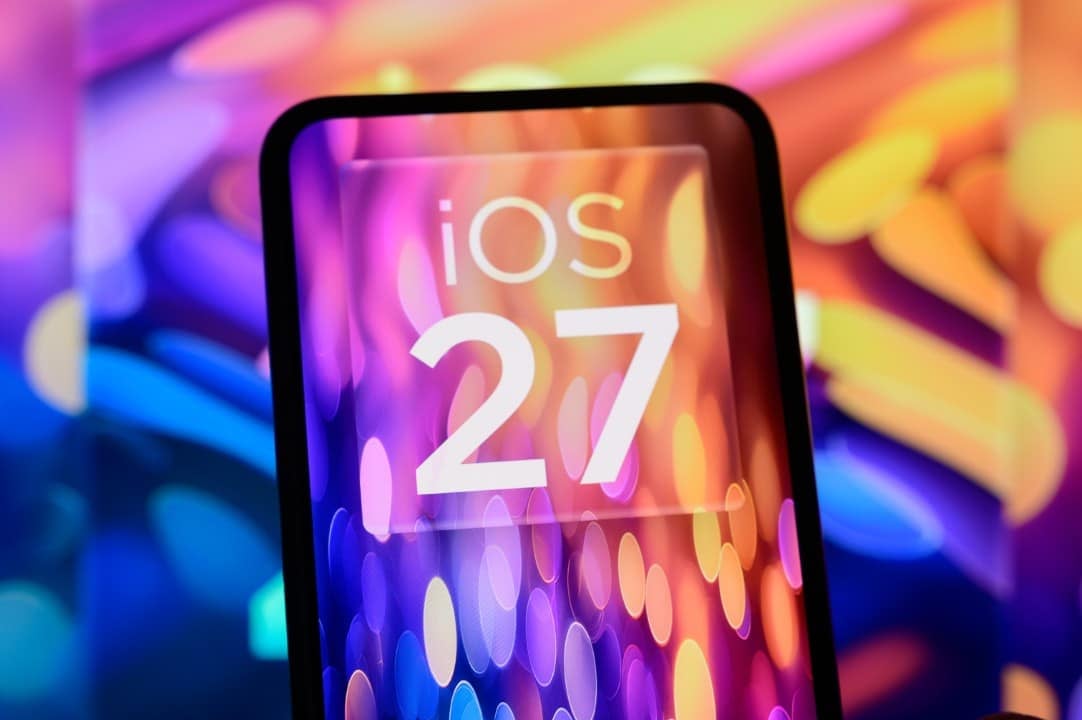
Apple made the second public version of iOS 27 Beta available on May 22, 2024. This new update offers specific adjustments and bug fixes observed in the first version, establishing itself as an opportunity for users to try new features on their iPhones.
The main new feature of the operating system is the integration of Siri AI, which elevates the assistant to a generative artificial intelligence tool. It now has a dedicated app and can understand the usage context between different apps. However, this advanced functionality is exclusive to iPhone 15 Pro models and subsequent releases.
iOS 27 features notable improvements in performance and performance, resulting in applications opening up to 30% faster. Furthermore, the system includes settings to adjust the transparency of the Liquid Glass function and allows a new way to manage the alarm volume, separating it from other application sounds.
When to consider installing the beta version?
The beta version is ideal for users interested in exploring the operating system’s new features before its official availability. It is crucial to remember that this is an update in the experimental phase, which means that it may present faults and, consequently, affect the daily use experience of the device, and caution is recommended.
For iPhones that support Apple Intelligence, the beta proves particularly advantageous as many of the improvements are related to the artificial intelligence suite. Essential applications such as Safari and Shortcuts have been redesigned, receiving new tools that allow greater personalization of the experience, with Siri AI receiving a prominent role.
Despite bringing performance improvements, the update does not offer many new features for previous generation iPhones. For these devices, the recommendation is to wait for the release of the stable version, scheduled to take place from September onwards.
Quick Guide to Download iOS 27 Beta 2
To install the update on your device, follow the steps below:
- Access the Settings app on your iPhone;
- Navigate to the “General” option;
- Select “Software update”;
- Click on “Beta Updates”;
- Opt for the public Beta version of iOS 27;
- Proceed with downloading and installing the file.